CAD · Free
BIM Coordination with ISO 19650: Clash Detection and IFC
How a BIM coordinator runs the information side of a building project: the ISO 19650 process and roles, OIR, AIR, PIR and EIR, level of information need, the BEP, MIDP and TIDP, the common data environment with status codes and file naming, IFC and openBIM, IDS model checking, federating models in Navisworks, clash tests, rules and tolerances, clash reports and BCF issues, open-source clash detection in Bonsai, 4D and 5D, and COBie handover.
Inside the course
From the lessons

ISO 19650 and information management: parts, roles and the process
Plannerly - The BIM Management Platform

Appointment: BIM execution plan, responsibility matrix, MIDP and TIDP
BIM Design Hub

IFC and openBIM: the schema, the spatial structure and clean exports
BIMconnect

Federating models in Navisworks: file formats, append and alignment
BIM For Construction
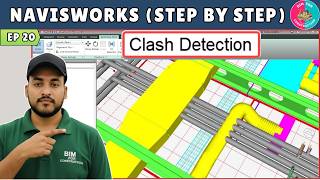
Clash detection: test types, tolerances, rules and the clash matrix
BIM For Construction

Open-source clash detection with Bonsai and IfcClash
BIMvoice
Lesson frames belong to the creators named in the Credits below and are shown from YouTube.
What you will learn
Explain the ISO 19650 information management process and who does what; turn organisational and asset needs into information requirements with a level of information need; write a BIM execution plan, responsibility matrix, TIDP and MIDP; set up a CDE with states, status codes, revisions and container names; exchange and check IFC models against an IDS; federate discipline models; set up clash tests with the right type, tolerance and rules; group, report and track clashes as BCF issues through coordination meetings; run clash detection in Bonsai with IfcClash; link a model to a programme and take quantities; and check COBie and asset information for handover.
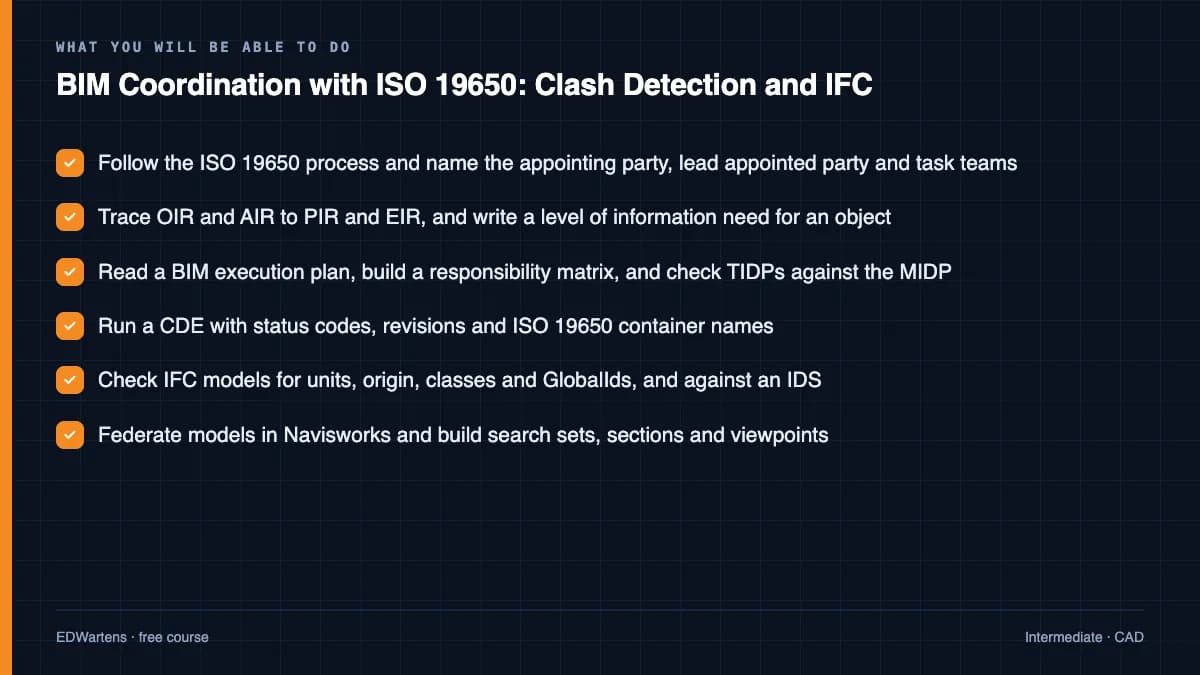
- Follow the ISO 19650 process and name the appointing party, lead appointed party and task teams
- Trace OIR and AIR to PIR and EIR, and write a level of information need for an object
- Read a BIM execution plan, build a responsibility matrix, and check TIDPs against the MIDP
- Run a CDE with status codes, revisions and ISO 19650 container names
- Check IFC models for units, origin, classes and GlobalIds, and against an IDS
- Federate models in Navisworks and build search sets, sections and viewpoints
- Set up a clash matrix with the right test types, tolerances and rules, and group the results
- Report clashes as BCF issues, run coordination meetings, and check COBie data for handover
For you
Taking BIM Coordination with ISO 19650: Clash Detection and IFC from the United States
- Free in the United States, as everywhere, and self-paced: lessons, notes and the final assessment are open at any hour, so your time zone and shift pattern do not matter.
- The optional certificate for learners in the United States is a one-off US$28.99. What you get for it
- Plants across the Americas most often run Allen-Bradley, Siemens and Inductive Automation; each has its own free course to take next.
- See automation and engineering jobs in the United States, and what the industry looks like in Houston, Detroit and Chicago.
- EDWartens also has a regional site for the United States, for classroom training and local support: edwartens.com/us.
The course project · about 14 hours
Coordinating a hospital outpatient wing under ISO 19650: BEP, MIDP, CDE rules, clash matrix, clash report and asset data check
Act as the lead appointed party's BIM coordinator on a four-storey outpatient wing. Write the BEP extract and the MIDP roll-up for stage 4, set the CDE, status and naming rules, design the clash matrix with search sets and tolerances, report a coordination cycle with grouped clashes, BCF issues and a burn-down forecast, and check the asset data before handover. The sample pack shows each document filled in so you can see the standard expected before writing your own.
Sample document pack, 6 documents, filled in for the scenario
- PlanBIM execution plan extract: delivery team, roles, federation strategy and coordination cycle
- RegisterMIDP roll-up for milestone M2 (coordinated stage 4, week 10) with capacity check
- ProcedureCDE, naming, status and model check procedure
- ProcedureClash detection procedure: model groups, matrix, tolerances and rules
- ReportCoordination report, week 6: clash results, priority issues and close-out forecast
- RegisterAsset data completeness and validity register before submission for acceptance
Read inside the course and download as a workbook. The project is optional practice, marked when you submit it; the certificate needs only the modules and the final assessment.
Course content
14 modules · 63 lessons · 12h 4m
In order, at whatever pace suits you. Each module ends with a practice task that builds on the last.
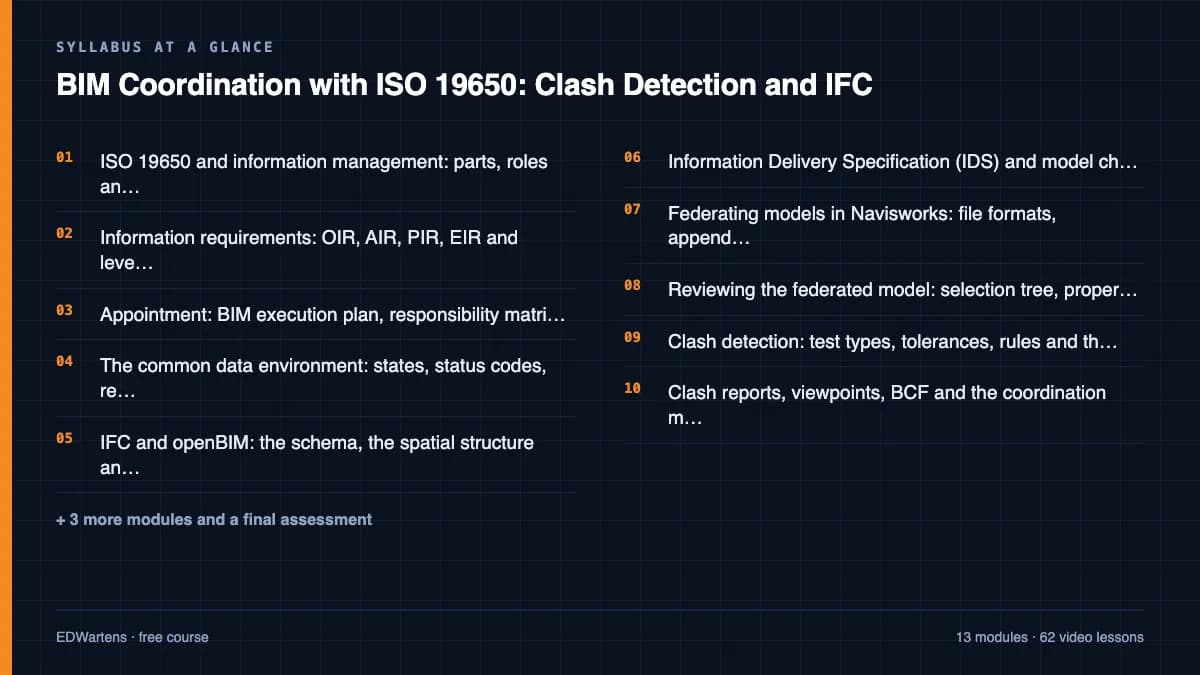
- 01ISO 19650 and information management: parts, roles and the process4 lessons36m
- 02Information requirements: OIR, AIR, PIR, EIR and level of information need5 lessons47m
- 03Appointment: BIM execution plan, responsibility matrix, MIDP and TIDP4 lessons37m
- 04The common data environment: states, status codes, revisions and naming4 lessons41m
- 05IFC and openBIM: the schema, the spatial structure and clean exports5 lessons1h 2m
- 06Information Delivery Specification (IDS) and model checking5 lessons42m
- 07Federating models in Navisworks: file formats, append and alignment5 lessons1h 4m
- 08Reviewing the federated model: selection tree, properties, sections and sets6 lessons1h 30m
Requirements
- Who it is for
- Intermediate. For architects, structural and MEP engineers, Revit modellers and site engineers moving into BIM coordination or information management. You should be able to read building drawings and have opened a 3D model in any BIM tool; no ISO 19650 or Navisworks experience is needed. Revit MEP: Electrical BIM, HVAC, Plumbing and Documentation teaches modelling; this course is about managing, checking and coordinating the models other people make.
- Software
- Bonsai (free and open-source IFC authoring and clash detection for Blender, with IfcOpenShell and IfcTester) and Autodesk Navisworks Freedom (free viewer for NWD files). Navisworks Manage, which holds Clash Detective and TimeLiner, is shown in the lessons and has a time-limited trial; every lab in the notes can be done in Bonsai. A spreadsheet (LibreOffice Calc is free) for the MIDP, registers and reports. What to download, and how
- Hardware
- A Windows, macOS or Linux computer able to run Blender with a 3D model loaded (8 GB of memory is enough for the sample models).
Software you need
What to download, where from, what it costs and how to install it. Every link goes to the maker's own site, never a mirror.
Bonsai (free, inside Blender) runs every lab: IFC viewing, IDS checks with IfcTester and clash detection with IfcClash. Navisworks Freedom, Autodesk's free NWD viewer, is useful for viewing published coordination models; Navisworks Manage is shown in the lessons and is optional (time-limited trial).
Required
- 01Free and open source
Bonsai (for Blender)
Bonsai and IfcOpenShell projects (open source)
- Runs on
- Windows, macOS and Linux
- Account
- None needed
Bonsai and Blender are free, open-source software for any use, including commercial work. Bonsai is built on IfcOpenShell (LGPL), which also provides IfcClash and IfcTester used in the course.
Steps
- 1.Download and install Blender from blender.org (on Windows without administrator rights, choose the portable .zip).
- 2.Open Blender and go to Edit, Preferences.
- 3.Open the Get Extensions tab and press Allow Online Access.
- 4.Search for Bonsai, press Install, and check that it appears in the add-ons list.
- Clash detection, IDS checks and BCF are grouped together in Bonsai's quality and coordination tools; module BIM11 walks through a clash set.
Official download pagebonsaibim.org
Optional
Useful, not needed to finish the course.
- 02Free
LibreOffice
The Document Foundation
- Runs on
- Windows 10 or 11, macOS 11 or newer (Intel or Apple silicon), Linux
- Account
- None needed
- Size
- up to 1.5 GB of disk space on Windows
LibreOffice is free, open-source software under the Mozilla Public License 2.0, for any use including business. Calc is its spreadsheet.
Steps
- 1.Open the LibreOffice download page.
- 2.Check the page has picked your operating system, then select Download.
- 3.Run the installer (administrator rights are needed on Windows).
- 4.Start LibreOffice Calc for spreadsheet work.
- 5.Save as .xlsx if you need to share files with Excel users.
- Choose the latest main version unless your organisation asks for the older, more conservative release.
Official download pagelibreoffice.org
Checked against each maker's own page on 27 September 2026. Trial lengths and editions change; the maker's page is the final word.
BIM Coordination with ISO 19650: Clash Detection and IFC at a glance
BIM Coordination with ISO 19650: Clash Detection and IFC is a free, self-paced online course from EDWartens for architects, structural and MEP engineers, Revit modellers and site engineers moving into BIM coordination and ISO 19650 information management. It has 14 modules and 12h 4m of video lessons by Plannerly - The BIM Management Platform, BIM Design Hub, VDC A-Z and others, with written notes and worked problems, a practical project with a document pack and a 15-question final assessment (pass mark 60%). Learning is free with an account; an optional certificate with a public verification code is issued when you pass. Last updated 27 September 2026.
All course factsHide course facts
- Price
- Free, for good. No trial, no card. The only paid item is the optional certificate, a small one-off fee.
- Who it is for
- Architects, structural and MEP engineers, Revit modellers and site engineers moving into BIM coordination and ISO 19650 information management
- Format
- 14 self-paced modules, 12h 4m of video, written notes, a practice task per module and one final assessment.
- Level
- Intermediate. Intermediate. For architects, structural and MEP engineers, Revit modellers and site engineers moving into BIM coordination or information management. You should be able to read building drawings and have opened a 3D model in any BIM tool; no ISO 19650 or Navisworks experience is needed. Revit MEP: Electrical BIM, HVAC, Plumbing and Documentation teaches modelling; this course is about managing, checking and coordinating the models other people make.
- Brand
- Vendor-neutral
- Software
- Bonsai (free and open-source IFC authoring and clash detection for Blender, with IfcOpenShell and IfcTester) and Autodesk Navisworks Freedom (free viewer for NWD files). Navisworks Manage, which holds Clash Detective and TimeLiner, is shown in the lessons and has a time-limited trial; every lab in the notes can be done in Bonsai. A spreadsheet (LibreOffice Calc is free) for the MIDP, registers and reports.
- Hardware
- A Windows, macOS or Linux computer able to run Blender with a 3D model loaded (8 GB of memory is enough for the sample models).
- Certificate
- Optional EDWartens Certificate of Completion, verifiable by code. Not a vendor credential.
- Video lessons by
- Plannerly - The BIM Management Platform, BIM Design Hub, VDC A-Z, Man and Machine Limited, The B1M, NBS, Symetri UK, BIMconnect, buildingSMART International, BIMvoice, SPB Production, BIM For Construction, BIM DESTINATION, BIM Corner, Vincent Cadoret, How To BIM, The BIM Coordinator, activePLAN, Bill East (independent creators, credited below)
- Language
- English
- Last updated
- 27 September 2026
A shareable EDWartens certificate
Finish every module and pass the final assessment, and the optional EDWartens certificate is yours. It carries a unique verification code on a public page anyone can check, so it stands up when a recruiter looks it up. See it below.
The course itself stays free whether or not you ever buy one.
Stuck? Ask a practising engineer
A free course usually means a comment section and hope. This one does not. Every module has an Ask-your-trainer panel that reaches the same engineers who teach our paid programme: people who commission panels for a living, not moderators.
Pairs well with
 FreeCAD · FreeAutoCAD 2D and 3D FundamentalsFree AutoCAD course for beginners: draw, edit, dimension and plot 2D drawings, then model basic 3D parts. The certificate is optional and paid.
 FreeCAD · FreeSOLIDWORKS 3D Modelling, Assemblies and DrawingsMechanical CAD the way machine builders use it: interface, settings, units and planes, sketching with relations, extrude and revolve, sweep, loft and boundary, fillets, shells, ribs and drafts, patterns, hole wizard and threads, timed practice parts, assemblies and mates, drawings with BOM and exploded views, sheet metal, advanced surfacing, configurations and equations, materials, mass, import and export, and complete beginner courses.
 FreeCAD · FreeAutodesk Fusion 360: 3D Design, Modelling and Manufacturing PrepCloud CAD for makers and product designers: the workspace and its key terms, sketching with constraints, extrude and revolve, fillets, shells, threads and holes, loft and sweep transitions, patterns and text, thin walls, user parameters, joints and assemblies, surfaces and T-spline forms, mesh and STL repair, moulds, sheet metal, rendering, 2D drawings and animations, practice exercises and a first CAM toolpath.
 FreeCAD · FreeRevit MEP: Electrical BIM, HVAC, Plumbing and DocumentationFree Revit MEP course for beginners: model electrical, HVAC and plumbing, circuit panels, make panel schedules and sheets. The certificate is optional and paid.
More free courses: Free CAD courses
Learner reviews
No reviews yet
Reviews here are written only by learners who have finished every module of BIM Coordination with ISO 19650: Clash Detection and IFC, and they are published exactly as written. Finish the course and yours will be the first.
Common questions
What is BIM coordination?
BIM coordination is the work of checking, combining and clash testing the 3D models produced by each design and construction discipline so that they can all be built as drawn. A BIM coordinator checks incoming models, federates them, runs clash tests, writes issues for the authors, runs coordination meetings and makes sure the information delivered meets the client's requirements under ISO 19650.
Who is this BIM coordinator course for?
It is for architects, structural and MEP engineers, Revit modellers and site engineers who want to move into BIM coordination, BIM management or information management. You should be able to read building drawings and have opened a 3D model in any BIM tool; no ISO 19650 or Navisworks experience is needed.
What software do I need?
You need only free software: Bonsai, the open-source IFC tool for Blender, with IfcClash and IfcTester for clash detection and IDS checks, Navisworks Freedom to view NWD files, and a spreadsheet such as LibreOffice Calc. Navisworks Manage is demonstrated in the lessons and has a time-limited trial, but every lab can be done in Bonsai.
Is the course free to learn, and how long does it take?
Yes, every module, the notes, worked problems, practice tasks, the optional project and the final assessment are free to learn. The course takes about 19 hours at your own pace, of which about 12 hours is video; the optional coordination project takes about 14 hours more.
Which standards does the course cover?
It covers the ISO 19650 series for information management, with the UK National Annex status codes and naming explained in the free UK BIM Framework guidance, ISO 7817-1 for level of information need, IFC (ISO 16739-1), and the buildingSMART standards BCF and IDS. Standards are paraphrased, never copied, and your project's appointment and information standard always govern.
Is this an ISO 19650 certification?
No. The course teaches the knowledge used in ISO 19650 roles and prepares you for coordination work and for formal schemes, but it is not an ISO 19650 certification, an Autodesk certification or a buildingSMART qualification. EDWartens is not affiliated with ISO, BSI, buildingSMART or Autodesk.
What certificate do I get, and how is it verified?
You get a verifiable certificate of completion when you finish the modules and pass the 15-question final at 60 percent. It carries a unique certificate number and a QR code that open a public verification page showing the course, the modules covered and your final score.
What jobs does BIM coordination lead to?
It prepares you for roles such as BIM coordinator, MEP BIM coordinator, BIM modeller moving into coordination, VDC engineer and information management assistant. Job adverts in the UK, the Gulf (UAE, Saudi Arabia and Qatar), South Asia and Australia ask for ISO 19650 knowledge, Navisworks clash detection and BCF issue management by name.
What you walk away with
Your certificate for BIM Coordination with ISO 19650: Clash Detection and IFC
Finish the course, pass the final, and this is the document with your name on it.
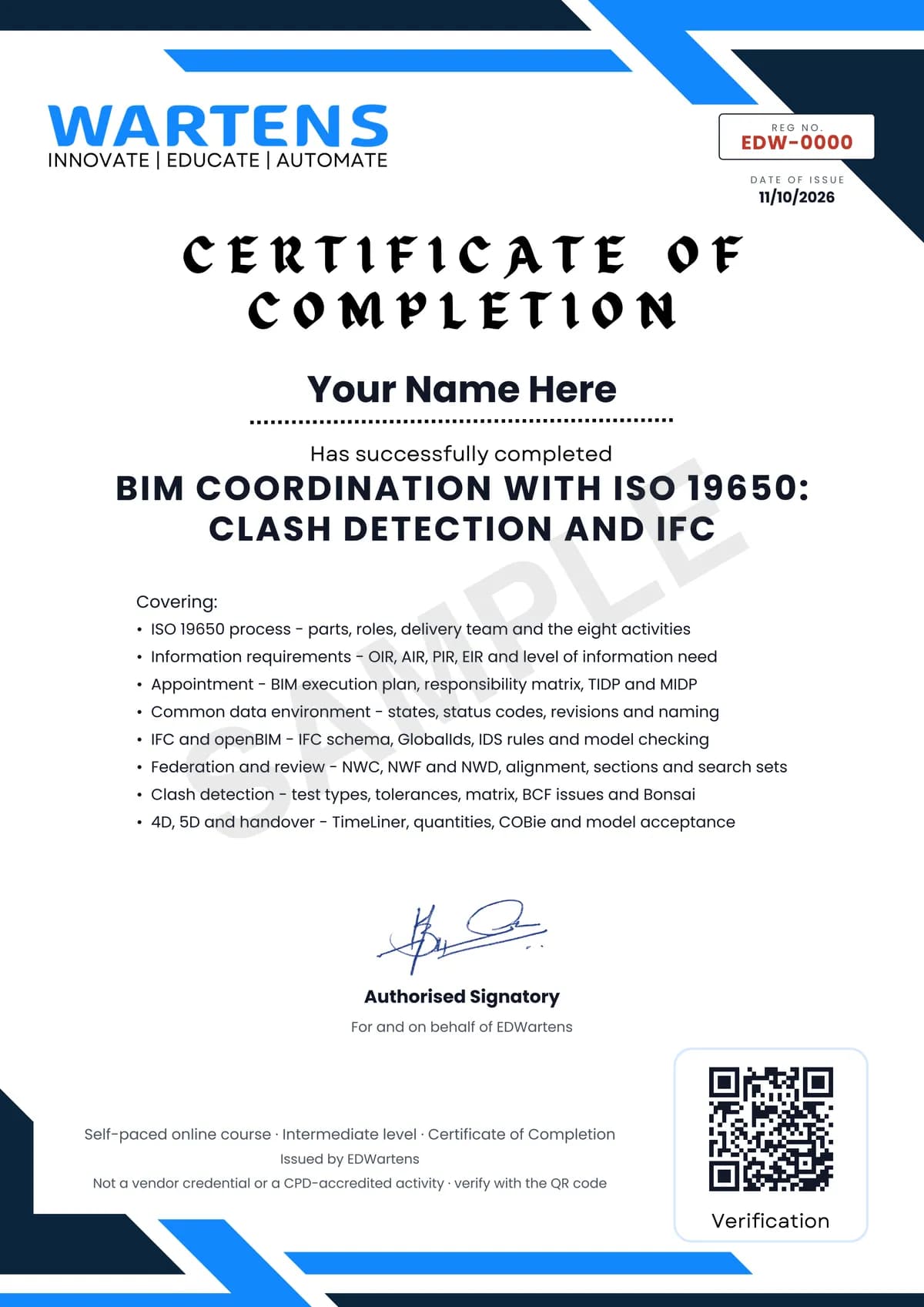
Verifiable by anyone
Adds to LinkedIn in one click
QR code on the certificate
Names what you can do
A permanent link
Earned, not attended
Learning is free. The certificate is optional.
Add it now and pay only when you have finished the course, or come back for it later. One-off, US$28.99, with a receipt.
Issued by EDWartens, the training division of Wartens, as a Certificate of Completion for this self-paced course. Sold by Wartens Ltd (England and Wales). It is not a vendor certification, a university award or a CPD-accredited activity, and it does not certify competence on live equipment. Delivered electronically; see the refund policy.
Credits
Who made the video lessons
The video lessons in this course were created by the people below, not by EDWartens. Every lesson streams from its creator's own YouTube channel; EDWartens neither hosts nor sells that footage, and the creators are not affiliated with EDWartens and do not endorse this course. What EDWartens wrote is the study plan, the notes, the practice tasks and the assessments.
- Plannerly - The BIM Management Platformthe ISO 19650 Explained series: the information management process, appointment, mobilisation, information model delivery and close-out, plus level of information need, MIDP and TIDP, IDS and COBie
- BIM Design HubISO 19650 in 3 minutes: standards, information requirements, the BEP, information management functions, benefits and challenges
- VDC A-ZBIM LOD explained, set against level of information need
- Man and Machine Limitedthe starter guide to level of information need and BS EN 17412-1
- The B1Mwhat a common data environment is
- NBScommon data environments in two minutes
- Symetri UKISO 19650 file naming and workflows
- BIMconnectshort explainers on IFC, openBIM and the BIM Collaboration Format
- buildingSMART Internationalwhy the openBIM workflow matters, IDS for openBIM and the official BCF explanation
- BIMvoiceIFC schema and classification, Bonsai for beginners, IFC model validation, BCF communication and clash detection in Bonsai
- SPB Productioncreating an IDS with IfcTester and using Bonsai as an IFC viewer
- BIM For Constructionthe Navisworks complete course: products, file formats, the interface, selection tree, properties, sections, sets, viewpoints, clash detection, clash matrix, reports, grouping, quantification and model comparison
- BIM DESTINATIONsetting up, grouping and reviewing clash tests in Navisworks Manage
- BIM Cornerrunning coordination meetings and handling coordination issues
- Vincent Cadoretclash sets and selector syntax in Bonsai (BlenderBIM)
- How To BIMTimeLiner and 4D simulation in Navisworks
- The BIM CoordinatorNavisworks TimeLiner in depth
- activePLANa simple overview of COBie
- Bill EastCOBie for owners and for contractors, from COBie's originator
If you are one of these creators and would like a lesson removed or credited differently, write to info@wartens.com.