Renewable energy · Free
PVsyst Solar Power Plant Design
The design method behind a solar plant, worked in PVsyst: site and meteo data you can defend, PAN and OND files, string sizing against the inverter MPPT window and its maximum DC input voltage, near shading built or imported as a 3D scene, module layout and electrical shading, the detailed loss model line by line, the simulation report a client and a lender actually read, and off-grid, solar pumping, batch and economic studies.

Inside the course
From the lessons

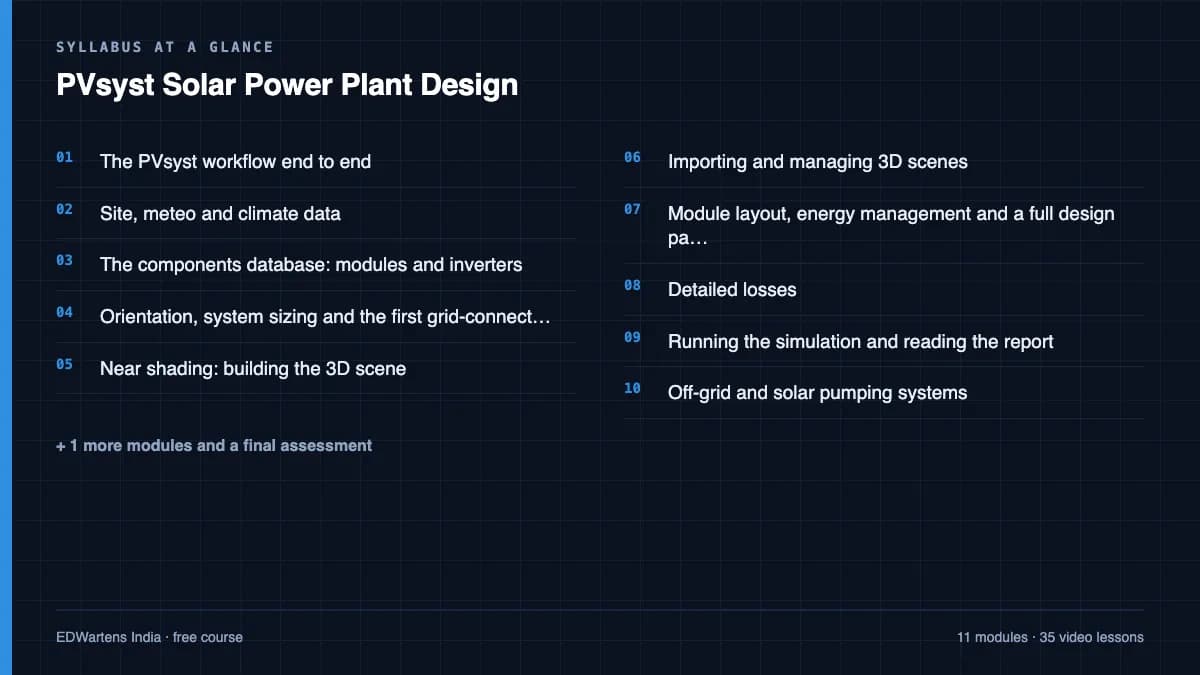
The PVsyst workflow end to end
PVsyst

Site, meteo and climate data
Consulting Technical Solutions

The components database: modules and inverters
PVsyst

Orientation, system sizing and the first grid-connected run
PVsyst

Near shading: building the 3D scene
PVsyst

Importing and managing 3D scenes
PVsyst
Lesson frames belong to the creators named in the Credits below and are shown from YouTube.
What you will learn
Take a site and a target capacity and produce a complete PVsyst study: create the meteo site and justify the climate source, load modules and inverters from PAN and OND files, size strings against the MPPT window and the maximum DC input voltage with the arithmetic shown, set tilt, azimuth and row pitch at a sensible ground cover ratio, build or import a 3D near-shading scene and read its loss, assign module layout so electrical shading is modelled on the real wiring, set thermal, ohmic, soiling, mismatch, LID and IAM losses you can justify, run the simulation and read specific yield, performance ratio and the loss diagram, and extend the same method to off-grid, pumping, batch and economic studies.
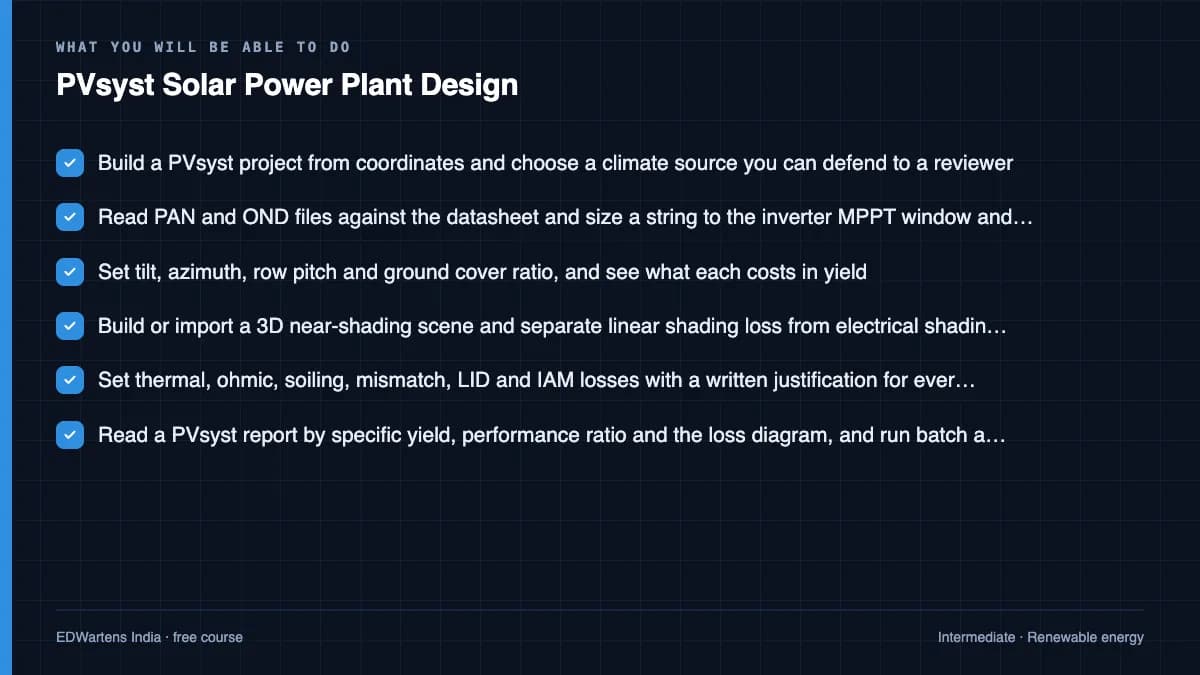
- Build a PVsyst project from coordinates and choose a climate source you can defend to a reviewer
- Read PAN and OND files against the datasheet and size a string to the inverter MPPT window and its maximum DC input voltage
- Set tilt, azimuth, row pitch and ground cover ratio, and see what each costs in yield
- Build or import a 3D near-shading scene and separate linear shading loss from electrical shading loss
- Set thermal, ohmic, soiling, mismatch, LID and IAM losses with a written justification for every figure
- Read a PVsyst report by specific yield, performance ratio and the loss diagram, and run batch and economic comparisons
For you
Taking PVsyst Solar Power Plant Design from the United States
- Free in the United States, as everywhere, and self-paced: lessons, notes and the final assessment are open at any hour, so your time zone and shift pattern do not matter.
- The optional certificate for learners in the United States is a one-off US$28.99. What you get for it
- Plants across the Americas most often run Allen-Bradley, Siemens and Inductive Automation; each has its own free course to take next.
- See automation and engineering jobs in the United States, and what the industry looks like in Houston, Detroit and Chicago.
- EDWartens also has a regional site for the United States, for classroom training and local support: edwartens.com/us.
The course project · about 18 hours
1 MWp rooftop plant for a textile mill: from PAN file to a yield report a lender can check
Design a 1 MWp grid-connected rooftop PV plant on the sheds of a spinning mill near Kurunegala, Sri Lanka: choose and defend the meteo source, read the module PAN and inverter OND files against the datasheets, size the strings against the inverter's MPPT window and maximum DC voltage with the arithmetic shown, build the near-shading scene, set every loss with a written reason, run the simulation and read the report by specific yield, performance ratio and the loss diagram, then write the commissioning procedure the installer will be tested against. You deliver your own design register, yield report and commissioning record. The sample pack shows what an EPC contractor hands to the mill and its bank.
Sample document pack, 7 documents, filled in for the scenario
- PlanProject Plan: 1 MWp Rooftop Grid-Connected PV Plant, Kelvin Valley Mills, Kurunegala
- DatasheetEquipment Datasheets: PV Module (PAN) and String Inverter (OND) as Modelled
- RegisterDesign Register: Site, Meteo Source, Orientation, String Design and Losses
- ReportYield Report: PVsyst Simulation Results, Loss Diagram and Economic Evaluation
- Single lineSingle Line Diagram: DC Strings to PCC-2 Connection, Described as Equipment and Connection Tables
- Drawing listDrawing and Document List, Issued for Construction and As-Built
- ProcedureCommissioning Procedure and Test Record per IEC 62446-1: Inspection, Category 1 and Category 2 Tests
Read inside the course and download as a workbook. The project is optional practice, marked when you submit it; the certificate needs only the modules and the final assessment.
Course content
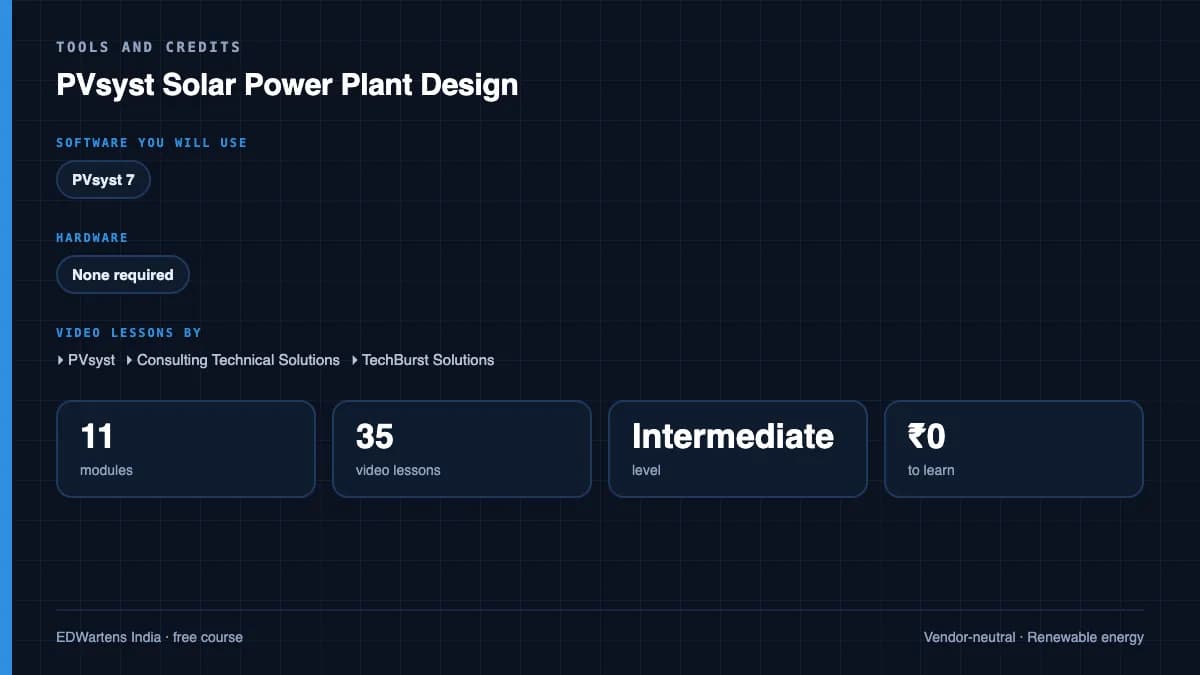
12 modules · 35 lessons · 6h 31m
In order, at whatever pace suits you. Each module ends with a practice task that builds on the last.
- 01The PVsyst workflow end to end3 lessons15m
- 02Site, meteo and climate data5 lessons1h 13m
- 03The components database: modules and inverters3 lessons30m
- 04Orientation, system sizing and the first grid-connected run2 lessons38m
- 05Near shading: building the 3D scene4 lessons30m
- 06Importing and managing 3D scenes4 lessons27m
- 07Module layout, energy management and a full design pass2 lessons59m
- 08Detailed losses2 lessons20m
Requirements
- Who it is for
- Intermediate. Assumes basic electrical engineering: series and parallel DC circuits, three-phase supply, and what a grid-connected inverter does. No prior PVsyst experience needed.
- Software
- PVsyst 8: a 30-day evaluation (generic components only, watermarked reports) or a licensed seat at work. Google Earth and SketchUp Free for site imagery and 3D scenes. What to download, and how
- Hardware
- None required.
Software you need
What to download, where from, what it costs and how to install it. Every link goes to the maker's own site, never a mirror.
Required
- 01Free trial: 30 days
PVsyst
PVsyst SA
- Runs on
- Windows only (on a Mac, run Windows in a virtual machine or Boot Camp)
- Account
- None needed
After a fresh installation PVsyst runs for 30 days with full features, except that only generic components can be used and reports carry an evaluation watermark. After 30 days it switches to a demo mode with most functions removed, and a paid licence is needed.
Steps
- 1.Open the PVsyst product page, or download the latest installer from pvsyst.com/download/latest.
- 2.Run the setup file and check the publisher shown is PVsyst SA.
- 3.Accept the conditions of use and install to Program Files.
- 4.Allow the administrator prompt to finish the installation.
- 5.Start PVsyst from the desktop icon; the 30-day evaluation begins.
- Install only when you are ready to study, since the 30 days start at installation.
- Use generic modules and inverters in your practice projects during the evaluation.
Official download pagepvsyst.com
Optional
Useful, not needed to finish the course.
- 02Free
Google Earth Pro on desktop
Google
- Runs on
- Windows, macOS or Linux
- Account
- None needed
Google Earth Pro on desktop is free. Google has announced it will no longer be available for new downloads from 25 June 2027; copies installed before then keep working, and Google points users to Google Earth on the web.
Steps
- 1.Open the Google Earth versions page.
- 2.Select Download Earth Pro on desktop.
- 3.Accept the terms and download the installer for your system.
- 4.Run the installer and start Google Earth Pro.
- 5.Use the ruler, placemark and historical imagery tools the course asks for.
- Install it before 25 June 2027 if you want the desktop version.
- Google Earth on the web now has many of the same tools and needs no installation.
Official download pagegoogle.comAlternatives
- Google Earth on the web: Free in a browser; Google's recommended replacement for the desktop app.
- 03Free
SketchUp Free
Trimble, in the browser
- Runs on
- Web browser (no installation)
- Account
- A free Trimble ID
SketchUp Free runs in the browser at no cost and includes 10 GB of Trimble Connect storage. It is not for commercial use and has no SketchUp support; file import and export are limited to a few formats.
Steps
- 1.Open the SketchUp Free page and select Start modeling.
- 2.Sign in with a Trimble ID, or create one.
- 3.Start a new model from a template in your browser.
- 4.Save your model to Trimble Connect cloud storage.
- 5.Export to SKP, PNG or STL when you need to share your work.
- Use a desktop browser with a mouse; a three-button mouse makes orbiting much easier.
Open SketchUp Freesketchup.trimble.com
Checked against each maker's own page on 27 September 2026. Trial lengths and editions change; the maker's page is the final word.
PVsyst Solar Power Plant Design at a glance
PVsyst Solar Power Plant Design is a free, self-paced online course from EDWartens for electrical and energy engineers. It has 12 modules and 6h 31m of video lessons by PVsyst, Consulting Technical Solutions, TechBurst Solutions, with written notes and worked problems, a practical project with a document pack and a 15-question final assessment (pass mark 60%). Learning is free with an account; an optional certificate with a public verification code is issued when you pass. Last updated 27 September 2026.
All course factsHide course facts
- Price
- Free, for good. No trial, no card. The only paid item is the optional certificate, a small one-off fee.
- Who it is for
- Electrical and energy engineers
- Format
- 12 self-paced modules, 6h 31m of video, written notes, a practice task per module and one final assessment.
- Level
- Intermediate. Intermediate. Assumes basic electrical engineering: series and parallel DC circuits, three-phase supply, and what a grid-connected inverter does. No prior PVsyst experience needed.
- Brand
- Vendor-neutral
- Software
- PVsyst 8: a 30-day evaluation (generic components only, watermarked reports) or a licensed seat at work. Google Earth and SketchUp Free for site imagery and 3D scenes.
- Hardware
- None required.
- Certificate
- Optional EDWartens Certificate of Completion, verifiable by code. Not a vendor credential.
- Video lessons by
- PVsyst, Consulting Technical Solutions, TechBurst Solutions (independent creators, credited below)
- Language
- English
- Last updated
- 27 September 2026
A shareable EDWartens certificate
Finish every module and pass the final assessment, and the optional EDWartens certificate is yours. It carries a unique verification code on a public page anyone can check, so it stands up when a recruiter looks it up. See it below.
The course itself stays free whether or not you ever buy one.
Stuck? Ask a practising engineer
A free course usually means a comment section and hope. This one does not. Every module has an Ask-your-trainer panel that reaches the same engineers who teach our paid programme: people who commission panels for a living, not moderators.
Pairs well with
 PLC programming · FreeSiemens TIA PortalFrom zero electrical knowledge to a working, simulated S7-1200 program, for nothing.
 PLC programming · FreeSiemens TIA Portal in Three HoursThe first three hours of the Siemens TIA Portal course, cut to end on a win: what a PLC is, how it is wired, a project configured in TIA Portal, and your first ladder program running in simulation. Finish it in an evening or two, earn a certificate, and carry straight on into the full course.
 PLC programming · FreeTIA Portal: Build a MachineOne machine, start to finish. Take a bottle filling line from a written specification and an I/O list to a structured S7-1200 program with a fill station, a capper, a reject sorter and an operator screen with alarms, then test it against a written record and archive it for hand-over. The lessons are the reference; the machine is yours, and it is what you submit.
 Instrumentation · FreeInstrumentation for PLC EngineersThe half of the loop that is not code. Follow one measurement from the transmitter in the field, down the 4-20 mA loop, into the analog card, through NORM_X and SCALE_X into engineering units, out again to a valve, and back to the control room when the reading is wrong.
More free courses: Free solar and renewable energy courses
Learner reviews
No reviews yet
Reviews here are written only by learners who have finished every module of PVsyst Solar Power Plant Design, and they are published exactly as written. Finish the course and yours will be the first.
Common questions
Do I need a PVsyst licence?
PVsyst is paid software. Its 30-day evaluation uses generic components only and watermarks its reports, which is enough to learn the method. Plan the trial window so it covers the modules where you actually build a project, and use the earlier modules to work through the sizing and shading arithmetic on paper. The method transfers unchanged to a licensed seat at work.
What should I already know?
Basic electrical engineering: series and parallel DC circuits, what open-circuit voltage and maximum power point mean, three-phase supply, and roughly what a grid-connected inverter does. Diploma and BE electrical graduates have enough. It is not a first course in electricity.
Is this the same as an official PVsyst certification or a paid solar design certification?
No. PVsyst SA runs its own paid training, and there are paid solar design certifications from other bodies. This course is preparation for the work those certifications cover. It is not any of them, and it is never described as equivalent to one.
Does it cover rooftop or utility scale?
Both, because the method is the same. Grid-connected design is the spine, with rooftop constraints such as parapet shading and self-consumption covered alongside ground-mount pitch, ground cover ratio and grid injection limits. Off-grid and solar pumping systems get their own module.
Is the PVsyst Solar Power Plant Design course really free?
Yes. Every module, practice task and assessment. You create an account so your progress is saved and the assessments can be marked. The certificate is the only paid item, and only if you want it.
What certificate do I get, and is it a vendor qualification?
An EDWartens Certificate of Completion, issued when you have finished every module and passed the final assessment, with a verification code anyone can check. It is not a vendor credential and is never described as one.
Who made the video lessons in the PVsyst Solar Power Plant Design course?
The creators named in the Credits block at the foot of this page, on their own YouTube channels, including the PVsyst tutorials published by PVsyst itself. EDWartens did not make the videos and the creators are not affiliated with EDWartens. What EDWartens wrote is the study plan, the notes, the practice tasks and the assessments.
Will this help me get a solar job?
PVsyst is named by name in design-engineer job descriptions at solar EPC contractors, developers and module makers, and the practice tasks are the calculations those interviews ask about: string length, ground cover ratio, loss assumptions and reading a report. It is the design method, not a placement guarantee.
What you walk away with
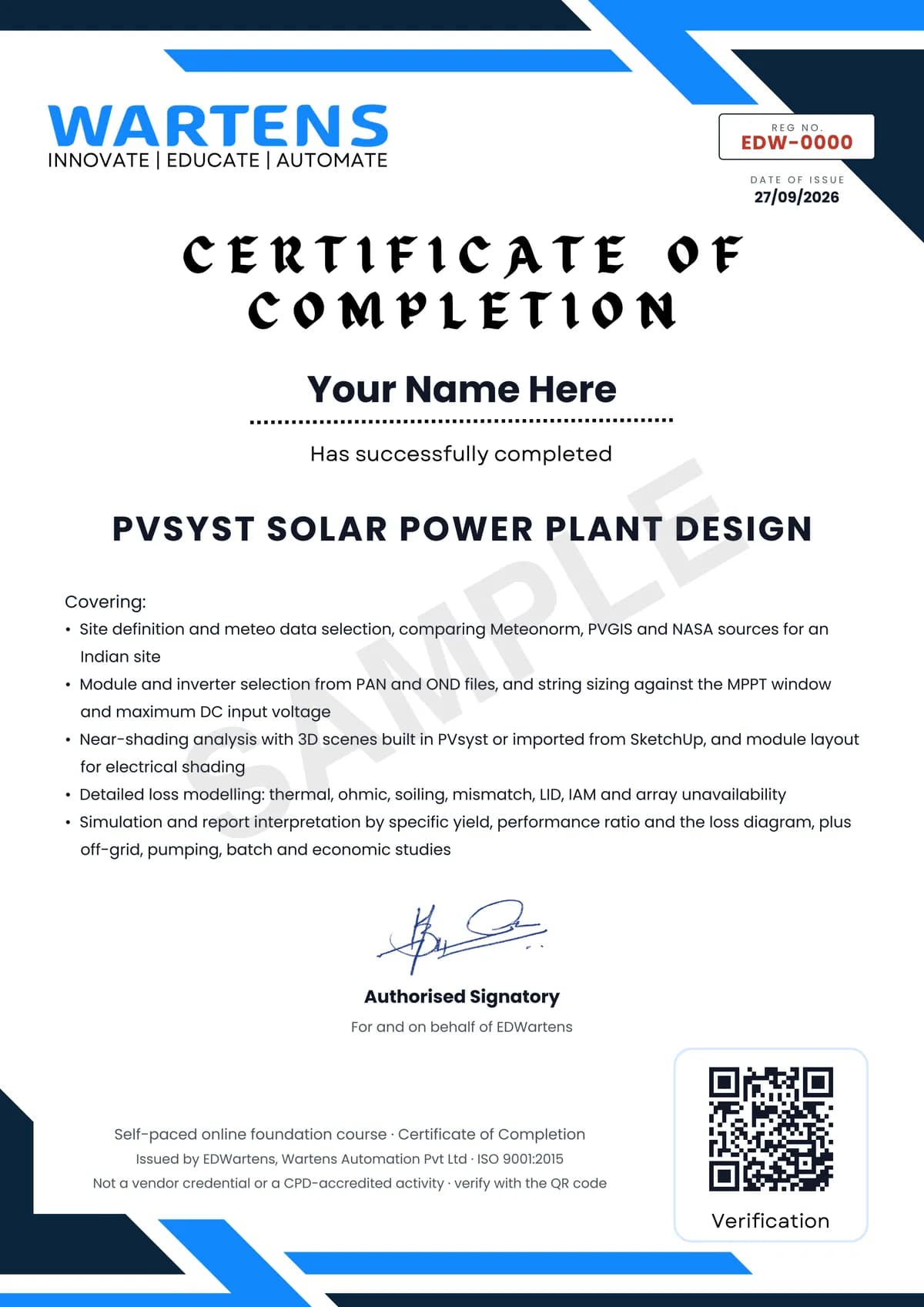
Your certificate for PVsyst Solar Power Plant Design
Finish the course, pass the final, and this is the document with your name on it.
Verifiable by anyone
Adds to LinkedIn in one click
QR code on the certificate
Names what you can do
A permanent link
Earned, not attended
Learning is free. The certificate is optional.
Add it now and pay only when you have finished the course, or come back for it later. One-off, US$28.99, with a receipt.
Issued by EDWartens, the training division of Wartens, as a Certificate of Completion for this self-paced course. Sold by Wartens Ltd (England and Wales). It is not a vendor certification, a university award or a CPD-accredited activity, and it does not certify competence on live equipment. Delivered electronically; see the refund policy.
Credits
Who made the video lessons
The video lessons in this course were created by the people below, not by EDWartens. Every lesson streams from its creator's own YouTube channel; EDWartens neither hosts nor sells that footage, and the creators are not affiliated with EDWartens and do not endorse this course. What EDWartens wrote is the study plan, the notes, the practice tasks and the assessments.
- PVsystthe official PVsyst 7 tutorials: licensing, the module and inverter databases, meteo sites, the first grid-connected simulation, detailed losses, the shading editor from user interface to importing and managing a 3D scene, the optimisation and batch tools, and the economic evaluation
- Consulting Technical Solutionsthe long end-to-end design walk-throughs: a complete grid-connected plant, 3D near-shading analysis, importing PAN and OND files, off-grid and solar pumping design, and exporting time-series and weather data
- TechBurst Solutionschoosing a weather database, setting up a project, the detailed loss pages, near shading from a SketchUp import, module layout and energy management, running the simulation and reading the report
If you are one of these creators and would like a lesson removed or credited differently, write to info@wartens.com.