Free 3D labs
Free 3D engineering labs in your browser
Wire a panel, program a PLC, teach a robot, tune a loop or run a data hall. Real engineering tasks, in 3D, with nothing to install.

The tour
See the labs at work
What you do
Real jobs, done in 3D
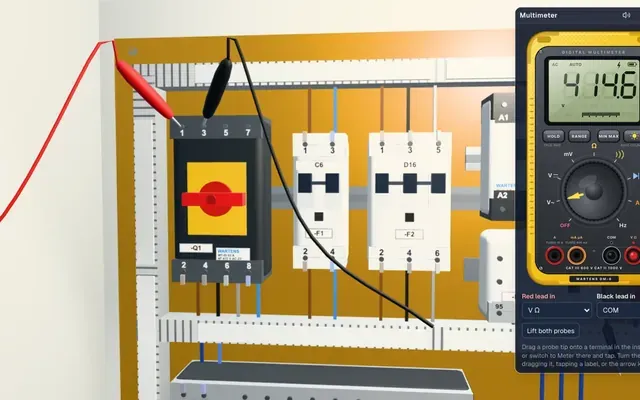
Prove a circuit is dead before you touch it
Lock out the supply, put your meter on the terminals and prove dead. The Panel Lab checks your steps in the order a safe site demands. Then you wire the starter and test it.
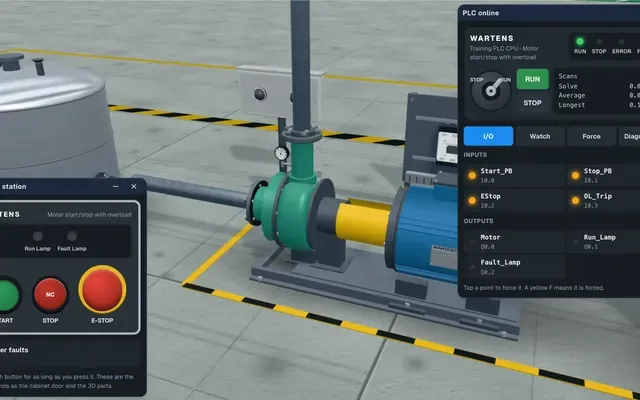
Go online with a PLC and watch your logic run
Write ladder logic, go online and watch a 3D machine obey it. Force an input, find the fault and fix the rung. You see the result straight away.
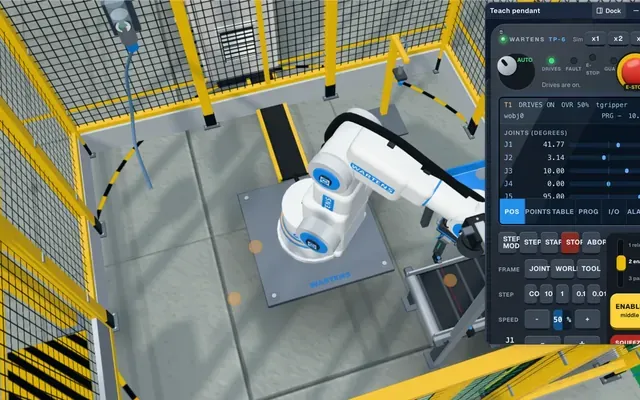
Jog a robot arm with a teach pendant
Move the arm point by point, teach the positions and run the cycle. Then prove the guard and the handshake with the PLC before the cell may start.
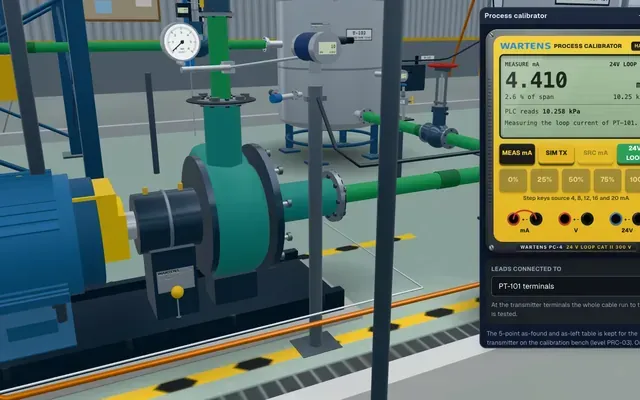
Calibrate a transmitter and tune a loop
Check a 4 to 20 mA loop, calibrate the instrument at five points and tune the controller. You read the drawing first, as you would on a plant.
All 9 labs
Pick a lab
Each lab has several levels, from a first task to a full job.
 Automation and control
PLC lab
Program a working machine in ladder logic, press Simulate and watch it run.
 Automation and control
Panel Lab
Wire, lock out and fault-find a control panel, then prove it with a factory acceptance test.
 Automation and control
Robotics lab
Teach a robot arm a pick and place job and prove its handshake with the PLC.
 Automation and control
Process lab
Tune loops, calibrate instruments and run a plant from a SCADA room.
 Power and energy
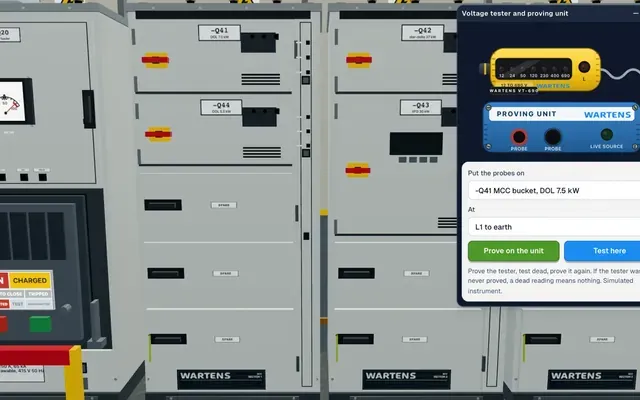
Substation and MCC lab
Switch and protect a motor control centre and a small substation.
 Power and energy
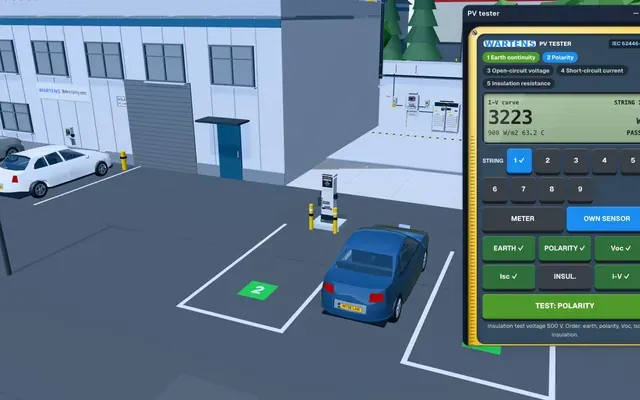
Solar and EV lab
Size a solar array and wire an EV charger.
 AI and data
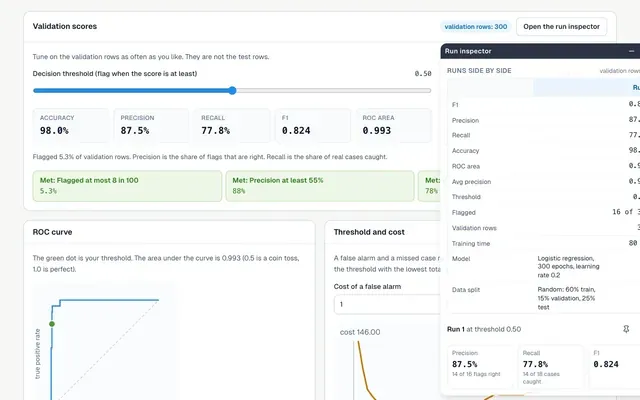
AI Workbench
Prepare data, train a model and check it against a brief.
 AI and data
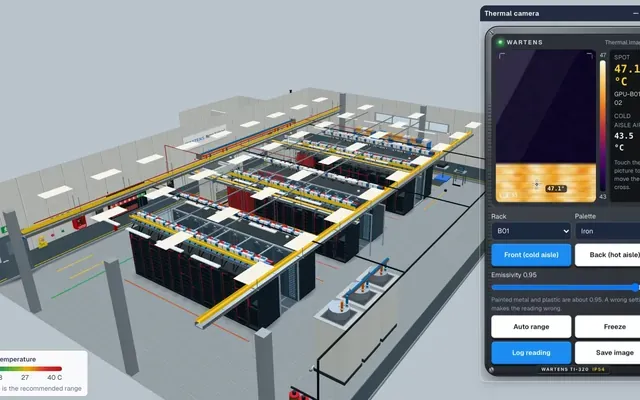
AI Data Centre
Walk an AI data hall and size its power and cooling.
 Security
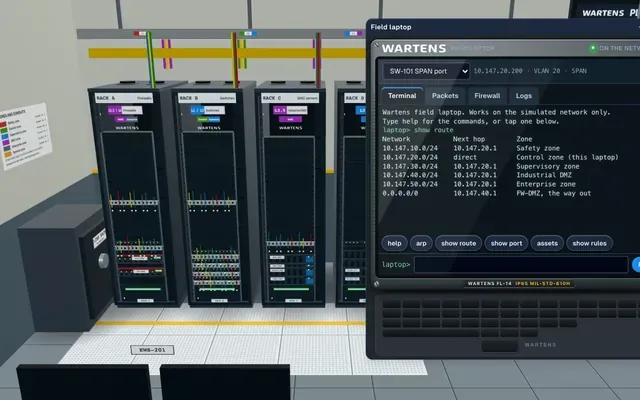
OT security lab
Segment a plant network and spot what should not be there.
How a lab works
Read the brief, do the job, pass the test
1. Read the brief
Every level starts with a short brief. It lists the tasks you must finish and the checks you must pass.
2. Do the job
Work in the 3D scene. Land wires, write logic, jog the arm or set a rule. The lab reacts as the real kit would.
3. Pass the test
A factory acceptance test checks your work and lists every check. Fix what failed and run it again.
Walkthroughs
Watch a walkthrough
Pick a lab. The video loads when you press play, with captions on.
Who it is for
Made for people who learn by doing
Students and career changers
Try real engineering tasks before you commit to a course. Start with a free lab, then follow it into a free internship.
See the internshipsWorking engineers
Practise the jobs you have not done yet in a safe place. Job simulations give you a brief, a deadline and a marked result.
See job simulationsUniversities and colleges
Give a class a lab that runs in any browser. No licence to install and no hardware to book.
For universitiesEmployers
See how a candidate works through a task, with the checks they passed shown in a report they can share.
For employers
Where the lab fits
One lab, used across EDWartens
Internships
Our internships use the labs every week. The work you do in a lab becomes part of your record.
InternshipsJob simulations
Each role points you to the labs that match the job, so you can practise its tasks before you start.
Job simulationsCourses
Learn the theory in a free course, then try it for real in a lab. Our engineering guides link to the level that matches each topic.
Free courses
Questions
Common questions
Is the 3D Lab free?
Yes. Opening a lab, doing the levels and passing the test are free. Optional extras, such as an engineer review of your test report, are paid, and the price is shown before you buy.
Do I need an account to start?
No. You can open a lab and begin straight away. Your work is saved on your device. A free EDWartens account records your results and keeps your work on every device.
Will it work on my phone?
Yes, the labs run on phones. A laptop or a large tablet is better for wiring and ladder logic because you have more room and a keyboard.
Which browsers do I need?
A recent version of Chrome, Edge, Firefox or Safari. The labs use your browser's 3D support, so nothing is installed.
What is the test at the end?
Each level ends with a factory acceptance test. It checks your work against the brief, lists every check and shows which passed. You can fix mistakes and run it again.
How does it link to the internships?
The internships use the labs for practice tasks each week. Your lab results can sit beside your internship work. The internships are training, not employment.
Are the companies and colleagues real?
No. The companies in the briefs are fictional and the colleagues are simulated. The tools, the wiring practice and the checks follow real engineering practice.