Automation and controls

Robotics Engineer job simulation

Join an automation integrator on a palletising cell: risk assessment, light curtain distance, PLC handshake, cycle time, a request to mute the curtain and a collision near miss.

Robotics Engineer job simulation
  • Free: days 1 to 5, about 9 h 35 min of tickets
  • Premium: days 1 to 20
  • Checked as you go
  • Reviewed 19 Oct 2026

The project

You join Brackenridge Automation Ltd (simulated company)

Brackenridge Automation Ltd (simulated company) is a automation integrator in Coventry. You help its team deliver a project for Dunmore Packaging Ltd (simulated company), at End-of-line palletising cell PAL-1 (project PAL-610).

You are the junior robotics engineer on a new case palletising cell. The robot must be safe first and fast second. You review the functional specification and the PLC handshake, work out how far the light curtain must be from the robot, estimate the required safety level for each hazard, and learn to teach and run in T1 before automatic. Then the Production Manager asks you to mute the curtain for speed, the client changes the pallet size, the safety validation has failures, and a tool change leads to a collision near miss. The skill is to simulate first, to move slowly first, and to be impossible to hurry past a safety rule.

The people in the story are roles, such as Lead Engineer, not real people.
What you will do

By the end you will have

  • Calculate the safety distance of a light curtain and say no, politely, to muting it for speed
  • Estimate the required performance level for each hazard from the ISO 13849-1 risk graph
  • Review a robot and PLC handshake for deadlock and double cycles
  • Use a cycle-time study to find seconds without touching safety
  • Write a factual near-miss report and a safety validation record that nobody can argue with

Day by day

The plan, ticket by ticket

Self-paced. A day opens when you hand in the previous day's tickets.
Robotics Engineer job simulation plan
DayTicketKindTimeEdition
1Cell induction: robot safety rulesQuiz45 minFree
1Safe start in the robotics lab3D lab35 minFree
2Review the robot cell functional specificationDocument review1 h 15 minFree
2Direction and type of each handshake signalTable1 h 5 minFree
3Is the light curtain far enough away?Calculation1 h 10 minFree
3Jog the arm in the robotics lab3D lab35 minFree
4Required performance level for each hazardTable1 h 15 minFree
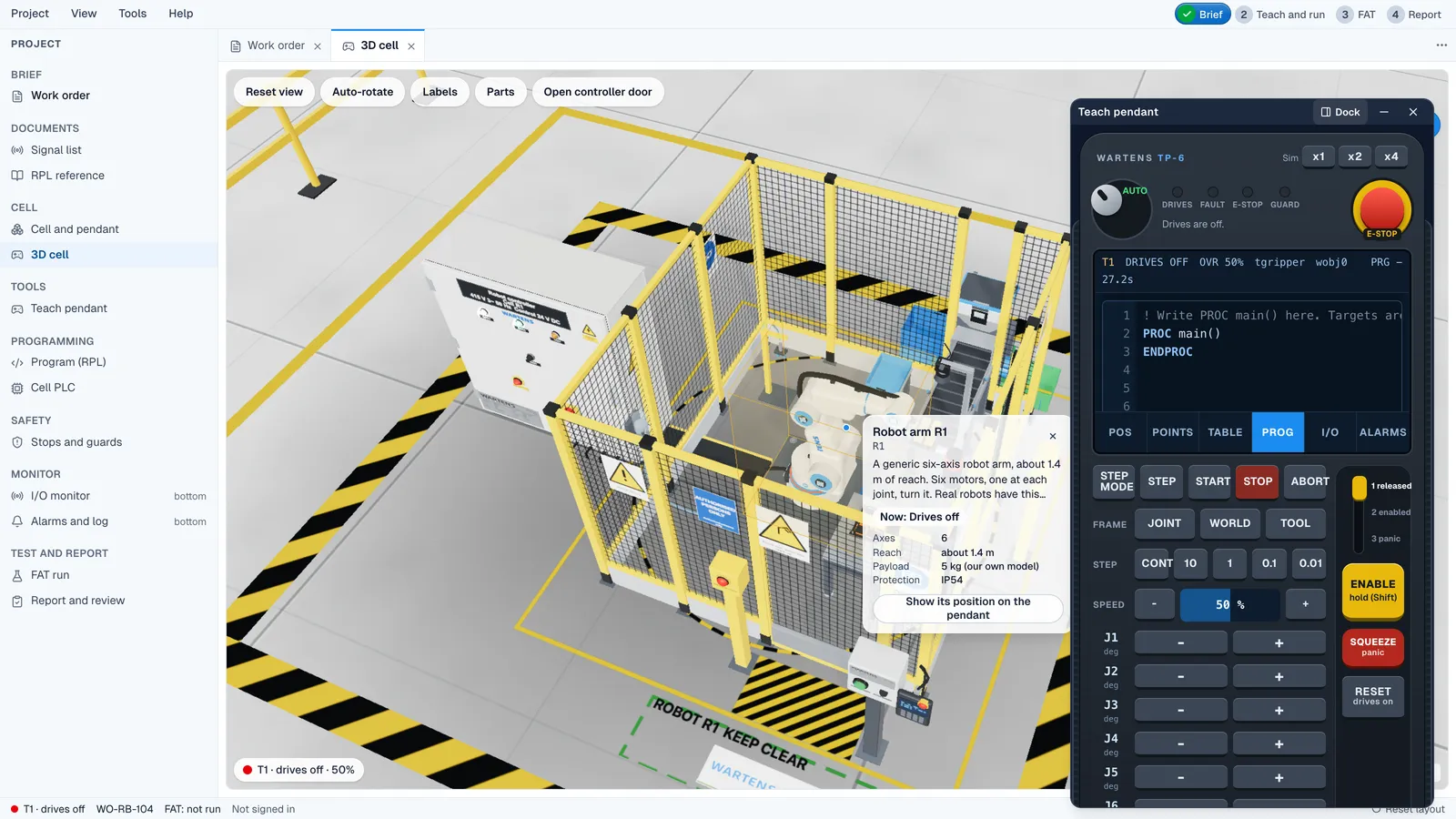
4Teach and run in the robotics lab3D lab1 h 20 minFree
5The Production Manager asks to mute the light curtainDecision35 minFree
5Reply to the Production ManagerWriting1 hFree
6Review the robot and PLC handshake sequenceDocument review1 h 20 minPremium
7Palletise twelve parts in the robotics lab3D lab1 h 30 minPremium
8Change impact note for CR-01Writing1 h 40 minPremium
9Can the robot reach the new corner?Calculation1 h 5 minPremium
10Cycle-time study: how to get from 11.4 s to 10 sCalculation1 h 10 minPremium
11Complete the safety validation recordTable1 h 50 minPremium
12Safety validation in the robotics lab3D lab1 h 20 minPremium
12Sign the validation as passed?Decision45 minPremium
13Near-miss report: the robot hit a caseWriting1 h 35 minPremium
14Fault finding in a loading cell3D lab1 h 30 minPremium
15Acceptance run: fault ratesCalculation55 minPremium
16Match each stop to the right recoveryTable1 h 20 minPremium
17Check the handover dossier indexDocument review1 h 15 minPremium
18Capstone: the robot cell design and safety packHand-in4 hPremium
19Day-one note for the operatorsWriting1 hPremium
20A conversation about your own workViva45 minPremium

Real documents

The documents you will work with

Project documents
NumberDocumentRevEdition
PAL610-HSE-001Site rules and robot cell safety rules1Free
PAL610-LAY-001Cell layout and reach studyBFree
PAL610-SFS-001Safety function specification and safety distance rule2Free
PAL610-RA-001Risk assessment method and hazard list, robot cell PAL-11Free
PAL610-IOL-001Robot and PLC handshake signal listBFree
PAL610-FS-001Robot cell functional specificationAFree
PAL610-HS-001Robot and PLC handshake sequence, draftAPremium
PAL610-LAY-001Cell layout and reach study, change to Rev CCPremium
PAL610-CYC-001Cycle-time studyAPremium
PAL610-VAL-001Safety validation recordAPremium
PAL610-NM-001Near-miss notes, collision at the pick position1Premium
PAL610-SOP-001Fault recovery and restart procedure1Premium
PAL610-HOV-001Handover dossier index, robot cellAPremium

Tools

In the industry, and here

In the industryHere
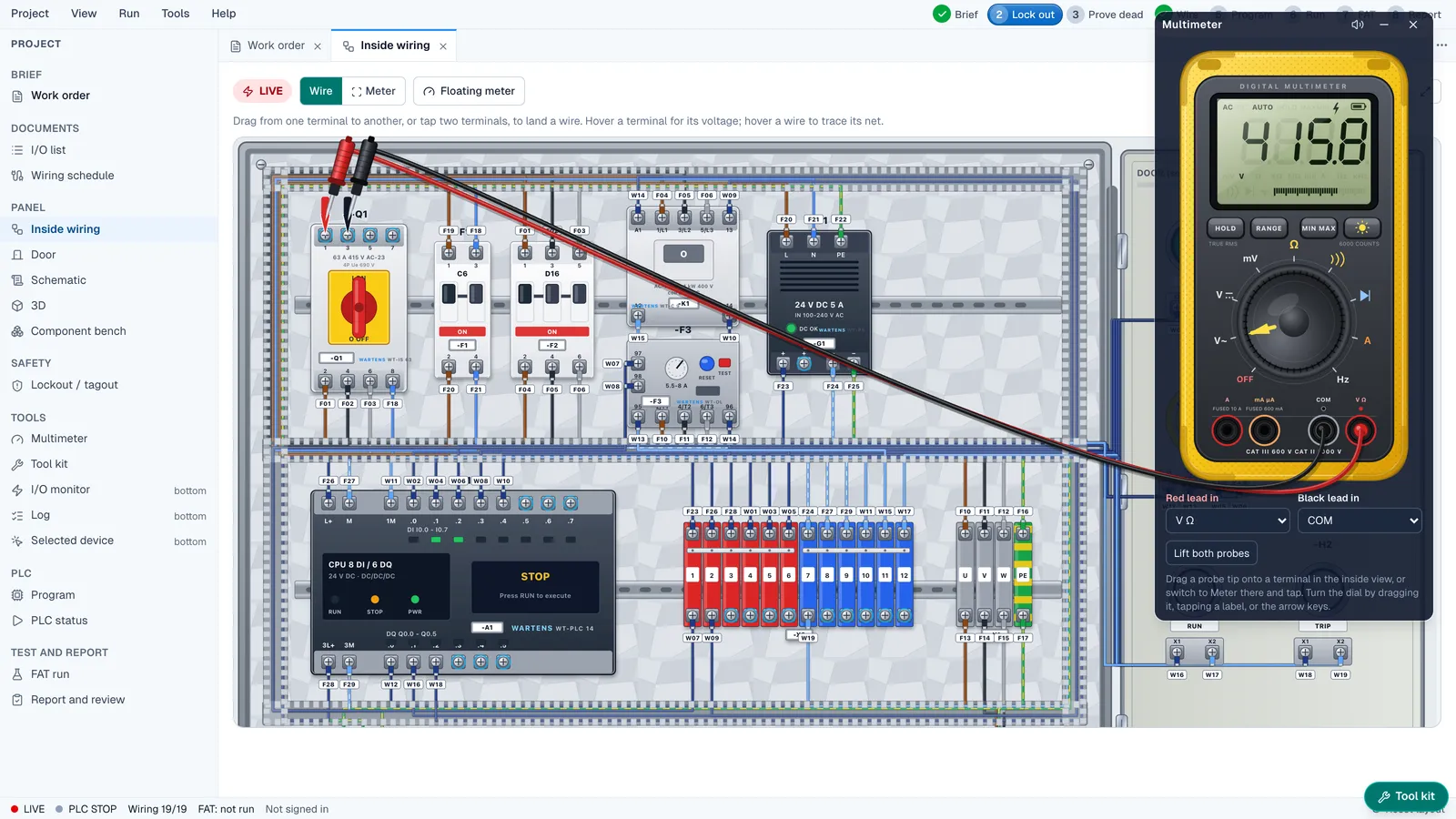
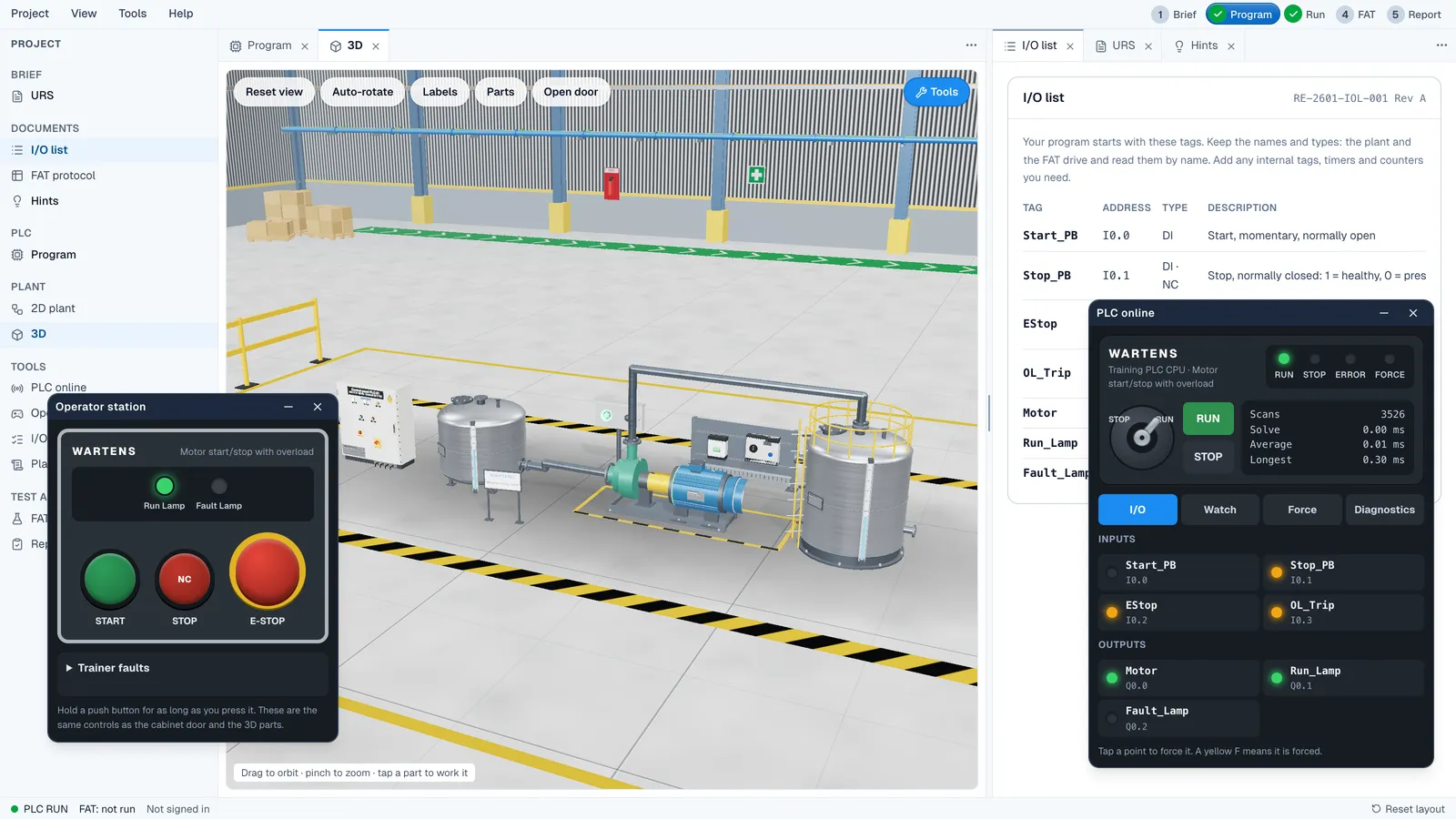
Robot controller and teach pendantThe robotics lab levels: safe start, jog, teach and run, palletising, validation and fault finding
Offline simulation and layout toolsA reach calculation from the layout coordinates
Risk assessment and safety validation recordsTables where you set the performance level and judge each test
Cycle-time and acceptance test spreadsheetsCalculations from the study and the run results

Standards

The standards the work follows

  • ISO 12100
  • ISO 10218-1
  • ISO 10218-2
  • ISO 13849-1
  • ISO 13855

Prepare

Labs and study materials

Free, and linked where a ticket needs them.

What you get

Free, certificate and Premium

Free

Days 1 to 5, every ticket checked, model answers, the 3D lab and a profile entry.

Free

Certificate (optional)

  • A graded, verifiable certificate with your score and band
  • A public verification page and QR code
  • One-click add to LinkedIn as a licence or certification
  • A Verified mark on your profile entry

₹499

Premium

Premium job simulation

  • The full four-week project: change requests, site work, faults and handover
  • A capstone deliverable reviewed by an engineer
  • An AI viva on your own work
  • The graded certificate and a work record PDF with your skill scores
  • Priority help from our team
₹1,499The certificate is included. If you bought it, its price is credited.

On your profile

How it shows on your profile

It shows on your EDWartens profile under Work experience, marked as a job simulation.

Work experience

Robotics Engineer (job simulation)

Brackenridge Automation Ltd (simulated company)

9 h 35 min active hours logged · Your dates

Verified, with the certificate

A job simulation is a realistic training project at a simulated company. It is not employment, an internship or a work placement. Hours are active hours the learner logged on EDWartens.

Questions

Quick answers

Do I need robot programming experience first?

No. The simulation teaches the order of work, the safety reasoning and the documents as you go, with a robot you jog and program in the browser lab.

Is the packaging plant real?

No. Brackenridge Automation and Dunmore Packaging are made-up companies and the project is simulated. The documents, standards and situations follow what a junior robotics engineer meets.

How long does it take?

The free week is about ten hours over five days. The full Premium edition runs over twenty working days and about thirty-three hours, at your own pace.

Which robot brands does it use?

None. The content is vendor-neutral, so it applies to any robot that follows the same standards.

What do I get at the end?

A work record with scores by task and skill, which shows on your EDWartens profile under Work experience, marked as a job simulation.

Is the Robotics Engineer job simulation free?

Yes, to start. Days 1 to 5 are free. The certificate and the Premium edition are optional and are priced on this page in your currency.

Does it count as work experience?

It shows on your EDWartens profile under Work experience, marked as a job simulation. It is not employment. A job simulation is a realistic training project at a simulated company. It is not employment, an internship or a work placement. Hours are active hours the learner logged on EDWartens.

Keep going

Jobs and internships like this

Last reviewed 19 October 2026.