PLC programming · Free
PLC and Electrical Troubleshooting for Maintenance Teams
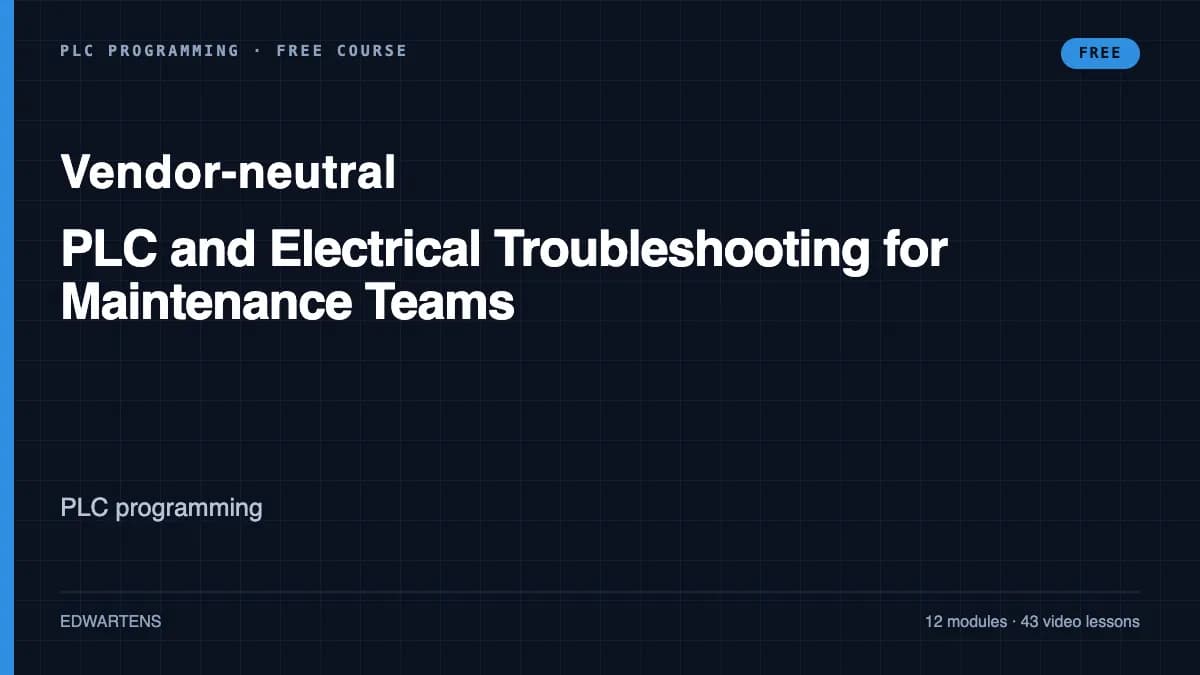
Find the fault fast on a machine you did not build: a method that goes from symptom to cause, safe isolation before you touch, drawings and I/O lists, meter work on 24 V DC control and motor circuits, sensors and 4-20 mA loops, online diagnostics in TIA Portal, Allen-Bradley and CODESYS, VFD and network faults, and fault reports that stop repeats.
Inside the course
From the lessons
The fault-finding method: from symptom to cause
Greg Roche Automation

Reading drawings and I/O lists in the field
Industrial Control Academy

Digital inputs: sensors, NPN, PNP and the input LED
KletteTech

Analog signals: 4-20 mA loop faults and scaling
Industrial Control Academy

Going online in Allen-Bradley, CCW and CODESYS
KletteTech

Network faults: PROFINET, EtherNet/IP and Modbus TCP
Siemens Knowledge Hub
Lesson frames belong to the creators named in the Credits below and are shown from YouTube.
What you will learn
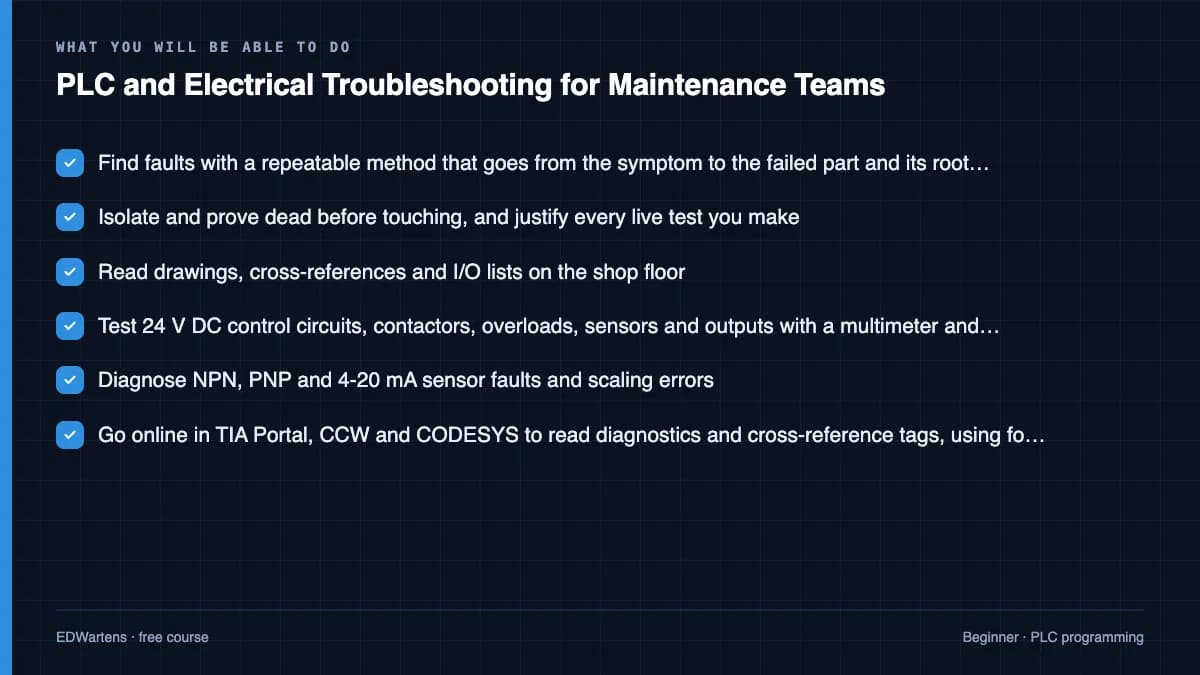
Find faults with a repeatable method that goes from the symptom to the failed part and on to the root cause; isolate and prove dead before touching, and justify every live test; read drawings, cross-references and I/O lists in the field; test 24 V DC control circuits, contactors, overloads, sensors and outputs with a multimeter and clamp meter; diagnose 4-20 mA loop and scaling faults; go online in TIA Portal, Allen-Bradley, CCW and CODESYS to read diagnostics, cross-reference tags and use forces only with authorisation; interpret motor test results and VFD fault codes; find PROFINET, EtherNet/IP and Modbus TCP faults; and write fault reports and preventive tasks that stop the fault coming back.
- Find faults with a repeatable method that goes from the symptom to the failed part and its root cause
- Isolate and prove dead before touching, and justify every live test you make
- Read drawings, cross-references and I/O lists on the shop floor
- Test 24 V DC control circuits, contactors, overloads, sensors and outputs with a multimeter and clamp meter
- Diagnose NPN, PNP and 4-20 mA sensor faults and scaling errors
- Go online in TIA Portal, CCW and CODESYS to read diagnostics and cross-reference tags, using forces only with authorisation
- Interpret motor winding tests, VFD fault codes and PROFINET, EtherNet/IP and Modbus TCP faults
- Write fault reports and preventive tasks that stop the same fault coming back
For you
Taking PLC and Electrical Troubleshooting for Maintenance Teams from the United States
- Free in the United States, as everywhere, and self-paced: lessons, notes and the final assessment are open at any hour, so your time zone and shift pattern do not matter.
- The optional certificate for learners in the United States is a one-off US$23.99. What you get for it
- Plants across the Americas most often run Allen-Bradley, Siemens and Inductive Automation; each has its own free course to take next.
- See automation and engineering jobs in the United States, and what the industry looks like in Houston, Detroit and Chicago.
- EDWartens also has a regional site for the United States, for classroom training and local support: edwartens.com/us.
The course project · about 8 hours
A month of breakdowns on a bottling line: fault log, MTBF and Pareto, a motor fault report, a loop check and a root cause analysis
Take one month of call-outs from a bottling line and turn them into the records that stop faults coming back: a fault log with MTTR, MTBF, availability and a Pareto, a full fault report on a motor that keeps tripping, a loop check after a 4-20 mA scaling fault, a 5 Whys on the photo-eye that stopped the line three times, and the preventive task that follows. The sample pack shows each document.
Sample document pack, 5 documents, filled in for the scenario
- RegisterFault log and reliability summary: Line 3, March
- ReportFault report: discharge conveyor motor M2 overload trips
- Loop checkLoop check: PT-101 product pressure after rescaling
- ReportRoot cause analysis: PE3 repeat stops on the infeed
- ProcedurePreventive task: weekly check of washdown-zone sensors, Line 3
Read inside the course and download as a workbook. The project is optional practice, marked when you submit it; the certificate needs only the modules and the final assessment.
Course content
13 modules · 44 lessons · 9h 19m
In order, at whatever pace suits you. Each module ends with a practice task that builds on the last.
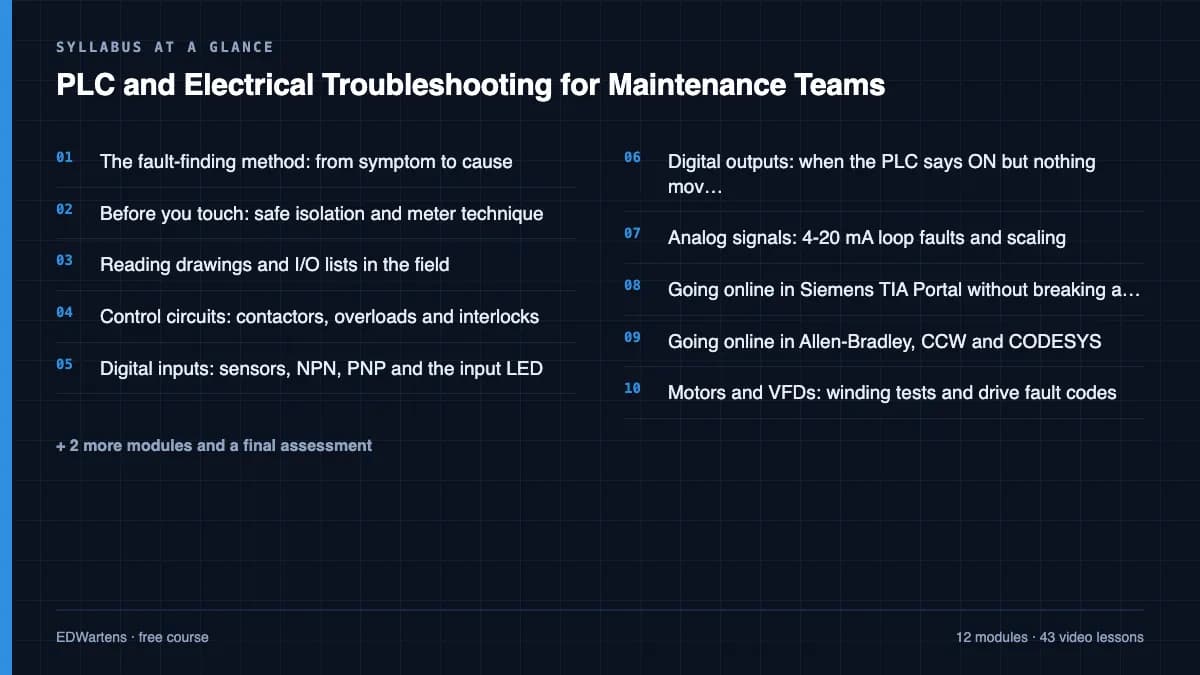
- 01The fault-finding method: from symptom to cause3 lessons29m
- 02Before you touch: safe isolation and meter technique5 lessons30m
- 03Reading drawings and I/O lists in the field2 lessons34m
- 04Control circuits: contactors, overloads and interlocks5 lessons39m
- 05Digital inputs: sensors, NPN, PNP and the input LED7 lessons43m
- 06Digital outputs: when the PLC says ON but nothing moves3 lessons58m
- 07Analog signals: 4-20 mA loop faults and scaling2 lessons1h 14m
- 08Going online in Siemens TIA Portal without breaking anything3 lessons1h 6m
Requirements
- Who it is for
- Beginner to intermediate. For maintenance electricians, technicians and junior maintenance engineers. You should know what a contactor, a sensor and a PLC are; Electrical Fundamentals for Technicians or Industrial Motor Control is the right course first if you do not.
- Software
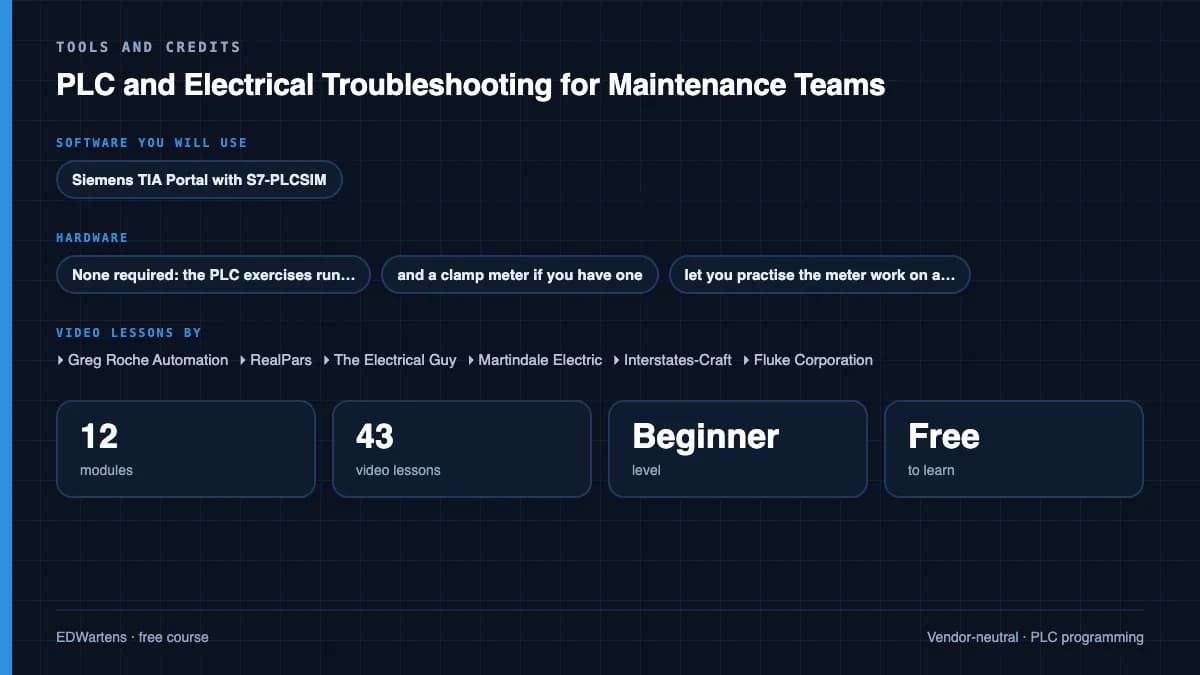
- Siemens TIA Portal with S7-PLCSIM (21-day trial), Connected Components Workbench Standard Edition with its Micro800 Simulator (free) and the CODESYS Development System (free), plus a spreadsheet for the fault log. Studio 5000 is not free, so its screens are shown in the videos and the same skills are practised in CCW and CODESYS. What to download, and how
- Hardware
- None required: the PLC exercises run in simulation. A multimeter, and a clamp meter if you have one, let you practise the meter work on a 24 V DC supply and a sensor.
Software you need
What to download, where from, what it costs and how to install it. Every link goes to the maker's own site, never a mirror.
TIA Portal with PLCSIM is used for the Siemens diagnostics modules. Connected Components Workbench and CODESYS are free and cover the Allen-Bradley and CODESYS modules; a spreadsheet holds the fault log.
Required
- 01Free trial: 21 days
SIMATIC STEP 7 Professional and WinCC (TIA Portal) V21 Trial
Siemens
- Runs on
- Windows 11 Pro or Enterprise 64-bit (24H2), Windows 10 Enterprise 2021 LTSC, or Windows Server 2022/2025. Windows 11 Home is supported only for the Basic editions.
- Account
- A free Siemens account registered for Industry Online Support (SiePortal)
- Size
- about 8.1 GB for the main ISO, plus an optional 3.1 GB DVD 2 with hardware support packages
Siemens lets registered users download the V21 trial of STEP 7 (Basic and Professional), STEP 7 Safety and WinCC and test it for 21 days. The same package is used for the full product; after 21 days you need a purchased licence to keep working.
Steps
- 1.Open the Siemens trial page (entry 109989774) and sign in with your Siemens Industry Online Support account.
- 2.Download TIA_Portal_STEP7_Safety_WinCC_V21.iso (8.1 GB).
- 3.Download S7-PLCSIM_V21.iso (2.5 GB) from the same page: PLCSIM is a separate download.
- 4.Right-click each ISO, choose Mount, and run Start.exe as administrator. Install STEP 7 and WinCC first, then PLCSIM.
- 5.Follow the setup, accept the licence terms and restart the PC when asked.
- 6.Open TIA Portal V21 and create a new project to confirm it runs.
- Install from a local drive with plenty of free space; Siemens lists 20 GB free as the minimum and the ISOs alone are over 10 GB.
- You only need DVD 2 if you want extra hardware support packages.
- If you cannot install locally, Siemens also offers a 21-day TIA Portal Cloud trial in the browser (one-hour sessions, not in every country).
Official download pagesupport.industry.siemens.comAlternatives
- TIA Portal Cloud trial: 21 days free in a cloud virtual machine, no install. Sessions are limited to one hour and it is not available in every country.
- 02Free trial: 21 days
S7-PLCSIM V21 (TIA Portal) Trial
Siemens
- Runs on
- Windows 11 Pro or Enterprise 64-bit (24H2), Windows 10 Enterprise 2021 LTSC, or Windows Server 2022/2025. Windows 11 Home is supported only for the Basic editions.
- Account
- A free Siemens account registered for Industry Online Support (SiePortal)
- Size
- about 2.5 GB (ISO)
S7-PLCSIM V21 is offered as a 21-day trial on the same Siemens page as the STEP 7 and WinCC V21 trial. It needs STEP 7 V21 installed on the same PC.
Steps
- 1.Open the Siemens STEP 7 and WinCC V21 trial page (entry 109989774) and sign in.
- 2.Install STEP 7 V21 from the main TIA Portal ISO first.
- 3.Download S7-PLCSIM_V21.iso (2.5 GB) from the section Download S7-PLCSIM Standard V21.
- 4.Mount the ISO, run Start.exe as administrator and follow the setup.
- 5.In TIA Portal, select your CPU and click Start simulation to open PLCSIM.
- Siemens notes that the PLCSIM Standard V21 installation also includes S7-PLCSIM Advanced V8.0.
Official download pagesupport.industry.siemens.com
Optional
Useful, not needed to finish the course.
- 03Free
Connected Components Workbench Standard Edition
Rockwell Automation
- Runs on
- Windows 10 or 11 Pro or Enterprise 64-bit, or Windows Server 2019/2022
- Account
- A free Rockwell Automation account (sign in to the Product Compatibility and Download Center)
The Standard Edition is free and needs no activation. It includes a demo version of the Micro800 Simulator; the full simulator comes with the paid Developer Edition.
Steps
- 1.Open the Connected Components Workbench page on the Product Compatibility and Download Center.
- 2.Click Available downloads next to the latest version (23.00.00 on 27 Sept 2026) and sign in.
- 3.Accept the licence agreement and download the installer.
- 4.Run the setup as administrator; it installs .NET Framework 4.8 if needed.
- 5.Start Connected Components Workbench, add a Micro800 controller and open the Micro800 Simulator to test your program.
- Rockwell lists 8 GB RAM and 20 GB free disk as the minimum.
- The installer does not work on the very first Windows 10 releases (1507 and 1511); update Windows first.
Official download pagecompatibility.rockwellautomation.comAlternatives
- FactoryTalk Design Workbench: Rockwell's newer free Micro800 design tool.
- 04Free
CODESYS Development System V3
CODESYS GmbH
- Runs on
- Windows 10 or 11, 64-bit (8 GB RAM and 12 GB free disk recommended)
- Account
- A free CODESYS Store account (one-time registration)
The Development System is free in the CODESYS Store. The setup also installs a demo of the CODESYS Control Win SL SoftPLC, which runs for two hours without a licence and then needs a manual restart.
Steps
- 1.Open the CODESYS Development System page in the CODESYS Store.
- 2.Register once for a free CODESYS Store account and sign in.
- 3.Download the 64-bit setup.
- 4.Run the installer as administrator.
- 5.Start CODESYS Control Win SL from the system tray and connect your project to it.
- When the SoftPLC stops after two hours, restart it from the system tray and log in again.
- Allow at least 12 GB of free disk space.
Official download pagestore.codesys.com - 05Free
LibreOffice
The Document Foundation
- Runs on
- Windows 10 or 11, macOS 11 or newer (Intel or Apple silicon), Linux
- Account
- None needed
- Size
- up to 1.5 GB of disk space on Windows
LibreOffice is free, open-source software under the Mozilla Public License 2.0, for any use including business. Calc is its spreadsheet.
Steps
- 1.Open the LibreOffice download page.
- 2.Check the page has picked your operating system, then select Download.
- 3.Run the installer (administrator rights are needed on Windows).
- 4.Start LibreOffice Calc for spreadsheet work.
- 5.Save as .xlsx if you need to share files with Excel users.
- Choose the latest main version unless your organisation asks for the older, more conservative release.
Official download pagelibreoffice.org
Checked against each maker's own page on 27 September 2026. Trial lengths and editions change; the maker's page is the final word.
PLC and Electrical Troubleshooting for Maintenance Teams at a glance
PLC and Electrical Troubleshooting for Maintenance Teams is a free, self-paced online course from EDWartens for maintenance electricians, technicians and junior maintenance engineers who keep machines and production lines running. It has 13 modules and 9h 19m of video lessons by Greg Roche Automation, RealPars, The Electrical Guy and others, with written notes and worked problems, a practical project with a document pack and a 15-question final assessment (pass mark 60%). Learning is free with an account; an optional certificate with a public verification code is issued when you pass. Last updated 27 September 2026.
All course factsHide course facts
- Price
- Free, for good. No trial, no card. The only paid item is the optional certificate, a small one-off fee.
- Who it is for
- Maintenance electricians, technicians and junior maintenance engineers who keep machines and production lines running
- Format
- 13 self-paced modules, 9h 19m of video, written notes, a practice task per module and one final assessment.
- Level
- Beginner. Beginner to intermediate. For maintenance electricians, technicians and junior maintenance engineers. You should know what a contactor, a sensor and a PLC are; Electrical Fundamentals for Technicians or Industrial Motor Control is the right course first if you do not.
- Brand
- Vendor-neutral
- Software
- Siemens TIA Portal with S7-PLCSIM (21-day trial), Connected Components Workbench Standard Edition with its Micro800 Simulator (free) and the CODESYS Development System (free), plus a spreadsheet for the fault log. Studio 5000 is not free, so its screens are shown in the videos and the same skills are practised in CCW and CODESYS.
- Hardware
- None required: the PLC exercises run in simulation. A multimeter, and a clamp meter if you have one, let you practise the meter work on a 24 V DC supply and a sensor.
- Certificate
- Optional EDWartens Certificate of Completion, verifiable by code. Not a vendor credential.
- Video lessons by
- Greg Roche Automation, RealPars, The Electrical Guy, Martindale Electric, Interstates-Craft, Fluke Corporation, Tim Wilborne, Industrial Control Academy, McNaughton-McKay Electric Company, KletteTech, TURCK USA, Aaron Dahlen, Ingus Sudints, Transcat, Dan Staifer, Siemens Knowledge Hub, Automation Consulting, LLC, SolisPLC, U.S. Drives and Automation Training, eMotors Direct, CaptiveAire, #FletchyFridays, Helmholz Benelux, EPM, Velaction Continuous Improvement (independent creators, credited below)
- Language
- English
- Last updated
- 27 September 2026
A shareable EDWartens certificate
Finish every module and pass the final assessment, and the optional EDWartens certificate is yours. It carries a unique verification code on a public page anyone can check, so it stands up when a recruiter looks it up. See it below.
The course itself stays free whether or not you ever buy one.
Stuck? Ask a practising engineer
A free course usually means a comment section and hope. This one does not. Every module has an Ask-your-trainer panel that reaches the same engineers who teach our paid programme: people who commission panels for a living, not moderators.
Pairs well with
 FreePLC programming · FreeSiemens TIA PortalFrom zero electrical knowledge to a working, simulated S7-1200 program, for nothing.
 FreePLC programming · FreeSiemens TIA Portal in Three HoursThe first three hours of the Siemens TIA Portal course, cut to end on a win: what a PLC is, how it is wired, a project configured in TIA Portal, and your first ladder program running in simulation. Finish it in an evening or two, earn a certificate, and carry straight on into the full course.
 FreePLC programming · FreeTIA Portal: Build a MachineOne machine, start to finish. Take a bottle filling line from a written specification and an I/O list to a structured S7-1200 program with a fill station, a capper, a reject sorter and an operator screen with alarms, then test it against a written record and archive it for hand-over. The lessons are the reference; the machine is yours, and it is what you submit.
 FreePLC programming · FreeSiemens S7-1200 with TIA Portal: The Tutorial SeriesEvery S7-1200 instruction, one short video at a time: bits, edges, timers, counters, comparators, maths, MOVE, conversion, analog scaling, jumps and shift registers.
More free courses: Free PLC programming courses
Learner reviews
No reviews yet
Reviews here are written only by learners who have finished every module of PLC and Electrical Troubleshooting for Maintenance Teams, and they are published exactly as written. Finish the course and yours will be the first.
Common questions
Who is this PLC troubleshooting course for?
It is for maintenance electricians, technicians and junior maintenance engineers who have to get machines running again, and for automation engineers who support production. You should know what a contactor, a sensor and a PLC are.
Is the course free to learn?
Yes. Every module, the notes, the worked problems, the project and the final assessment are free. The certificate is optional.
Do I need a real PLC or machine?
No. The PLC exercises run in simulation in TIA Portal with PLCSIM, Connected Components Workbench and CODESYS. A multimeter and a 24 V DC supply let you practise the meter work at home if you have them.
Which PLC brands does it cover?
Siemens S7-1200 and S7-1500 in TIA Portal, Allen-Bradley in Connected Components Workbench and Studio 5000 screens, and CODESYS-based controllers. The fault-finding method works on any brand.
Is it safe to force inputs and outputs while troubleshooting?
Only with authorisation and with the machine made safe. Forcing can start motion or hide a real fault, so the course teaches watch tables and cross-references first, and forces only under a permit and a site procedure.
What does the course teach about motors and VFDs?
Winding resistance, insulation resistance and polarisation index tests on motors, clamp-meter current checks, and how to read and act on the common VFD faults: overvoltage, overcurrent, ground fault and overload.
How long does the PLC and Electrical Troubleshooting for Maintenance Teams course take?
About 14 hours of video, notes and practice at your own pace. The optional fault-log and root cause project takes about 8 hours more.
What certificate does the PLC and Electrical Troubleshooting for Maintenance Teams course give?
An EDWartens certificate of completion, issued when you finish the modules and pass the 15-question final at 60 percent, with a number anyone can verify. It is not a Siemens, Rockwell or CODESYS certification.
What you walk away with
Your certificate for PLC and Electrical Troubleshooting for Maintenance Teams
Finish the course, pass the final, and this is the document with your name on it.
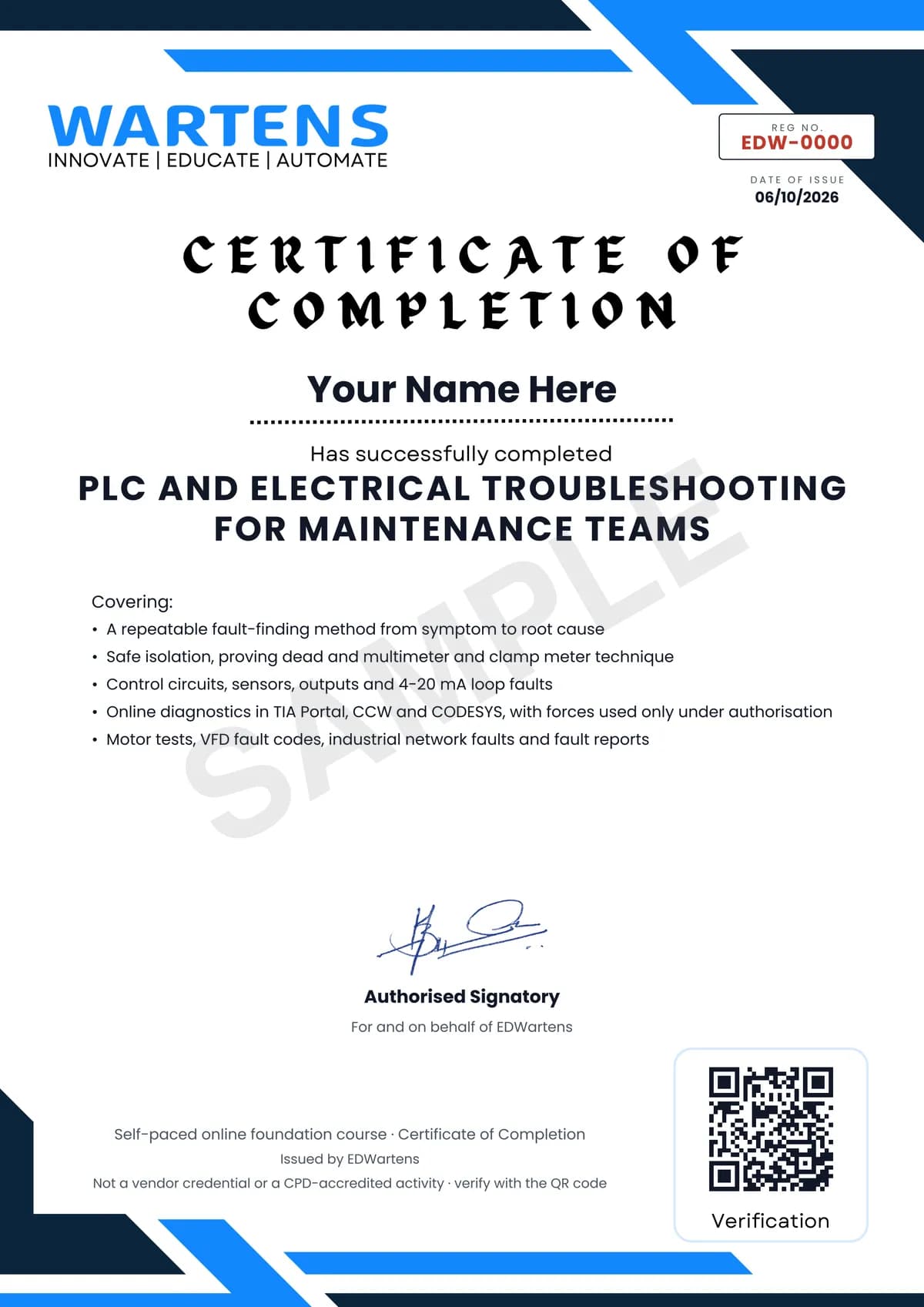
Verifiable by anyone
Adds to LinkedIn in one click
QR code on the certificate
Names what you can do
A permanent link
Earned, not attended
Learning is free. The certificate is optional.
Add it now and pay only when you have finished the course, or come back for it later. One-off, US$23.99, with a receipt.
Issued by EDWartens, the training division of Wartens, as a Certificate of Completion for this self-paced course. Sold by Wartens Ltd (England and Wales). It is not a vendor certification, a university award or a CPD-accredited activity, and it does not certify competence on live equipment. Delivered electronically; see the refund policy.
Credits
Who made the video lessons
The video lessons in this course were created by the people below, not by EDWartens. Every lesson streams from its creator's own YouTube channel; EDWartens neither hosts nor sells that footage, and the creators are not affiliated with EDWartens and do not endorse this course. What EDWartens wrote is the study plan, the notes, the practice tasks and the assessments.
- Greg Roche Automationtechnician habits that fix a machine faster
- RealParsbasic PLC troubleshooting tips
- The Electrical Guyelectrical troubleshooting method and testing contactors and overload relays with a multimeter
- Martindale Electricproving dead with a voltage indicator and proving unit
- Interstates-Crafttesting a proving unit and keeping gloves on
- Fluke Corporationghost voltage on a multimeter and measuring current with a clamp meter
- Tim Wilbornemotor resistance, current and insulation tests, and PLC troubleshooting steps
- Industrial Control Academyreading electrical and termination drawings, control circuit troubleshooting and interlocks
- McNaughton-McKay Electric Companyfinding a wiring fault with a safety relay's diagnostics
- KletteTechtroubleshooting normally open and normally closed PLC inputs and several failed inputs
- TURCK USAtroubleshooting PNP and NPN sensors
- Aaron Dahlenwhy an NPN sensor will not drive a sourcing PLC input
- Ingus Sudintsfault finding an S7-1500 digital output card with its diagnostics
- Transcattesting and troubleshooting 4-20 mA loops, with Fluke
- Dan StaiferTIA Portal watch tables, force tables and system bytes
- Siemens Knowledge HubS7-1500 system diagnostics and PROFINET diagnostics and commissioning
- Automation Consulting, LLCcross-referencing tags in Allen-Bradley and Siemens software
- SolisPLCladder logic fault traps and time stamps
- U.S. Drives and Automation Trainingtroubleshooting a VFD overvoltage fault
- eMotors Directresolving VFD fault codes step by step
- CaptiveAireVFD ground fault troubleshooting
- #FletchyFridaysa free tool for PROFINET IO diagnostics without a PLC
- Helmholz BeneluxPROFINET network troubleshooting with a test tool
- EPMthe five whys for root cause analysis
- Velaction Continuous Improvementusing the five whys problem-solving tool
If you are one of these creators and would like a lesson removed or credited differently, write to info@wartens.com.