PLC programming · Free
TIA Portal: Build a Machine
One machine, start to finish. Take a bottle filling line from a written specification and an I/O list to a structured S7-1200 program with a fill station, a capper, a reject sorter and an operator screen with alarms, then test it against a written record and archive it for hand-over. The lessons are the reference; the machine is yours, and it is what you submit.

Inside the course
From the lessons
The Machine, the Spec and the I/O List
Technical Mindshare

Program Skeleton: Blocks, UDTs and a Tag Table That Scales
Instrumentation Tools
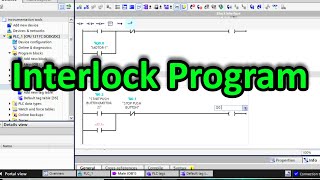
Infeed Conveyor: Start, Stop, Seal-in and Interlocks
Instrumentation Tools

Fill Station: Timers and a Scaled Tank Level
Smart Builds

Capping and Counting: Cylinder Sequence, Edges and Counters
ControlByte Automation

Inspection and Reject: the Sorter Station
Instrumentation Tools
Lesson frames belong to the creators named in the Credits below and are shown from YouTube.
What you will learn
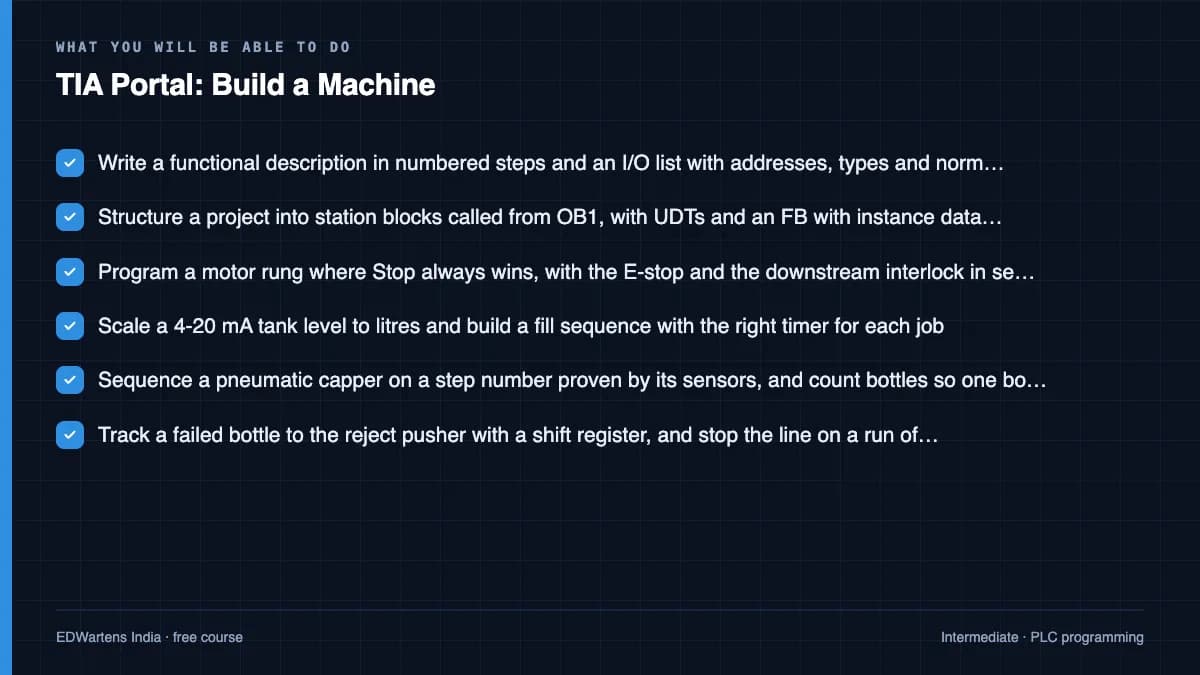
Write a functional description and an I/O list for a machine, structure a TIA Portal project into station blocks with UDTs, program a conveyor with seal-in and interlocks, a timed fill station on a scaled 4-20 mA level, a step-sequenced capper with edge-triggered counters, an inspection and reject sorter with bottle tracking, and a WinCC screen with setpoints, alarms and a trend; then commission it against a test record, find a planted fault with cross-references and a trace, and archive and protect the project so another engineer can restart the line from your hand-over note.
- Write a functional description in numbered steps and an I/O list with addresses, types and normal states before the first rung
- Structure a project into station blocks called from OB1, with UDTs and an FB with instance data wherever state must be remembered
- Program a motor rung where Stop always wins, with the E-stop and the downstream interlock in series with the seal-in
- Scale a 4-20 mA tank level to litres and build a fill sequence with the right timer for each job
- Sequence a pneumatic capper on a step number proven by its sensors, and count bottles so one bottle is one count
- Track a failed bottle to the reject pusher with a shift register, and stop the line on a run of rejects
- Build the operator screen with momentary buttons, limited setpoints, discrete and analog alarms and a trend
- Commission against a written test record, find a planted fault with cross-references and a trace, and archive, protect and hand over the project
For you
Taking TIA Portal: Build a Machine from the United States
- Free in the United States, as everywhere, and self-paced: lessons, notes and the final assessment are open at any hour, so your time zone and shift pattern do not matter.
- The optional certificate for learners in the United States is a one-off US$28.99. What you get for it
- Siemens is one of the automation brands most widely installed across the Americas, so this is a skill plants and integrators near you ask for.
- See automation and engineering jobs in the United States, and what the industry looks like in Houston, Detroit and Chicago.
- EDWartens also has a regional site for the United States, for classroom training and local support: edwartens.com/us.
The course project · about 14 hours
The bottle line, start to finish: specification, program, test record and hand-over
Submit the machine you built through the course: the functional description and I/O list, the archived TIA Portal project with its station blocks and HMI, the completed test record with the failure cases, the trace of one fill, and the one-page hand-over note. Marked against the rubric below by the reviewer, and the same rubric is what a commissioning lead would use.
Sample document pack, 9 documents, filled in for the scenario
- Control narrativeSequence of Operations: Bottle Line BL-1
- I/O listI/O List: Panel CP-1, Bottle Line BL-1
- BOMBill of Materials: Panel CP-1 and Field Devices, Bottle Line BL-1
- SRSSafety Requirements Specification: Bottle Line BL-1
- Risk registerMachinery Risk Assessment: Bottle Line BL-1 (ISO 12100)
- HMI specHMI Screen Specification: KTP700 Basic, Bottle Line BL-1
- FATFactory Acceptance Test Record: Panel CP-1 and Bottle Line BL-1 Program
- O&M manualOperation and Maintenance Manual: Bottle Line BL-1 (Operation section)
- Handover certificateSite Acceptance and Handover Certificate: Bottle Line BL-1
Read inside the course and download as a workbook. The project is optional practice, marked when you submit it; the certificate needs only the modules and the final assessment.
Course content
9 modules · 28 lessons · 6h 9m
In order, at whatever pace suits you. Each module ends with a practice task that builds on the last.
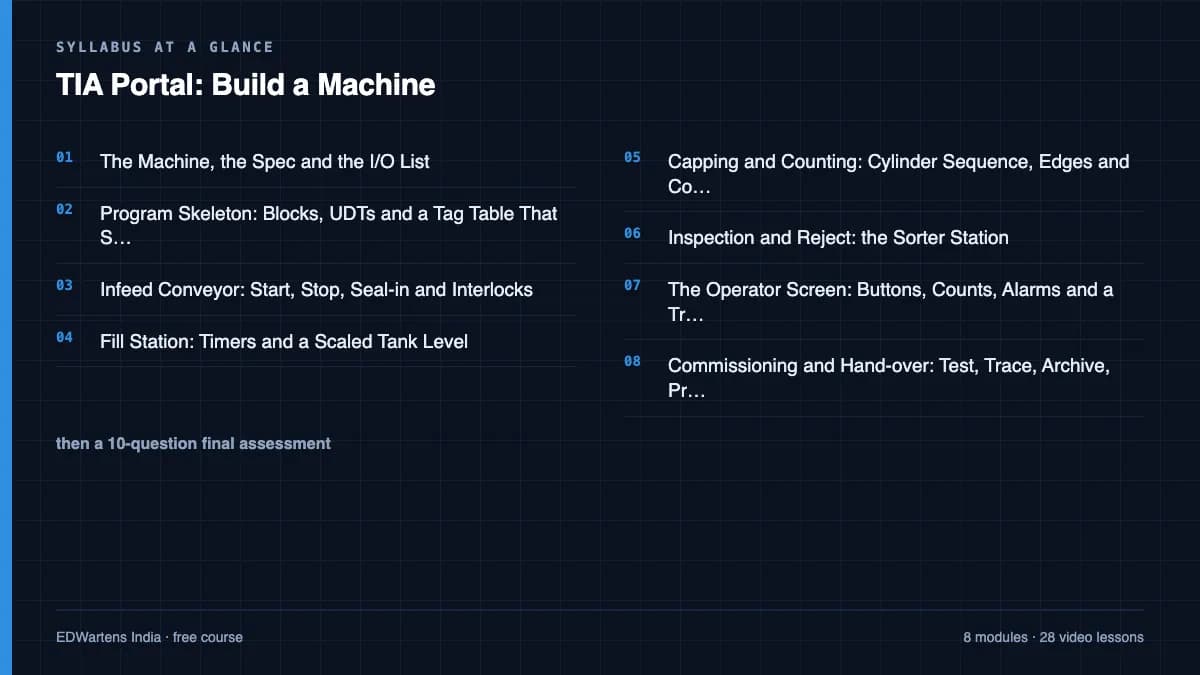
- 01The Machine, the Spec and the I/O List1 lesson18m
- 02Program Skeleton: Blocks, UDTs and a Tag Table That Scales3 lessons37m
- 03Infeed Conveyor: Start, Stop, Seal-in and Interlocks3 lessons1h 8m
- 04Fill Station: Timers and a Scaled Tank Level4 lessons56m
- 05Capping and Counting: Cylinder Sequence, Edges and Counters5 lessons45m
- 06Inspection and Reject: the Sorter Station2 lessons40m
- 07The Operator Screen: Buttons, Counts, Alarms and a Trend4 lessons39m
- 08Commissioning and Hand-over: Test, Trace, Archive, Protect5 lessons56m
Requirements
- Who it is for
- Intermediate. You have finished the Siemens TIA Portal course, or can already write ladder logic with timers, counters and a function block in TIA Portal.
- Software
- TIA Portal V17+ (21-day trial) with S7-PLCSIM and the WinCC HMI simulator. Factory I/O (30-day trial) is optional and makes the machine visible; every stage can be proven in PLCSIM alone. What to download, and how
- Hardware
- None, everything runs in simulation
Software you need
What to download, where from, what it costs and how to install it. Every link goes to the maker's own site, never a mirror.
The WinCC HMI simulator comes with the TIA Portal trial. Factory I/O makes the machine visible; every stage can also be proven in PLCSIM alone.
Required
- 01Free trial: 21 days
SIMATIC STEP 7 Professional and WinCC (TIA Portal) V21 Trial
Siemens
- Runs on
- Windows 11 Pro or Enterprise 64-bit (24H2), Windows 10 Enterprise 2021 LTSC, or Windows Server 2022/2025. Windows 11 Home is supported only for the Basic editions.
- Account
- A free Siemens account registered for Industry Online Support (SiePortal)
- Size
- about 8.1 GB for the main ISO, plus an optional 3.1 GB DVD 2 with hardware support packages
Siemens lets registered users download the V21 trial of STEP 7 (Basic and Professional), STEP 7 Safety and WinCC and test it for 21 days. The same package is used for the full product; after 21 days you need a purchased licence to keep working.
Steps
- 1.Open the Siemens trial page (entry 109989774) and sign in with your Siemens Industry Online Support account.
- 2.Download TIA_Portal_STEP7_Safety_WinCC_V21.iso (8.1 GB).
- 3.Download S7-PLCSIM_V21.iso (2.5 GB) from the same page: PLCSIM is a separate download.
- 4.Right-click each ISO, choose Mount, and run Start.exe as administrator. Install STEP 7 and WinCC first, then PLCSIM.
- 5.Follow the setup, accept the licence terms and restart the PC when asked.
- 6.Open TIA Portal V21 and create a new project to confirm it runs.
- Install from a local drive with plenty of free space; Siemens lists 20 GB free as the minimum and the ISOs alone are over 10 GB.
- You only need DVD 2 if you want extra hardware support packages.
- If you cannot install locally, Siemens also offers a 21-day TIA Portal Cloud trial in the browser (one-hour sessions, not in every country).
Official download pagesupport.industry.siemens.comAlternatives
- TIA Portal Cloud trial: 21 days free in a cloud virtual machine, no install. Sessions are limited to one hour and it is not available in every country.
- 02Free trial: 21 days
S7-PLCSIM V21 (TIA Portal) Trial
Siemens
- Runs on
- Windows 11 Pro or Enterprise 64-bit (24H2), Windows 10 Enterprise 2021 LTSC, or Windows Server 2022/2025. Windows 11 Home is supported only for the Basic editions.
- Account
- A free Siemens account registered for Industry Online Support (SiePortal)
- Size
- about 2.5 GB (ISO)
S7-PLCSIM V21 is offered as a 21-day trial on the same Siemens page as the STEP 7 and WinCC V21 trial. It needs STEP 7 V21 installed on the same PC.
Steps
- 1.Open the Siemens STEP 7 and WinCC V21 trial page (entry 109989774) and sign in.
- 2.Install STEP 7 V21 from the main TIA Portal ISO first.
- 3.Download S7-PLCSIM_V21.iso (2.5 GB) from the section Download S7-PLCSIM Standard V21.
- 4.Mount the ISO, run Start.exe as administrator and follow the setup.
- 5.In TIA Portal, select your CPU and click Start simulation to open PLCSIM.
- Siemens notes that the PLCSIM Standard V21 installation also includes S7-PLCSIM Advanced V8.0.
Official download pagesupport.industry.siemens.com
Optional
Useful, not needed to finish the course.
- 03Free trial: 30 days
Factory I/O
Real Games
- Runs on
- Windows 7 SP1 or newer, with a graphics card from 2006 (NVIDIA, AMD) or 2012 (Intel) onwards
- Account
- Your name and email on the Factory I/O trial form
The 30-day trial includes the full Ultimate Edition. After that you need a paid edition; the Siemens, Allen-Bradley, Modbus and OPC, MHJ, Automgen and Starter editions each support different PLCs.
Steps
- 1.Open the Factory I/O start trial page.
- 2.Enter your name and email and start the trial.
- 3.Download and install Factory I/O.
- 4.Open a sample scene and connect it to your PLC or PLC simulator.
- 5.Before the trial ends, choose the edition that matches your PLC.
- Choose the edition by the PLC you will use: for example the Siemens edition works with S7-PLCSIM.
- The Starter edition has its own built-in PLC simulator if you have no PLC software.
Official download pagefactoryio.com
Checked against each maker's own page on 27 September 2026. Trial lengths and editions change; the maker's page is the final word.
TIA Portal: Build a Machine at a glance
TIA Portal: Build a Machine is a free, self-paced online course from EDWartens for engineering students, ITI and diploma holders, and working engineers in automation, electrical and instrumentation. It has 9 modules and 6h 9m of video lessons by Instrumentation Tools, ControlByte Automation, PLC Automation Academy and others, with written notes and worked problems, a practical project with a document pack and a 15-question final assessment (pass mark 60%). Learning is free with an account; an optional certificate with a public verification code is issued when you pass. Last updated 27 September 2026.
All course factsHide course facts
- Price
- Free, for good. No trial, no card. The only paid item is the optional certificate, a small one-off fee.
- Who it is for
- Engineering students, ITI and diploma holders, and working engineers in automation, electrical and instrumentation
- Format
- 9 self-paced modules, 6h 9m of video, written notes, a practice task per module and one final assessment.
- Level
- Intermediate. Intermediate. You have finished the Siemens TIA Portal course, or can already write ladder logic with timers, counters and a function block in TIA Portal.
- Brand
- Siemens
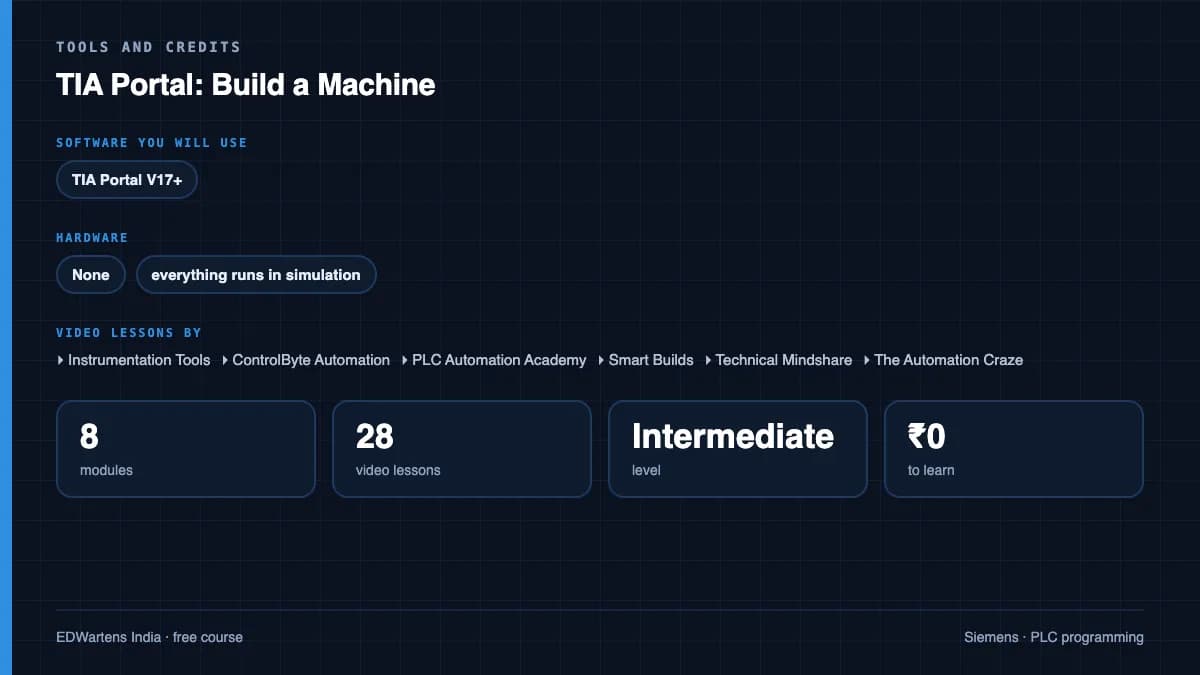
- Software
- TIA Portal V17+ (21-day trial) with S7-PLCSIM and the WinCC HMI simulator. Factory I/O (30-day trial) is optional and makes the machine visible; every stage can be proven in PLCSIM alone.
- Hardware
- None, everything runs in simulation
- Certificate
- Optional EDWartens Certificate of Completion, verifiable by code. Not a vendor credential.
- Video lessons by
- Instrumentation Tools, ControlByte Automation, PLC Automation Academy, Smart Builds, Technical Mindshare, The Automation Craze, Hegamurl, PLCskilltree (independent creators, credited below)
- Language
- English
- Last updated
- 27 September 2026
A shareable EDWartens certificate
Finish every module and pass the final assessment, and the optional EDWartens certificate is yours. It carries a unique verification code on a public page anyone can check, so it stands up when a recruiter looks it up. See it below.
The course itself stays free whether or not you ever buy one.
Stuck? Ask a practising engineer
A free course usually means a comment section and hope. This one does not. Every module has an Ask-your-trainer panel that reaches the same engineers who teach our paid programme: people who commission panels for a living, not moderators.
Pairs well with
 PLC programming · FreeSiemens TIA PortalFrom zero electrical knowledge to a working, simulated S7-1200 program, for nothing.
 PLC programming · FreeSiemens TIA Portal in Three HoursThe first three hours of the Siemens TIA Portal course, cut to end on a win: what a PLC is, how it is wired, a project configured in TIA Portal, and your first ladder program running in simulation. Finish it in an evening or two, earn a certificate, and carry straight on into the full course.
 PLC programming · FreeSiemens S7-1200 with TIA Portal: The Tutorial SeriesEvery S7-1200 instruction, one short video at a time: bits, edges, timers, counters, comparators, maths, MOVE, conversion, analog scaling, jumps and shift registers.
 HMI · FreeSiemens TIA Portal HMI: KTP and Comfort Panels with WinCCEvery screen a plant operator touches, built in TIA Portal: tags, buttons, symbols, numeric input, bar graphs, navigation and templates, trends, alarms, recipes, faceplates, pop-ups, users and languages.
More free courses: Free Siemens PLC courses · Free PLC programming courses
Learner reviews
No reviews yet
Reviews here are written only by learners who have finished every module of TIA Portal: Build a Machine, and they are published exactly as written. Finish the course and yours will be the first.
Common questions
How is this different from the Siemens TIA Portal course?
The TIA Portal course teaches the instructions one module at a time. This course uses all of them on one machine, in the order a commissioning engineer would, and ends with a project you submit rather than only a paper you sit. If you finished the flagship course and wondered what to do with it, this is the answer.
What does the project ask me to submit?
The archived TIA Portal project, the functional description and I/O list, the completed test record with the failure cases, the cross-reference finding for a fault you plant on purpose with a trace screenshot, and a one-page hand-over note. The brief on module 8 lists them, and the rubric it is marked against is printed beside it. Submitting it is strongly recommended, because the machine is the point of the course; the certificate itself is issued when you have finished the modules and passed the final.
Do I need Factory I/O?
No. Factory I/O has a 30-day trial and makes the line visible, which many people enjoy, but every stage of the machine can be proven in S7-PLCSIM by forcing inputs and watching outputs, and the test record is written to be run either way.
Do I need to buy TIA Portal?
No. Siemens publishes a free 21-day trial of TIA Portal with S7-PLCSIM and WinCC Basic included; it needs only a free Siemens account. The course is about fourteen hours of work, so the trial covers it if you install when you start module 2.
Who marks the project?
An automated reviewer marks it against the printed rubric and gives you the score and comments; the EDWartens team reads submissions too. The certificate is released on submission, not on the mark, so a review outage never holds your certificate.
Is the TIA Portal: Build a Machine course really free?
Yes. Every module, the project brief, the review and the final assessment. You create an account so your progress is saved and the assessments can be marked. The only paid item is the certificate, and only if you decide you want it.
What certificate do I get, and is it a Siemens qualification?
An EDWartens Certificate of Completion for the project course, issued when you have finished the modules and passed the final (the project is strongly recommended practice, but not a condition), with a unique number anyone can verify on our site. It is not a Siemens credential and we will never describe it as one.
What you walk away with
Your certificate for TIA Portal: Build a Machine
Finish the course, pass the final, and this is the document with your name on it.
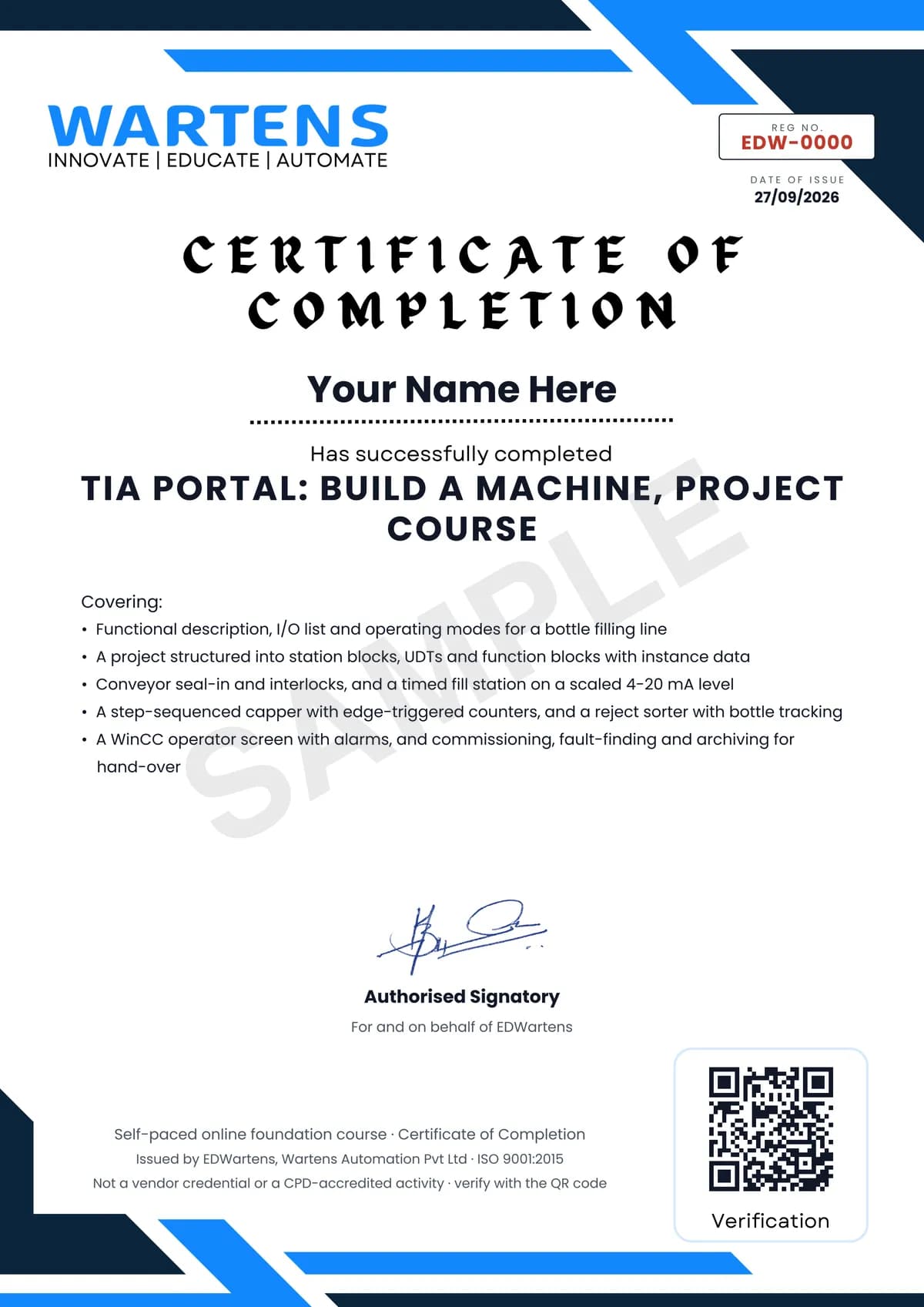
Verifiable by anyone
Adds to LinkedIn in one click
QR code on the certificate
Names what you can do
A permanent link
Earned, not attended
Learning is free. The certificate is optional.
Add it now and pay only when you have finished the course, or come back for it later. One-off, US$28.99, with a receipt.
Issued by EDWartens, the training division of Wartens, as a Certificate of Completion for this self-paced course. Sold by Wartens Ltd (England and Wales). It is not a vendor certification, a university award or a CPD-accredited activity, and it does not certify competence on live equipment. Delivered electronically; see the refund policy.
Credits
Who made the video lessons
The video lessons in this course were created by the people below, not by EDWartens. Every lesson streams from its creator's own YouTube channel; EDWartens neither hosts nor sells that footage, and the creators are not affiliated with EDWartens and do not endorse this course. What EDWartens wrote is the study plan, the notes, the practice tasks and the assessments.
- Instrumentation Toolsinterlocks, scaling, edges, counters, the in-range check, function blocks, the separating station and the tank-level scene
- ControlByte Automationsignals and variables, the output latch, the pneumatic cylinder sequence and the first HMI screen
- PLC Automation Academythe conveyor sequence and the sorter project in Factory I/O
- Smart Buildsthe filling tank with timers and the queue with counters
- Technical Mindsharegetting started with Factory I/O and connecting it to TIA Portal
- The Automation CrazeHMI alarms and the trend view
- Hegamurlcross-references, traces, archiving and password protection
- PLCskilltreeUDTs for I/O structures and downloading to S7-PLCSIM
If you are one of these creators and would like a lesson removed or credited differently, write to info@wartens.com.