Motion control · Free
Siemens TIA Portal Motion Control: S7-1200, S7-1500 and V90
Siemens motion control the way machine builders commission it: technology objects in TIA Portal V21, pulse-train axes on the S7-1200 and PROFIdrive axes on the S7-1500, the SINAMICS V90 with V-ASSISTANT, PLCopen motion blocks, homing, limits and safe stops, axis simulation in PLCSIM, tuning, gearing and camming, and a commissioning checklist.
Inside the course
From the lessons
![MS01. [Siemens Motion Control] Video Series Open Speech (Siemens TIA Portal S7-1200 S7-1500) [1/10]](https://i.ytimg.com/vi/szt4H_5uWdY/mqdefault.jpg)
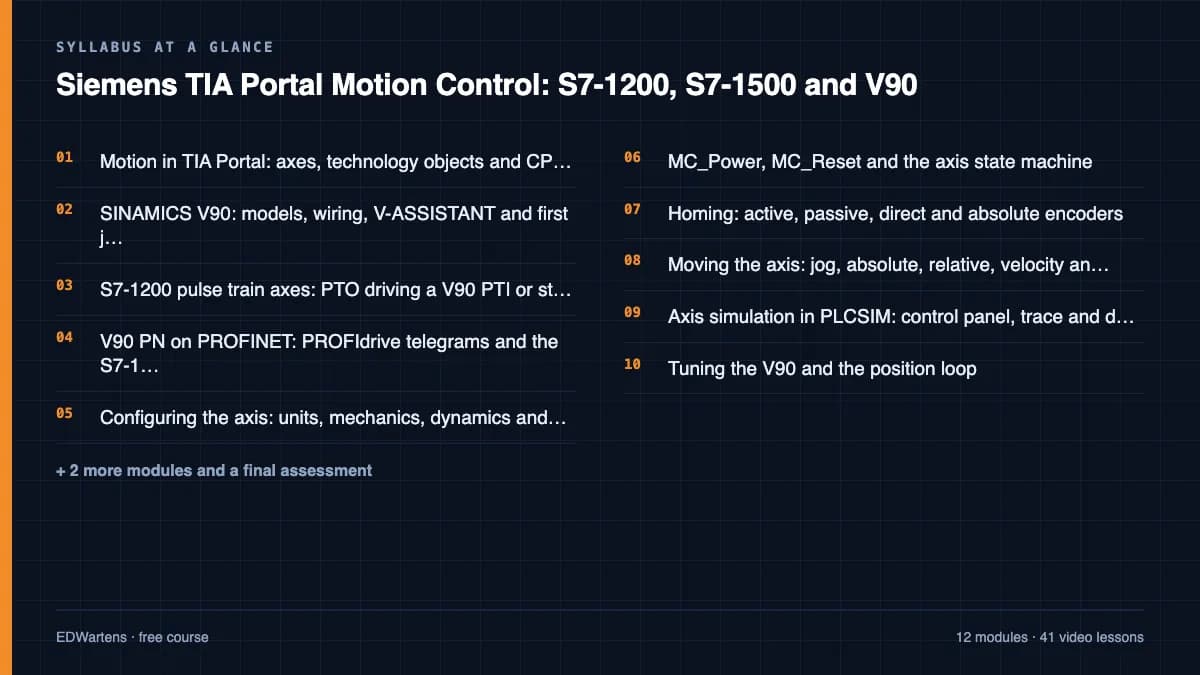
Motion in TIA Portal: axes, technology objects and CPUs
Electrical Automation Hands-On

S7-1200 pulse train axes: PTO driving a V90 PTI or stepper
HMK Automation Group Ltd
![MS03a. [Siemens Motion Control] TIA Portal Single Axis Control - Project Introduction [3/10]](https://i.ytimg.com/vi/xX3s2wCoNmU/mqdefault.jpg)
Configuring the axis: units, mechanics, dynamics and limits
Electrical Automation Hands-On
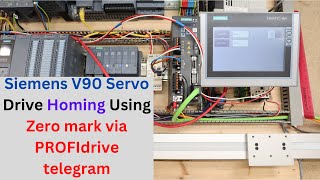
Homing: active, passive, direct and absolute encoders
Ingus Sudints
![MS03e. [Siemens Motion Control] Download Axis and Program into PLCSIM, OB91 Buffer Overflow [7/10]](https://i.ytimg.com/vi/1jOzf_M7xnQ/mqdefault.jpg)
Axis simulation in PLCSIM: control panel, trace and diagnostics
Electrical Automation Hands-On

Speed axes, external encoders, gearing and camming
Hristian Rusev
Lesson frames belong to the creators named in the Credits below and are shown from YouTube.
What you will learn
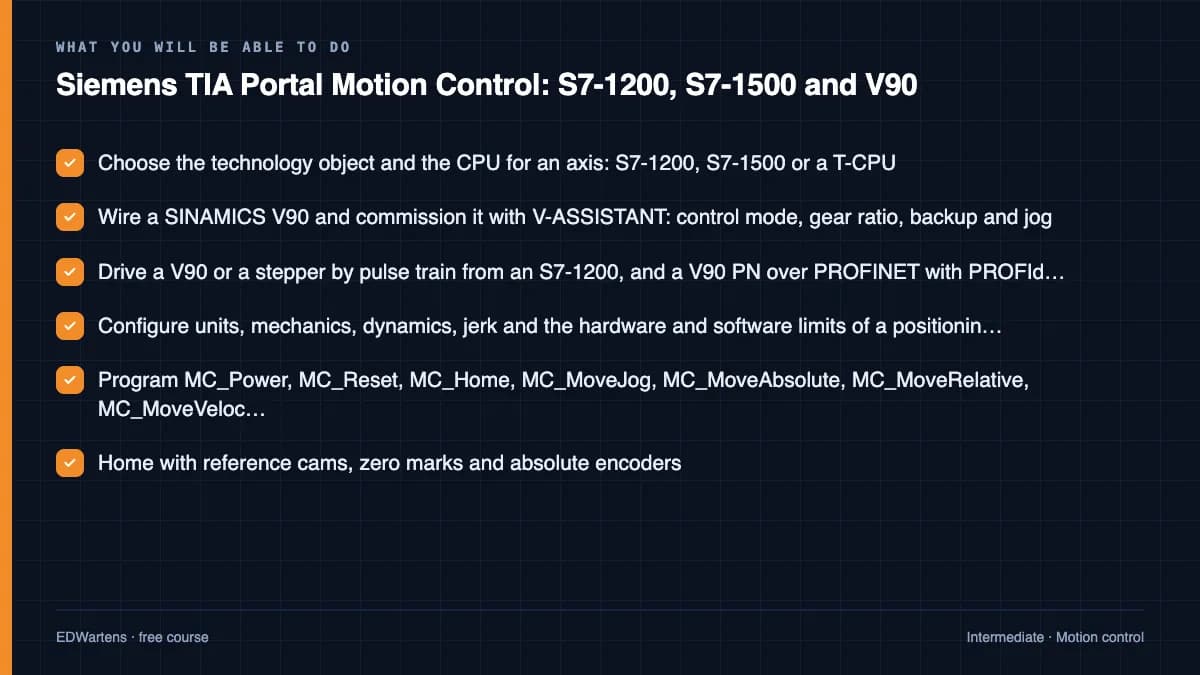
Choose the right technology object and controller for an axis; wire and commission a SINAMICS V90 with V-ASSISTANT; drive it by pulse train from an S7-1200 and over PROFINET with PROFIdrive telegrams from an S7-1500; configure units, mechanics, dynamics and limits; program MC_Power, MC_Reset, MC_Home and the move and halt instructions; home with reference cams and absolute encoders; simulate axes in PLCSIM and diagnose them with the control panel and trace; tune the V90 and the position loop; gear a following axis; and commission an axis to a written checklist with safe stops in place.
- Choose the technology object and the CPU for an axis: S7-1200, S7-1500 or a T-CPU
- Wire a SINAMICS V90 and commission it with V-ASSISTANT: control mode, gear ratio, backup and jog
- Drive a V90 or a stepper by pulse train from an S7-1200, and a V90 PN over PROFINET with PROFIdrive telegrams
- Configure units, mechanics, dynamics, jerk and the hardware and software limits of a positioning axis
- Program MC_Power, MC_Reset, MC_Home, MC_MoveJog, MC_MoveAbsolute, MC_MoveRelative, MC_MoveVelocity and MC_Halt
- Home with reference cams, zero marks and absolute encoders
- Simulate axes in PLCSIM and diagnose them with the axis control panel, trace and error IDs
- Tune the V90 and the position loop, gear a following axis, and commission to a written checklist with safe stops
For you
Taking Siemens TIA Portal Motion Control: S7-1200, S7-1500 and V90 from the United States
- Free in the United States, as everywhere, and self-paced: lessons, notes and the final assessment are open at any hour, so your time zone and shift pattern do not matter.
- The optional certificate for learners in the United States is a one-off US$28.99. What you get for it
- Siemens is one of the automation brands most widely installed across the Americas, so this is a skill plants and integrators near you ask for.
- See automation and engineering jobs in the United States, and what the industry looks like in Houston, Detroit and Chicago.
- EDWartens also has a regional site for the United States, for classroom training and local support: edwartens.com/us.
The course project · about 12 hours
Commissioning a two-axis pick-and-place gantry with an S7-1500 and two SINAMICS V90 PN servo axes
Size, configure, program and commission the X and Z axes of a pick-and-place gantry: work out velocities, ramps, stopping distances and the cycle time, set up two positioning axes on telegram 3, write one axis FB with a mode manager and interlocks, prove it in PLCSIM, then commission each axis and hand over with a parameter list, an interlock list and a signed commissioning record.
Sample document pack, 4 documents, filled in for the scenario
- Axis listAxis list and sizing: grinding cell loading gantry
- Drive parameter listSINAMICS V90 PN parameter list: X and Z axes
- Interlock listInterlock list: grinding cell loading gantry
- Commissioning procedureCommissioning record: X and Z servo axes
Read inside the course and download as a workbook. The project is optional practice, marked when you submit it; the certificate needs only the modules and the final assessment.
Course content
13 modules · 42 lessons · 9h 28m
In order, at whatever pace suits you. Each module ends with a practice task that builds on the last.
- 01Motion in TIA Portal: axes, technology objects and CPUs2 lessons36m
- 02SINAMICS V90: models, wiring, V-ASSISTANT and first jog4 lessons39m
- 03S7-1200 pulse train axes: PTO driving a V90 PTI or stepper5 lessons1h 2m
- 04V90 PN on PROFINET: PROFIdrive telegrams and the S7-1500 axis4 lessons55m
- 05Configuring the axis: units, mechanics, dynamics and limits4 lessons46m
- 06MC_Power, MC_Reset and the axis state machine3 lessons32m
- 07Homing: active, passive, direct and absolute encoders3 lessons32m
- 08Moving the axis: jog, absolute, relative, velocity and halt3 lessons1h 5m
Requirements
- Who it is for
- Intermediate. For PLC programmers who can already write and simulate an S7-1200 or S7-1500 program in TIA Portal (the Siemens TIA Portal course is the right start) and now meet servos and steppers on machines. No motion experience is needed.
- Software
- TIA Portal V21 trial (STEP 7 Professional, 21 days) with S7-PLCSIM V21, which runs every exercise with simulated axes, and SINAMICS V-ASSISTANT, the Siemens commissioning tool for the V90, for the drive modules. Both are free downloads from Siemens. What to download, and how
- Hardware
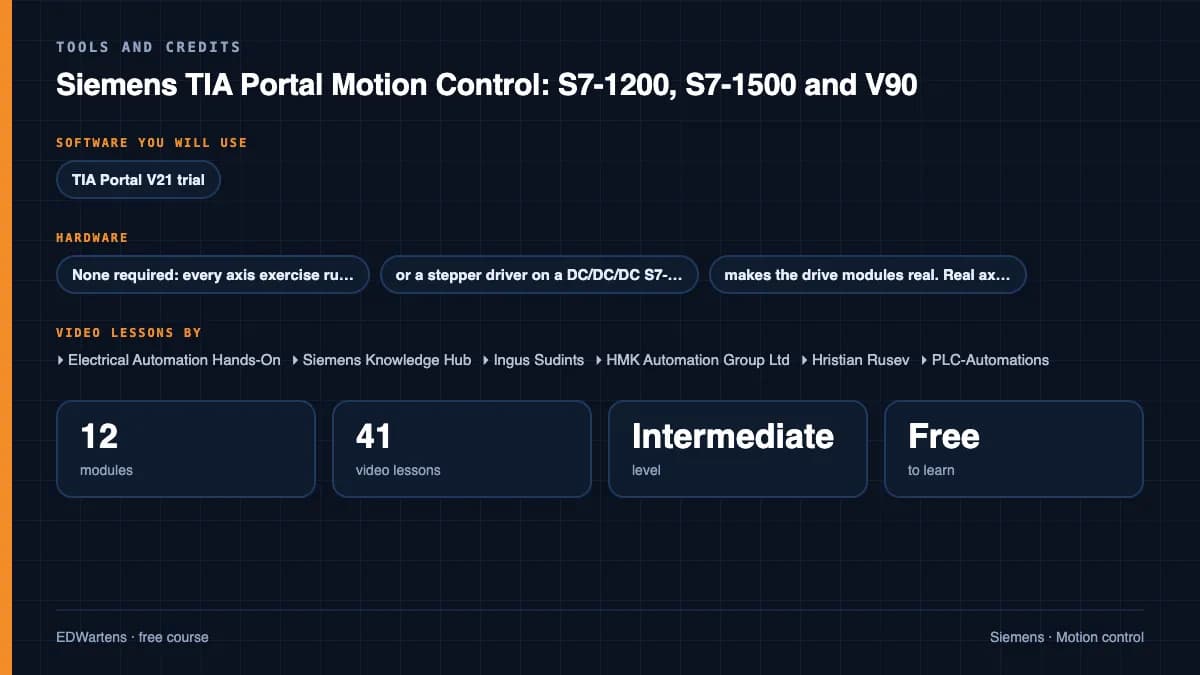
- None required: every axis exercise runs in PLCSIM. A V90 with a 1FL6 motor, or a stepper driver on a DC/DC/DC S7-1200, makes the drive modules real. Real axes are commissioned only with guards and safety functions in place.
Software you need
What to download, where from, what it costs and how to install it. Every link goes to the maker's own site, never a mirror.
SINAMICS V-ASSISTANT, the free Siemens commissioning tool for the V90, is needed only for the drive modules: download it from Siemens Industry Online Support. Every axis exercise runs in S7-PLCSIM with simulated axes, so no drive or motor is needed. The TIA Portal trial lasts 21 days, so plan your practice.
Required
- 01Free trial: 21 days
SIMATIC STEP 7 Professional and WinCC (TIA Portal) V21 Trial
Siemens
- Runs on
- Windows 11 Pro or Enterprise 64-bit (24H2), Windows 10 Enterprise 2021 LTSC, or Windows Server 2022/2025. Windows 11 Home is supported only for the Basic editions.
- Account
- A free Siemens account registered for Industry Online Support (SiePortal)
- Size
- about 8.1 GB for the main ISO, plus an optional 3.1 GB DVD 2 with hardware support packages
Siemens lets registered users download the V21 trial of STEP 7 (Basic and Professional), STEP 7 Safety and WinCC and test it for 21 days. The same package is used for the full product; after 21 days you need a purchased licence to keep working.
Steps
- 1.Open the Siemens trial page (entry 109989774) and sign in with your Siemens Industry Online Support account.
- 2.Download TIA_Portal_STEP7_Safety_WinCC_V21.iso (8.1 GB).
- 3.Download S7-PLCSIM_V21.iso (2.5 GB) from the same page: PLCSIM is a separate download.
- 4.Right-click each ISO, choose Mount, and run Start.exe as administrator. Install STEP 7 and WinCC first, then PLCSIM.
- 5.Follow the setup, accept the licence terms and restart the PC when asked.
- 6.Open TIA Portal V21 and create a new project to confirm it runs.
- Install from a local drive with plenty of free space; Siemens lists 20 GB free as the minimum and the ISOs alone are over 10 GB.
- You only need DVD 2 if you want extra hardware support packages.
- If you cannot install locally, Siemens also offers a 21-day TIA Portal Cloud trial in the browser (one-hour sessions, not in every country).
Official download pagesupport.industry.siemens.comAlternatives
- TIA Portal Cloud trial: 21 days free in a cloud virtual machine, no install. Sessions are limited to one hour and it is not available in every country.
- 02Free trial: 21 days
S7-PLCSIM V21 (TIA Portal) Trial
Siemens
- Runs on
- Windows 11 Pro or Enterprise 64-bit (24H2), Windows 10 Enterprise 2021 LTSC, or Windows Server 2022/2025. Windows 11 Home is supported only for the Basic editions.
- Account
- A free Siemens account registered for Industry Online Support (SiePortal)
- Size
- about 2.5 GB (ISO)
S7-PLCSIM V21 is offered as a 21-day trial on the same Siemens page as the STEP 7 and WinCC V21 trial. It needs STEP 7 V21 installed on the same PC.
Steps
- 1.Open the Siemens STEP 7 and WinCC V21 trial page (entry 109989774) and sign in.
- 2.Install STEP 7 V21 from the main TIA Portal ISO first.
- 3.Download S7-PLCSIM_V21.iso (2.5 GB) from the section Download S7-PLCSIM Standard V21.
- 4.Mount the ISO, run Start.exe as administrator and follow the setup.
- 5.In TIA Portal, select your CPU and click Start simulation to open PLCSIM.
- Siemens notes that the PLCSIM Standard V21 installation also includes S7-PLCSIM Advanced V8.0.
Official download pagesupport.industry.siemens.com
Checked against each maker's own page on 27 September 2026. Trial lengths and editions change; the maker's page is the final word.
Siemens TIA Portal Motion Control: S7-1200, S7-1500 and V90 at a glance
Siemens TIA Portal Motion Control: S7-1200, S7-1500 and V90 is a free, self-paced online course from EDWartens for PLC programmers, commissioning engineers and maintenance staff at machine builders, system integrators and plants who meet Siemens servo and stepper axes. It has 13 modules and 9h 28m of video lessons by Electrical Automation Hands-On, Siemens Knowledge Hub, Ingus Sudints and others, with written notes and worked problems, a practical project with a document pack and a 15-question final assessment (pass mark 60%). Learning is free with an account; an optional certificate with a public verification code is issued when you pass. Last updated 27 September 2026.
All course factsHide course facts
- Price
- Free, for good. No trial, no card. The only paid item is the optional certificate, a small one-off fee.
- Who it is for
- PLC programmers, commissioning engineers and maintenance staff at machine builders, system integrators and plants who meet Siemens servo and stepper axes
- Format
- 13 self-paced modules, 9h 28m of video, written notes, a practice task per module and one final assessment.
- Level
- Intermediate. Intermediate. For PLC programmers who can already write and simulate an S7-1200 or S7-1500 program in TIA Portal (the Siemens TIA Portal course is the right start) and now meet servos and steppers on machines. No motion experience is needed.
- Brand
- Siemens
- Software
- TIA Portal V21 trial (STEP 7 Professional, 21 days) with S7-PLCSIM V21, which runs every exercise with simulated axes, and SINAMICS V-ASSISTANT, the Siemens commissioning tool for the V90, for the drive modules. Both are free downloads from Siemens.
- Hardware
- None required: every axis exercise runs in PLCSIM. A V90 with a 1FL6 motor, or a stepper driver on a DC/DC/DC S7-1200, makes the drive modules real. Real axes are commissioned only with guards and safety functions in place.
- Certificate
- Optional EDWartens Certificate of Completion, verifiable by code. Not a vendor credential.
- Video lessons by
- Electrical Automation Hands-On, Siemens Knowledge Hub, Ingus Sudints, HMK Automation Group Ltd, Hristian Rusev, PLC-Automations, Muhamed Pasic, Hack The Wire (independent creators, credited below)
- Language
- English
- Last updated
- 27 September 2026
A shareable EDWartens certificate
Finish every module and pass the final assessment, and the optional EDWartens certificate is yours. It carries a unique verification code on a public page anyone can check, so it stands up when a recruiter looks it up. See it below.
The course itself stays free whether or not you ever buy one.
Stuck? Ask a practising engineer
A free course usually means a comment section and hope. This one does not. Every module has an Ask-your-trainer panel that reaches the same engineers who teach our paid programme: people who commission panels for a living, not moderators.
Pairs well with
 FreePLC programming · FreeSiemens TIA PortalFrom zero electrical knowledge to a working, simulated S7-1200 program, for nothing.
 FreePLC programming · FreeSiemens TIA Portal in Three HoursThe first three hours of the Siemens TIA Portal course, cut to end on a win: what a PLC is, how it is wired, a project configured in TIA Portal, and your first ladder program running in simulation. Finish it in an evening or two, earn a certificate, and carry straight on into the full course.
 FreePLC programming · FreeTIA Portal: Build a MachineOne machine, start to finish. Take a bottle filling line from a written specification and an I/O list to a structured S7-1200 program with a fill station, a capper, a reject sorter and an operator screen with alarms, then test it against a written record and archive it for hand-over. The lessons are the reference; the machine is yours, and it is what you submit.
 FreePLC programming · FreeSiemens S7-1200 with TIA Portal: The Tutorial SeriesEvery S7-1200 instruction, one short video at a time: bits, edges, timers, counters, comparators, maths, MOVE, conversion, analog scaling, jumps and shift registers.
More free courses: Free Siemens PLC courses · Free VFD and servo courses
Learner reviews
No reviews yet
Reviews here are written only by learners who have finished every module of Siemens TIA Portal Motion Control: S7-1200, S7-1500 and V90, and they are published exactly as written. Finish the course and yours will be the first.
Common questions
Who is this TIA Portal motion control course for?
It is for PLC programmers, commissioning engineers and maintenance staff who already program an S7-1200 or S7-1500 in TIA Portal and now meet servo and stepper axes on packaging, handling, printing and assembly machines. Machine builders and system integrators who fit the SINAMICS V90 with a Siemens PLC will find the drive, homing and commissioning modules most useful.
Is the course free to learn?
Yes. Every module, the notes, the worked problems, the project and the final assessment are free to learn. The TIA Portal trial and SINAMICS V-ASSISTANT are free downloads from Siemens, and the certificate is optional.
Do I need a servo drive or a PLC to practise?
No. Every axis exercise runs in S7-PLCSIM with the axis in simulation mode, so a laptop is enough. A V90 with a 1FL6 motor, or a stepper driver on a DC/DC/DC S7-1200, makes the drive modules real. Commission a real axis only with guards and safety functions in place; the machine's risk assessment and a competent person govern real work.
Which software and versions does it use?
TIA Portal V21 (the STEP 7 Professional trial) with S7-PLCSIM V21, and SINAMICS V-ASSISTANT for the V90. The trial lasts 21 days, so plan your practice before you install it. Motion features change between TIA Portal versions and technology versions, so the notes say what was current in October 2026 and tell you to check the manual for your version.
How is it different from the other servo and Siemens courses?
Take Siemens TIA Portal first if you have not yet programmed an S7 in TIA Portal. Servo Drives and Motion Control teaches servo principles across vendors, and Siemens SINAMICS Drives covers the G120 and S120 with STARTER and Startdrive. This course goes deep on the V90, the S7-1200 pulse train route, the PLCopen motion blocks, homing, tuning and commissioning a real axis.
Does it cover gearing, camming and synchronous motion?
Yes, at an introductory level. You configure speed axes and external encoders and gear a following axis with MC_GearIn, which a standard S7-1500 supports. Position-synchronous gearing and electronic cams need an S7-1500T technology CPU, so the course explains them in outline and shows when a machine needs one.
How long does the Siemens TIA Portal Motion Control course take?
About 16 hours at your own pace, of which about 9.5 hours is video and the rest is notes, worked problems and quizzes. The optional two-axis gantry project takes about 12 hours more.
What certificate does the Siemens TIA Portal Motion Control course give?
An EDWartens certificate of completion, issued when you finish the modules and pass the 15-question final at 60 percent, with a number anyone can verify on our site. It is not a Siemens certification and not a SITRAIN course; EDWartens is not affiliated with Siemens, and none of the video creators is affiliated with EDWartens.
What you walk away with
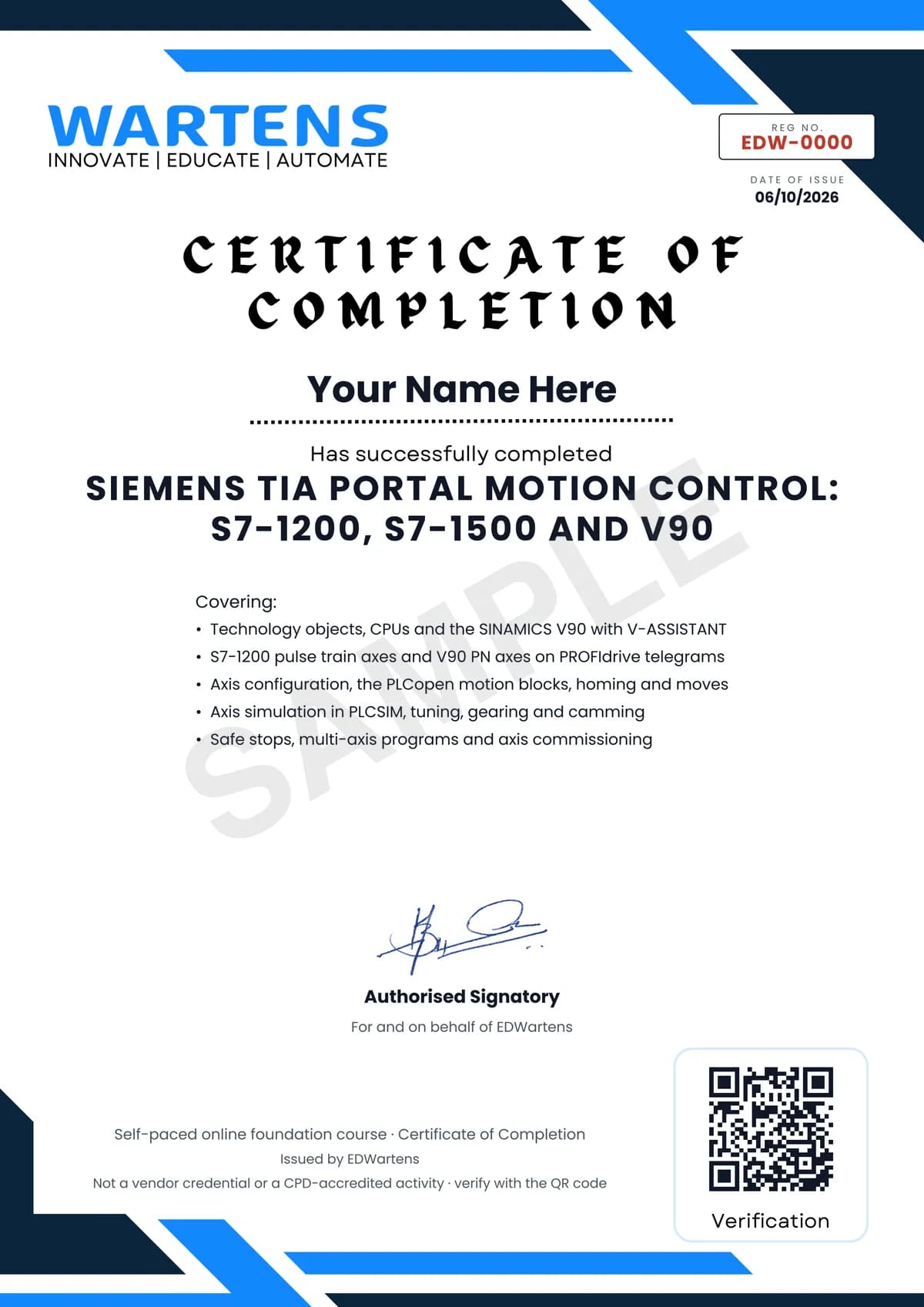
Your certificate for Siemens TIA Portal Motion Control: S7-1200, S7-1500 and V90
Finish the course, pass the final, and this is the document with your name on it.
Verifiable by anyone
Adds to LinkedIn in one click
QR code on the certificate
Names what you can do
A permanent link
Earned, not attended
Learning is free. The certificate is optional.
Add it now and pay only when you have finished the course, or come back for it later. One-off, US$28.99, with a receipt.
Issued by EDWartens, the training division of Wartens, as a Certificate of Completion for this self-paced course. Sold by Wartens Ltd (England and Wales). It is not a vendor certification, a university award or a CPD-accredited activity, and it does not certify competence on live equipment. Delivered electronically; see the refund policy.
Credits
Who made the video lessons
The video lessons in this course were created by the people below, not by EDWartens. Every lesson streams from its creator's own YouTube channel; EDWartens neither hosts nor sells that footage, and the creators are not affiliated with EDWartens and do not endorse this course. What EDWartens wrote is the study plan, the notes, the practice tasks and the assessments.
- Electrical Automation Hands-Onthe Siemens Motion Control series: common questions about Siemens motion, the single-axis project, technology object configuration, reset, power, home and jog, the move, stop and halt instructions, downloading to PLCSIM and the axis control panel; the stepper lessons with S7-1200 PTO; choosing a telegram; curing position overshoot by axis optimisation; and the SINAMICS drive demo project
- Siemens Knowledge Hubthe official SINAMICS V90 overviews (the servo system, easy commissioning, the V90 with PROFINET), the Automation Tasks lessons on V90 hardware configuration, positioning technology object configuration, motion control function blocks and V90 positioning axis tuning, and the S7-1500 and S7-1500 T-CPU motion overviews
- Ingus Sudintsthe V90 series: wiring, set-up and auto tune with V-ASSISTANT, factory reset and parameter backup, PROFINET set-up with an S7-1500 or S7-1200, drive enable and reset, homing with the zero mark and the reference mark over PROFIdrive, absolute and relative moves, and a simple S7-1200 position control application
- HMK Automation Group Ltdthe four-part V90 pulse train series: configuring the V90 for PTI, the S7-1200 technology object with PTO, PLCopen motion commands to the V90, and optimising the servo control loop
- Hristian Rusevthe two-part synchronous drive of two motors with an S7-1500 and SINAMICS V90 axes, used for gearing
- PLC-Automationswhy MC_Power stays Busy when an axis runs in PLCSIM, and the smart gantry pick and process motion project
- Muhamed Pasicthe TO_PositioningAxis configuration walk-through
- Hack The Wiresetting a servo home position on the S7-1200 in three steps
If you are one of these creators and would like a lesson removed or credited differently, write to info@wartens.com.