DCS · Free
Yokogawa CENTUM VP DCS
The DCS of refineries, petrochemical and power plants worldwide: architecture, FCS and HIS, function blocks, ST16 and LC64 logic, SEBOL, PID and advanced control, MC-2E device logic, HMI graphics, a full water-treatment project and ProSafe-RS.

Inside the course
From the lessons
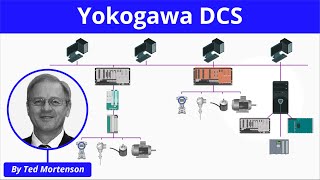
Yokogawa DCS and CENTUM VP Architecture
Davide Maggi

ST16 Decision Matrix and Your First HMI
Taskcoaz

Graphic and Software Templates; Project, FCS and HIS Options
Taskcoaz
SEBOL Language, SFC Blocks and Signals
Taskcoaz

PID Control
Taskcoaz

Project: Water Treatment Plant
Taskcoaz
Lesson frames belong to the creators named in the Credits below and are shown from YouTube.
What you will learn
Explain Yokogawa DCS architecture, create CENTUM VP projects, build logic with ST16, LC64 and SEBOL, configure PVI, templates and FCS/HIS options, configure and tune PID with cascade, split-range, feed-forward and override, build MC-2E valve and pump logic, complete a water-treatment project with annunciators and HMI, and perform channel, backup and graphics maintenance.
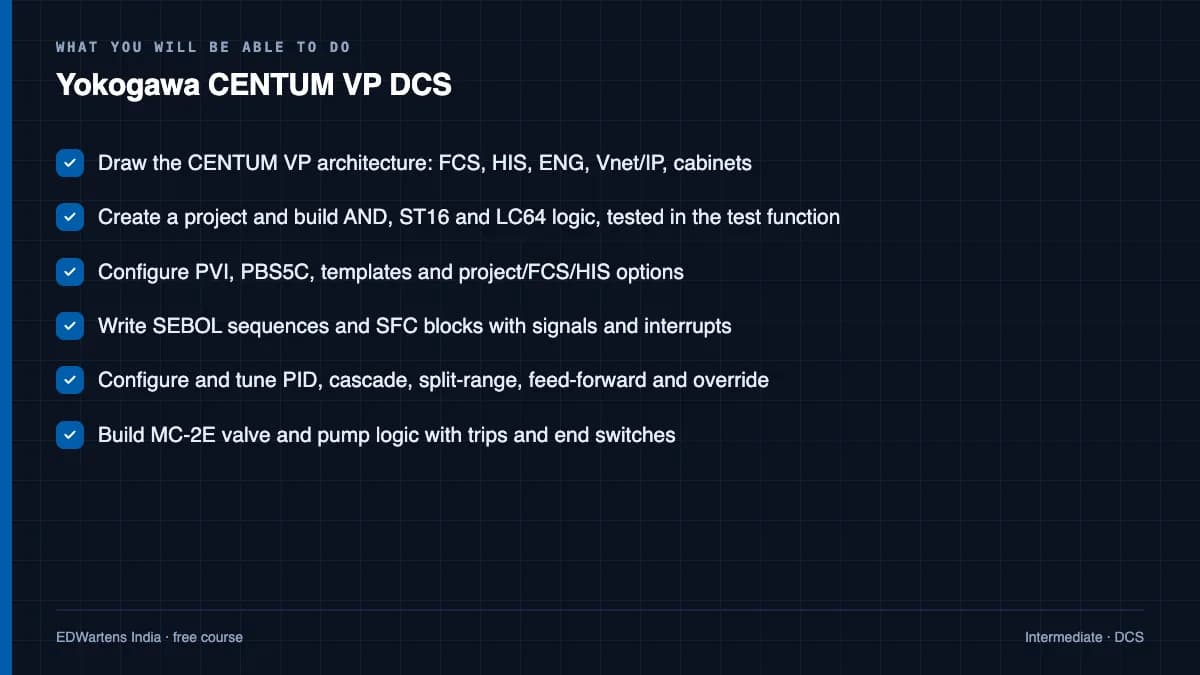
- Draw the CENTUM VP architecture: FCS, HIS, ENG, Vnet/IP, cabinets
- Create a project and build AND, ST16 and LC64 logic, tested in the test function
- Configure PVI, PBS5C, templates and project/FCS/HIS options
- Write SEBOL sequences and SFC blocks with signals and interrupts
- Configure and tune PID, cascade, split-range, feed-forward and override
- Build MC-2E valve and pump logic with trips and end switches
- Complete a water-treatment project with annunciators and HMI
- Maintain a live system: channels, backups, graphics, offline downloads, ProSafe-RS basics
For you
Taking Yokogawa CENTUM VP DCS from the United States
- Free in the United States, as everywhere, and self-paced: lessons, notes and the final assessment are open at any hour, so your time zone and shift pattern do not matter.
- The optional certificate for learners in the United States is a one-off US$28.99. What you get for it
- Plants across the Americas most often run Allen-Bradley, Siemens and Inductive Automation; each has its own free course to take next.
- See automation and engineering jobs in the United States, and what the industry looks like in Houston, Detroit and Chicago.
- EDWartens also has a regional site for the United States, for classroom training and local support: edwartens.com/us.
The course project · about 20 hours
Fertiliser-plant utilities on CENTUM VP: a new FCS, FIO I/O, PID and MC-2E drawings, alarm rationalisation and a redundancy FAT
Design, configure, test and document the CENTUM VP control of the utility section of a DAP/NPK fertiliser complex near Samsun, Turkey: cooling water, instrument air and the steam header, moved from single-loop controllers onto a new duplexed FCS in the plant's existing Vnet/IP domain. You deliver the control drawings in CENTUM VP's own terms (PID, MLD-SW, MC-2E, ST16, LC64, FFSUM, SPLIT), your own FIO I/O list, alarm list, window hierarchy and FAT record. The sample pack shows what a Yokogawa integrator hands a fertiliser plant.
Sample document pack, 10 documents, filled in for the scenario
- Network architectureSystem and Network Architecture: Utility Section Extension to CENTUM VP Domain 1
- HDSHardware Design Specification: FCS0103, FIO Module Allocation and Loading
- Control narrativeControl Narrative: Utility Section (Cooling Water, Instrument Air, Steam Header)
- SDSSoftware Design Specification: Control Drawing and Function Block Typicals
- I/O listI/O List: Utility Section, FCS0103 FIO Nodes NU1 to NU3
- Alarm philosophyAlarm Philosophy: KAN Samsun Site (applied to the utility section)
- Alarm listMaster Alarm Database: Utility Section
- Cause & effectCause and Effect Matrix: Utility Section DCS Sequences and Hardwired Trips
- HMI specWindow Hierarchy and Graphic Specification: HIS0163, Utility Section
- FATFactory Acceptance Test Record: FCS0103 and HIS0163, Utility Section
Read inside the course and download as a workbook. The project is optional practice, marked when you submit it; the certificate needs only the modules and the final assessment.
Course content
14 modules · 121 lessons · 23h 7m
In order, at whatever pace suits you. Each module ends with a practice task that builds on the last.
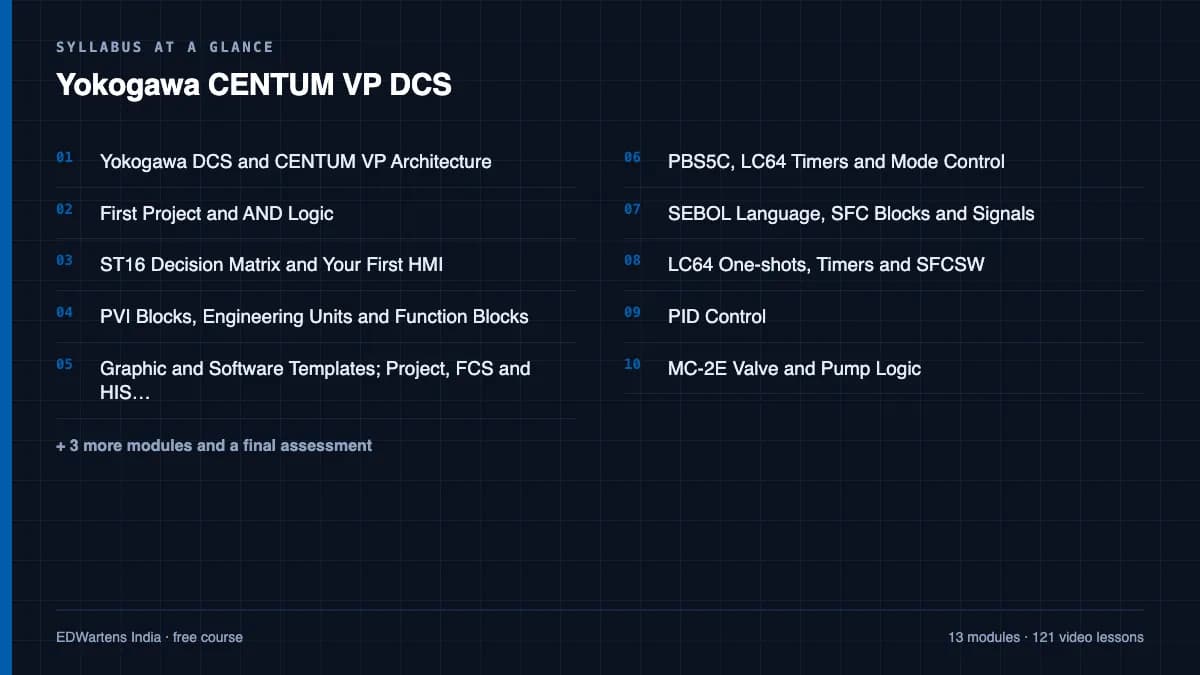
- 01Yokogawa DCS and CENTUM VP Architecture3 lessons35m
- 02First Project and AND Logic6 lessons1h 28m
- 03ST16 Decision Matrix and Your First HMI6 lessons55m
- 04PVI Blocks, Engineering Units and Function Blocks5 lessons1h 11m
- 05Graphic and Software Templates; Project, FCS and HIS Options7 lessons1h 27m
- 06PBS5C, LC64 Timers and Mode Control10 lessons1h 42m
- 07SEBOL Language, SFC Blocks and Signals11 lessons1h 45m
- 08LC64 One-shots, Timers and SFCSW7 lessons1h 17m
Requirements
- Who it is for
- Intermediate. Instrumentation and control basics assumed.
- Software
- CENTUM VP (licensed; lessons use the engineering-station test function) What to download, and how
- Hardware
- None. Follow by watching and re-drawing.
Software you need
What to download, where from, what it costs and how to install it. Every link goes to the maker's own site, never a mirror.
Nothing to install to finish the course
The lessons use the CENTUM VP engineering station's test function, recorded for you.
Optional
Useful, not needed to finish the course.
- 01Licensed systems only
CENTUM VP
Yokogawa
- Runs on
- Windows (supplied as part of the licensed system)
- Account
- Access through an employer, a university or Yokogawa training
Yokogawa does not offer a public download or trial of CENTUM VP. Learners get access through an employer's system, a training centre, or Yokogawa's own paid courses, which include an online CENTUM VP virtual operator trainer.
Steps
- 1.Ask your employer or college whether they have CENTUM VP or a training system.
- 2.Look at Yokogawa's online courses, such as the CENTUM VP overview and the cloud-based virtual operator trainer.
- 3.Meanwhile, practise control logic and HMI skills with free tools such as CODESYS or Ignition.
Yokogawa product pageyokogawa.comLegitimate free routes
- Yokogawa online courses: Yokogawa's own online courses, including the CENTUM VP Cloud Based Virtual Operator Trainer.
- Ignition (trial mode): Free SCADA platform to practise supervisory control and HMI design.
- CODESYS Development System: Free tool to practise function block logic used in DCS work.
Checked against each maker's own page on 27 September 2026. Trial lengths and editions change; the maker's page is the final word.
Yokogawa CENTUM VP DCS at a glance
Yokogawa CENTUM VP DCS is a free, self-paced online course from EDWartens for engineering students, ITI and diploma holders, and working engineers in process control. It has 14 modules and 23h 7m of video lessons by Taskcoaz, PLC Tutor, Davide Maggi and others, with written notes and worked problems, a practical project with a document pack and a 15-question final assessment (pass mark 60%). Learning is free with an account; an optional certificate with a public verification code is issued when you pass. Last updated 27 September 2026.
All course factsHide course facts
- Price
- Free, for good. No trial, no card. The only paid item is the optional certificate, a small one-off fee.
- Who it is for
- Engineering students, ITI and diploma holders, and working engineers in process control
- Format
- 14 self-paced modules, 23h 7m of video, written notes, a practice task per module and one final assessment.
- Level
- Intermediate. Intermediate. Instrumentation and control basics assumed.
- Brand
- Vendor-neutral
- Software
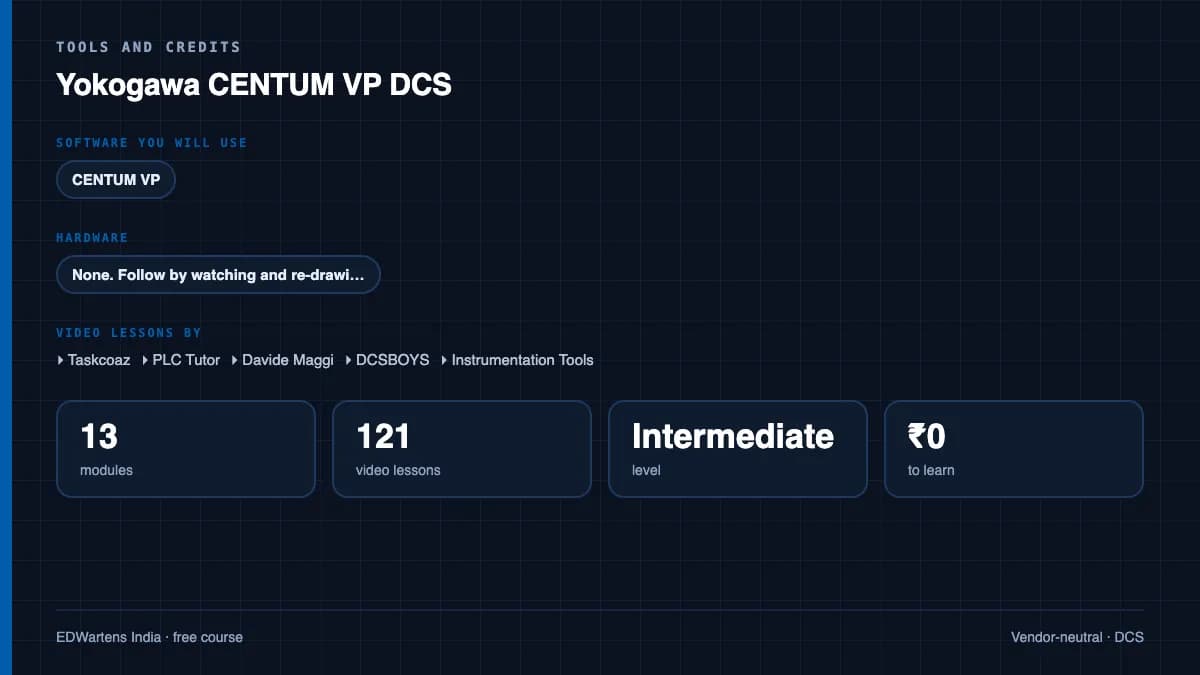
- CENTUM VP (licensed; lessons use the engineering-station test function)
- Hardware
- None. Follow by watching and re-drawing.
- Certificate
- Optional EDWartens Certificate of Completion, verifiable by code. Not a vendor credential.
- Video lessons by
- Taskcoaz, PLC Tutor, Davide Maggi, DCSBOYS, Instrumentation Tools (independent creators, credited below)
- Language
- English
- Last updated
- 27 September 2026
A shareable EDWartens certificate
Finish every module and pass the final assessment, and the optional EDWartens certificate is yours. It carries a unique verification code on a public page anyone can check, so it stands up when a recruiter looks it up. See it below.
The course itself stays free whether or not you ever buy one.
Stuck? Ask a practising engineer
A free course usually means a comment section and hope. This one does not. Every module has an Ask-your-trainer panel that reaches the same engineers who teach our paid programme: people who commission panels for a living, not moderators.
Pairs well with
 DCS · FreeABB Ability System 800xA DCSABB's DCS in metals, cement, paper and power plants worldwide: what 800xA is, Select I/O and xStream engineering, Control Builder's control diagram editor with function blocks, structured text, SFC and PID, the 800xA training sessions, and the cyber security reference architecture.
 DCS · FreeSiemens SIMATIC PCS 7 DCSSiemens' process control system as refineries, chemical and power plants run it: components and buses, AS and OS configuration, the multi-project, CFC and run-time groups, STEP 7 blocks inside PCS 7, the MotL block and interlocks, custom logic, OS alarms, trends, logging and users, reusable charts, PID and voting, SFC sequences and control templates, and full projects from tank station to compressor anti-surge.
 PLC programming · FreeSiemens TIA PortalFrom zero electrical knowledge to a working, simulated S7-1200 program, for nothing.
 PLC programming · FreeSiemens TIA Portal in Three HoursThe first three hours of the Siemens TIA Portal course, cut to end on a win: what a PLC is, how it is wired, a project configured in TIA Portal, and your first ladder program running in simulation. Finish it in an evening or two, earn a certificate, and carry straight on into the full course.
More free courses: Free DCS courses
Learner reviews
No reviews yet
Reviews here are written only by learners who have finished every module of Yokogawa CENTUM VP DCS, and they are published exactly as written. Finish the course and yours will be the first.
Common questions
Can I practise without CENTUM VP?
CENTUM VP is licensed, so the course is built to be followed closely and re-drawn; the free PID and Instrumentation courses provide simulators for the control theory. Plants with Yokogawa usually give engineers test-function access during induction.
Is ProSafe-RS covered?
The basics: what it is, its relationship to CENTUM VP, offline download and a compressor protection example. It is not a full safety course.
Which lessons were left out?
Two unreachable videos and one members-only lesson; their topics are covered by other lessons.
Is the Yokogawa CENTUM VP DCS course really free?
Yes. Every module, practice task and assessment. You create an account so your progress is saved and the assessments can be marked. The certificate is the only paid item, and only if you want it.
What certificate do I get, and is it a Yokogawa qualification?
An EDWartens Certificate of Completion, issued when you pass the final assessment, with a verification code anyone can check. It is not a Yokogawa credential and is never described as one.
Who made the video lessons in the Yokogawa CENTUM VP DCS course?
The creators named in the Credits block at the foot of this page, on their own YouTube channels. EDWartens did not make the videos and the creators are not affiliated with EDWartens. What EDWartens wrote is the study plan, the notes, the practice tasks and the assessments.
How long does the Yokogawa CENTUM VP DCS course take?
Plan on about 30 hours in all, including the video lessons, notes and practice tasks. It is self-paced, so you work through the fourteen modules at your own speed.
What you walk away with
Your certificate for Yokogawa CENTUM VP DCS
Finish the course, pass the final, and this is the document with your name on it.
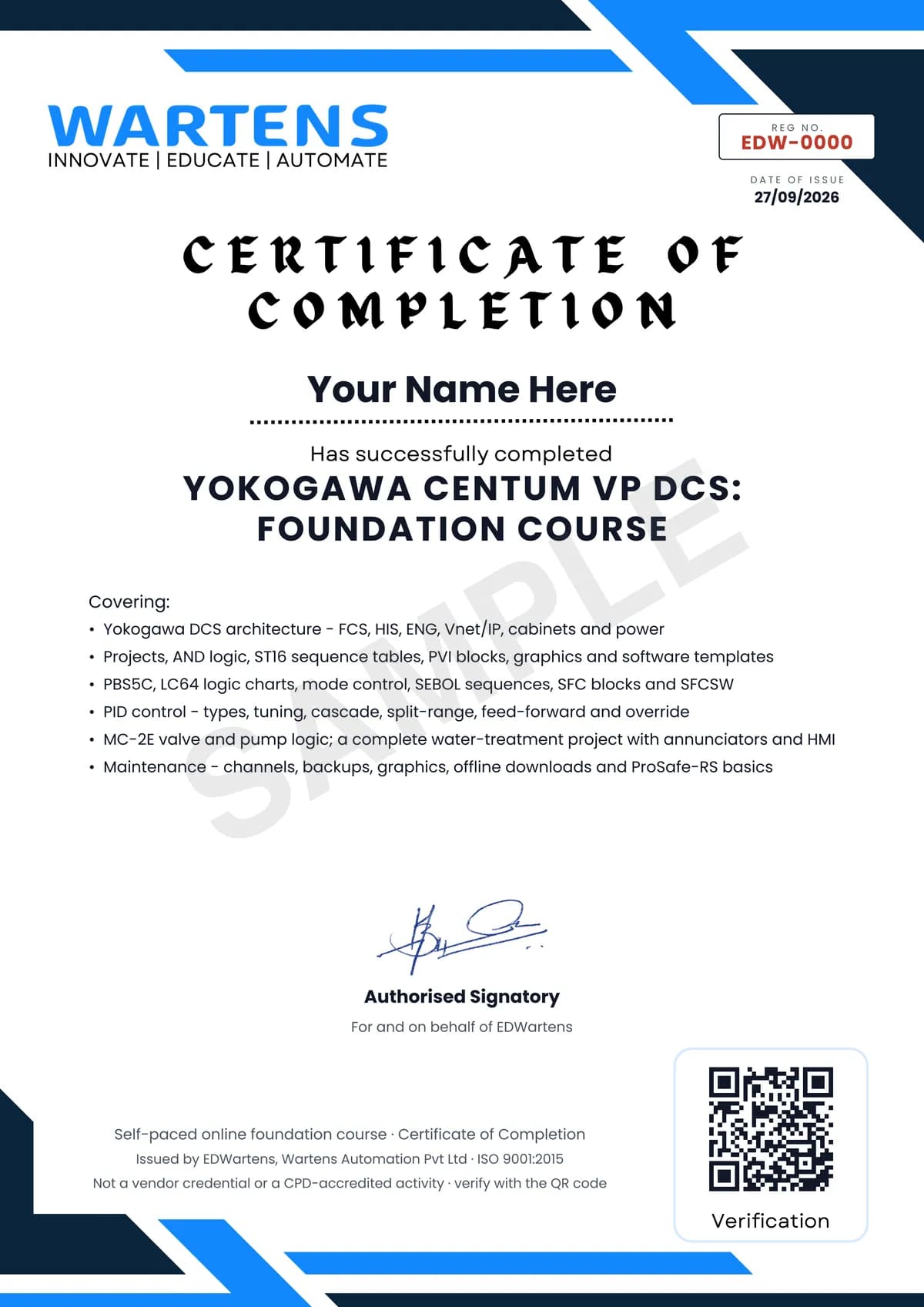
Verifiable by anyone
Adds to LinkedIn in one click
QR code on the certificate
Names what you can do
A permanent link
Earned, not attended
Learning is free. The certificate is optional.
Add it now and pay only when you have finished the course, or come back for it later. One-off, US$28.99, with a receipt.
Issued by EDWartens, the training division of Wartens, as a Certificate of Completion for this self-paced course. Sold by Wartens Ltd (England and Wales). It is not a vendor certification, a university award or a CPD-accredited activity, and it does not certify competence on live equipment. Delivered electronically; see the refund policy.
Credits
Who made the video lessons
The video lessons in this course were created by the people below, not by EDWartens. Every lesson streams from its creator's own YouTube channel; EDWartens neither hosts nor sells that footage, and the creators are not affiliated with EDWartens and do not endorse this course. What EDWartens wrote is the study plan, the notes, the practice tasks and the assessments.
- Taskcoazthe 79-lesson CENTUM VP and ProSafe-RS training (English version)
- PLC Tutorthe CENTUM VP advanced control and SEBOL series
- Davide Maggithe Yokogawa training collection
- DCSBOYSthe Yokogawa DCS maintenance tutorials
- Instrumentation Toolsthe Yokogawa DCS hardware and download tutorials
If you are one of these creators and would like a lesson removed or credited differently, write to info@wartens.com.