Project management · Free
Primavera P6 Planning and Scheduling for Engineers
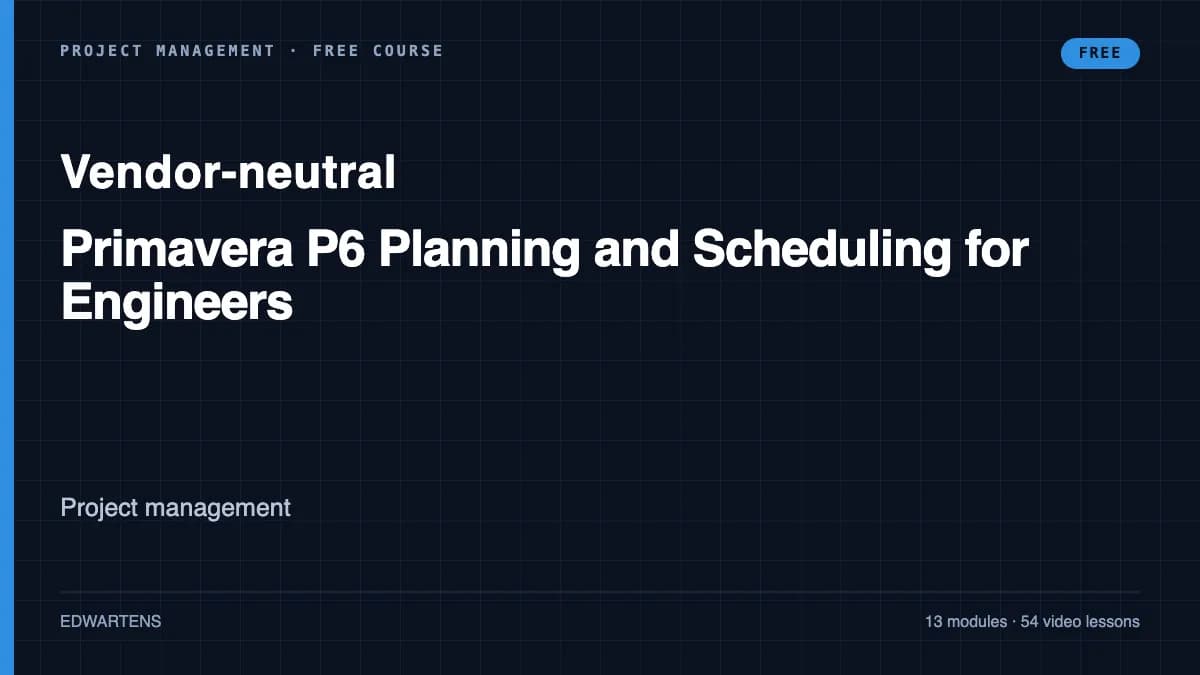
Plan, schedule and control EPC and construction work in Oracle Primavera P6 Professional: CPM by hand, EPS and WBS, calendars, activities, relationships and lags, constraints, the critical path and float, layouts and printing, resources and levelling, cost loading and cash flow, baselines and progress updates, earned value, DCMA 14-point checks, XER exchange and the basics of delay analysis.
Inside the course
From the lessons

The planner's job and CPM by hand
TechnoCivil

Project set-up: calendars and the WBS
TechnoCivil
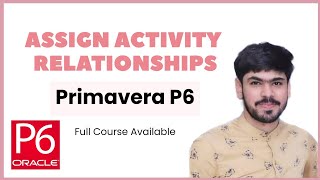
Relationships, lags and constraints
TechnoCivil

Layouts, filters, grouping and printing
Phil Hirst

Costs: budgets, expenses, cost loading and cash flow
TechnoCivil

Earned value from a P6 schedule
TechnoCivil
Lesson frames belong to the creators named in the Credits below and are shown from YouTube.
What you will learn
Calculate a critical path by hand; set up an EPS, OBS, calendars and a WBS in P6; build activities with the right types, durations and codes; link them with relationships, lags and only the constraints that are needed; read total float, free float and the longest path; produce layouts, filters and printed programmes; load resources and costs, level resources and produce an S-curve; baseline and update a schedule at a data date; calculate earned value from schedule data; run the DCMA 14-point checks and exchange XER files; and explain fragnets, time impact analysis and extension of time claims at the level planning interviews expect.
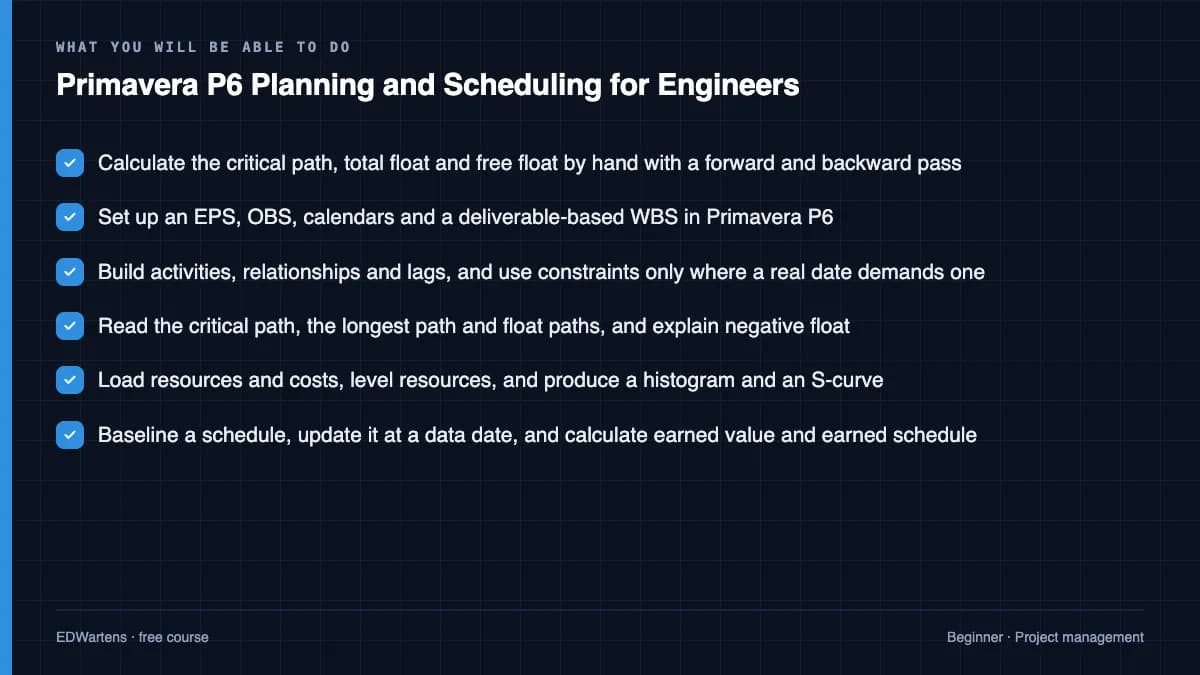
- Calculate the critical path, total float and free float by hand with a forward and backward pass
- Set up an EPS, OBS, calendars and a deliverable-based WBS in Primavera P6
- Build activities, relationships and lags, and use constraints only where a real date demands one
- Read the critical path, the longest path and float paths, and explain negative float
- Load resources and costs, level resources, and produce a histogram and an S-curve
- Baseline a schedule, update it at a data date, and calculate earned value and earned schedule
- Run the DCMA 14-point schedule check and exchange schedules as XER files
- Model a delay as a fragnet and explain time impact analysis and extension of time
For you
Taking Primavera P6 Planning and Scheduling for Engineers from the United States
- Free in the United States, as everywhere, and self-paced: lessons, notes and the final assessment are open at any hour, so your time zone and shift pattern do not matter.
- The optional certificate for learners in the United States is a one-off US$23.99. What you get for it
- Plants across the Americas most often run Allen-Bradley, Siemens and Inductive Automation; each has its own free course to take next.
- See automation and engineering jobs in the United States, and what the industry looks like in Houston, Detroit and Chicago.
- EDWartens also has a regional site for the United States, for classroom training and local support: edwartens.com/us.
The course project · about 10 hours
Planning the PS-01 booster pump station: baseline, cost loading, schedule risk, a time impact analysis and a progress report
Plan and control a small EPC job the way a contractor's planning engineer does: set up the project, build the baseline programme and prove it against a hand calculation, cost-load it, keep a schedule risk register, measure an employer's change with a time impact analysis, and report period 3 with earned value and a critical path forecast. The sample pack shows each document for a booster pump station near Sohar, Oman.
Sample document pack, 5 documents, filled in for the scenario
- PlanPlanning basis: PS-01 booster pump station
- RegisterBaseline programme BL0: logic, dates, float and planned value
- Risk registerSchedule risk register: PS-01
- Change noticeTime impact analysis: the Engineer's instruction for revised pump bases
- ReportProgress report: period 3, data date day 45
Read inside the course and download as a workbook. The project is optional practice, marked when you submit it; the certificate needs only the modules and the final assessment.
Course content
14 modules · 55 lessons · 10h 25m
In order, at whatever pace suits you. Each module ends with a practice task that builds on the last.
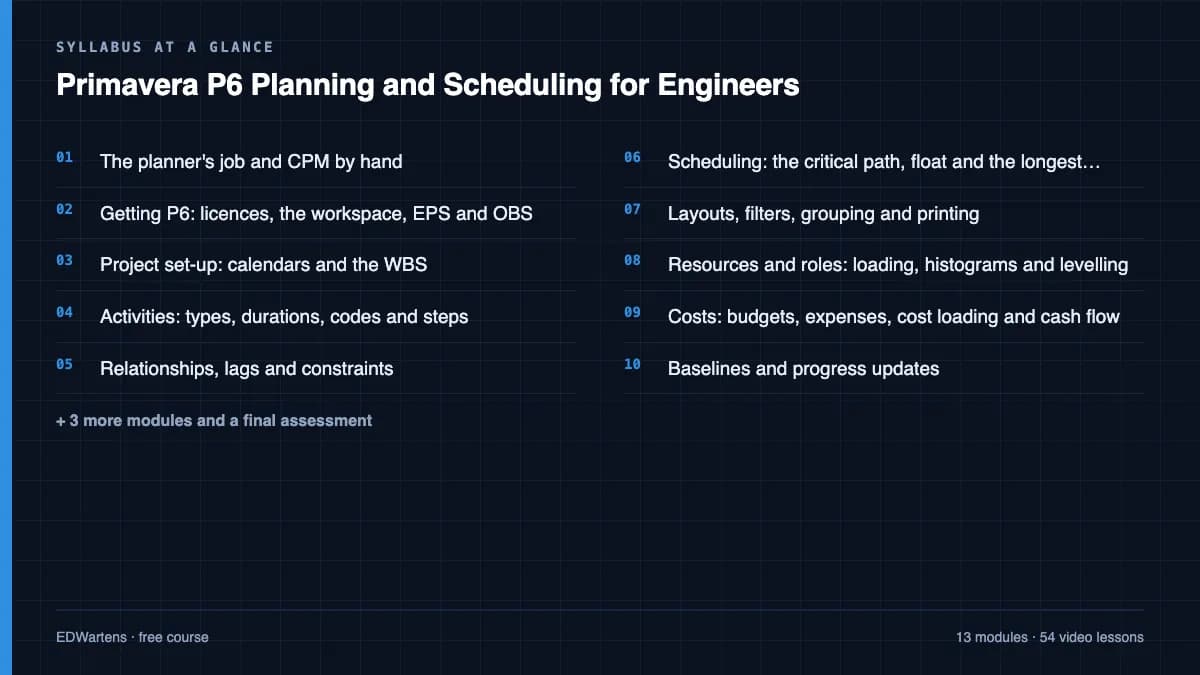
- 01The planner's job and CPM by hand4 lessons34m
- 02Getting P6: licences, the workspace, EPS and OBS5 lessons41m
- 03Project set-up: calendars and the WBS5 lessons55m
- 04Activities: types, durations, codes and steps5 lessons1h 4m
- 05Relationships, lags and constraints5 lessons59m
- 06Scheduling: the critical path, float and the longest path4 lessons31m
- 07Layouts, filters, grouping and printing2 lessons37m
- 08Resources and roles: loading, histograms and levelling5 lessons1h 9m
Requirements
- Who it is for
- Beginner to intermediate. For civil, mechanical and electrical engineers moving into planning and project controls, and site engineers asked to update the programme. Basic arithmetic and a spreadsheet are enough; no planning experience is needed. Project Management for Engineers covers the wider project management theory and is a good companion.
- Software
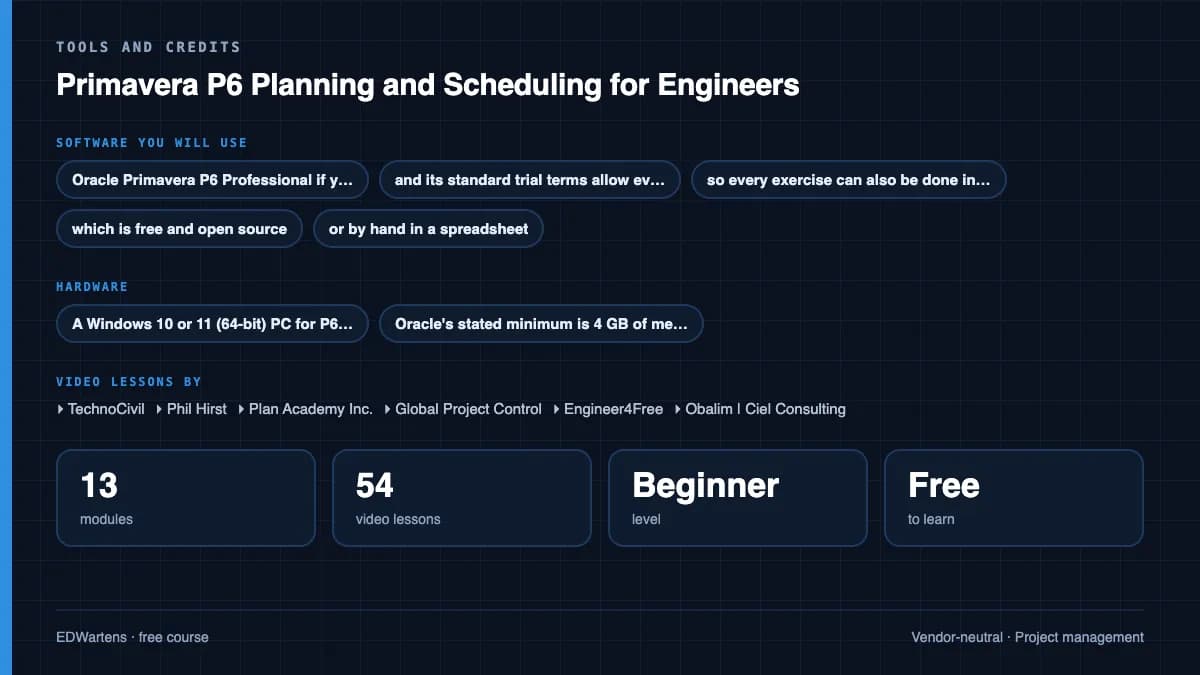
- Oracle Primavera P6 Professional if your employer or college licenses it. Oracle has no free edition, and its standard trial terms allow evaluation only and exclude using a trial to attend third-party training, so every exercise can also be done in ProjectLibre, which is free and open source, or by hand in a spreadsheet. What to download, and how
- Hardware
- A Windows 10 or 11 (64-bit) PC for P6 Professional; Oracle's stated minimum is 4 GB of memory and 5 GB of disk. ProjectLibre also runs on macOS and Linux.
Software you need
What to download, where from, what it costs and how to install it. Every link goes to the maker's own site, never a mirror.
Nothing to install if your employer or college gives you Primavera P6 Professional
Otherwise use ProjectLibre Desktop, which is free, or a spreadsheet: every exercise works in either. Oracle's P6 trial is for evaluation only and its terms exclude third-party training, so do not install it for this course.
Optional
Useful, not needed to finish the course.
- 01Free
ProjectLibre Desktop
ProjectLibre
- Runs on
- Windows, macOS and Linux
- Account
- None needed
ProjectLibre Desktop is free and open-source project scheduling software with no subscription. It opens Microsoft Project .mpp files and can import Primavera P6 files. The separate ProjectLibre Cloud product for teams is paid.
Steps
- 1.Open the ProjectLibre Desktop page.
- 2.Select Download ProjectLibre Free; the file downloads from ProjectLibre's SourceForge project.
- 3.Run the installer for your operating system.
- 4.Start ProjectLibre and create a new project, or open the course's .mpp file.
- 5.Build the task list, links and resources, then view the Gantt chart and critical path.
- Use it to practise the scheduling ideas from Microsoft Project or Primavera P6 lessons; menus and some features differ.
Official download pageprojectlibre.com - 02Free
LibreOffice
The Document Foundation
- Runs on
- Windows 10 or 11, macOS 11 or newer (Intel or Apple silicon), Linux
- Account
- None needed
- Size
- up to 1.5 GB of disk space on Windows
LibreOffice is free, open-source software under the Mozilla Public License 2.0, for any use including business. Calc is its spreadsheet.
Steps
- 1.Open the LibreOffice download page.
- 2.Check the page has picked your operating system, then select Download.
- 3.Run the installer (administrator rights are needed on Windows).
- 4.Start LibreOffice Calc for spreadsheet work.
- 5.Save as .xlsx if you need to share files with Excel users.
- Choose the latest main version unless your organisation asks for the older, more conservative release.
Official download pagelibreoffice.org
Checked against each maker's own page on 27 September 2026. Trial lengths and editions change; the maker's page is the final word.
Primavera P6 Planning and Scheduling for Engineers at a glance
Primavera P6 Planning and Scheduling for Engineers is a free, self-paced online course from EDWartens for civil, mechanical and electrical engineers moving into planning and project controls, site engineers who update programmes, and graduates seeking planning engineer roles on construction, oil and gas, water and power projects. It has 14 modules and 10h 25m of video lessons by TechnoCivil, Phil Hirst, Plan Academy Inc. and others, with written notes and worked problems, a practical project with a document pack and a 15-question final assessment (pass mark 60%). Learning is free with an account; an optional certificate with a public verification code is issued when you pass. Last updated 27 September 2026.
All course factsHide course facts
- Price
- Free, for good. No trial, no card. The only paid item is the optional certificate, a small one-off fee.
- Who it is for
- Civil, mechanical and electrical engineers moving into planning and project controls, site engineers who update programmes, and graduates seeking planning engineer roles on construction, oil and gas, water and power projects
- Format
- 14 self-paced modules, 10h 25m of video, written notes, a practice task per module and one final assessment.
- Level
- Beginner. Beginner to intermediate. For civil, mechanical and electrical engineers moving into planning and project controls, and site engineers asked to update the programme. Basic arithmetic and a spreadsheet are enough; no planning experience is needed. Project Management for Engineers covers the wider project management theory and is a good companion.
- Brand
- Vendor-neutral
- Software
- Oracle Primavera P6 Professional if your employer or college licenses it. Oracle has no free edition, and its standard trial terms allow evaluation only and exclude using a trial to attend third-party training, so every exercise can also be done in ProjectLibre, which is free and open source, or by hand in a spreadsheet.
- Hardware
- A Windows 10 or 11 (64-bit) PC for P6 Professional; Oracle's stated minimum is 4 GB of memory and 5 GB of disk. ProjectLibre also runs on macOS and Linux.
- Certificate
- Optional EDWartens Certificate of Completion, verifiable by code. Not a vendor credential.
- Video lessons by
- TechnoCivil, Phil Hirst, Plan Academy Inc., Global Project Control, Engineer4Free, Obalim | Ciel Consulting, Claims Village, Learn with EngrWaqas (independent creators, credited below)
- Language
- English
- Last updated
- 27 September 2026
A shareable EDWartens certificate
Finish every module and pass the final assessment, and the optional EDWartens certificate is yours. It carries a unique verification code on a public page anyone can check, so it stands up when a recruiter looks it up. See it below.
The course itself stays free whether or not you ever buy one.
Stuck? Ask a practising engineer
A free course usually means a comment section and hope. This one does not. Every module has an Ask-your-trainer panel that reaches the same engineers who teach our paid programme: people who commission panels for a living, not moderators.
Pairs well with
 FreePLC programming · FreeSiemens TIA PortalFrom zero electrical knowledge to a working, simulated S7-1200 program, for nothing.
 FreePLC programming · FreeSiemens TIA Portal in Three HoursThe first three hours of the Siemens TIA Portal course, cut to end on a win: what a PLC is, how it is wired, a project configured in TIA Portal, and your first ladder program running in simulation. Finish it in an evening or two, earn a certificate, and carry straight on into the full course.
 FreePLC programming · FreeTIA Portal: Build a MachineOne machine, start to finish. Take a bottle filling line from a written specification and an I/O list to a structured S7-1200 program with a fill station, a capper, a reject sorter and an operator screen with alarms, then test it against a written record and archive it for hand-over. The lessons are the reference; the machine is yours, and it is what you submit.
 FreeInstrumentation · FreeInstrumentation for PLC EngineersThe half of the loop that is not code. Follow one measurement from the transmitter in the field, down the 4-20 mA loop, into the analog card, through NORM_X and SCALE_X into engineering units, out again to a valve, and back to the control room when the reading is wrong.
More free courses: Free project management courses
Learner reviews
No reviews yet
Reviews here are written only by learners who have finished every module of Primavera P6 Planning and Scheduling for Engineers, and they are published exactly as written. Finish the course and yours will be the first.
Common questions
Who is this Primavera P6 course for?
Civil, mechanical and electrical engineers moving into planning and project controls, site engineers asked to update the programme, and graduates who want a planning engineer role on construction, oil and gas, water or power projects. No planning experience is needed; basic arithmetic and a spreadsheet are enough.
Is this an Oracle Primavera certification?
No. It is not an Oracle certification and does not lead to any Oracle credential. It uses lessons that TechnoCivil, Phil Hirst, Plan Academy Inc. and other educators publish free on YouTube, credited on each module. Oracle, Primavera and P6 are trademarks of Oracle, which is not affiliated with EDWartens.
Do I need a Primavera P6 licence?
No. P6 Professional has no free edition, so use it if your employer or college gives you a licence. Oracle's trial is for evaluation only and its standard terms exclude using it to attend third-party training, so do not install it for this course. Every exercise also works in ProjectLibre, which is free and open source, or by hand in a spreadsheet.
Is the course free to learn?
Yes. Every module, the notes, the worked problems, the project and the final assessment are free to learn. The certificate is optional.
Does it cover delay analysis and extension of time claims?
Yes, at the level planning interviews and site work expect: fragnets, time impact analysis, windows analysis, the SCL Delay and Disruption Protocol and the FIDIC 2017 notice rules. A live claim still needs the contract in force and, when the stakes are high, an experienced delay analyst.
Will it help me get a planning engineer job?
P6 is the scheduling tool most planning job adverts name, especially on large building, infrastructure, oil and gas and power projects in the Middle East and elsewhere. Employers test the method as much as the software: the course drills CPM by hand, float, updating, earned value and the DCMA checks that interviews ask about, and the project gives you a sample planning pack to discuss.
How long does the Primavera P6 Planning and Scheduling for Engineers course take?
About 17 hours of video, notes and practice at your own pace, of which about 10.5 hours is video. The optional project takes about 10 hours more.
What certificate does the Primavera P6 Planning and Scheduling for Engineers course give?
An EDWartens certificate of completion, issued when you finish the modules and pass the 15-question final at 60 percent, with a number anyone can verify on our site. It is not an Oracle certification.
What is the project in the Primavera P6 Planning and Scheduling for Engineers course?
You are the contractor's planning engineer for a booster pump station near Sohar, Oman: a planning basis, a baseline programme proved by hand and checked against the DCMA points, a cost-loaded S-curve, a schedule risk register, a time impact analysis of an employer's change and a period 3 progress report with earned value. A complete sample pack shows each document.
What you walk away with
Your certificate for Primavera P6 Planning and Scheduling for Engineers
Finish the course, pass the final, and this is the document with your name on it.
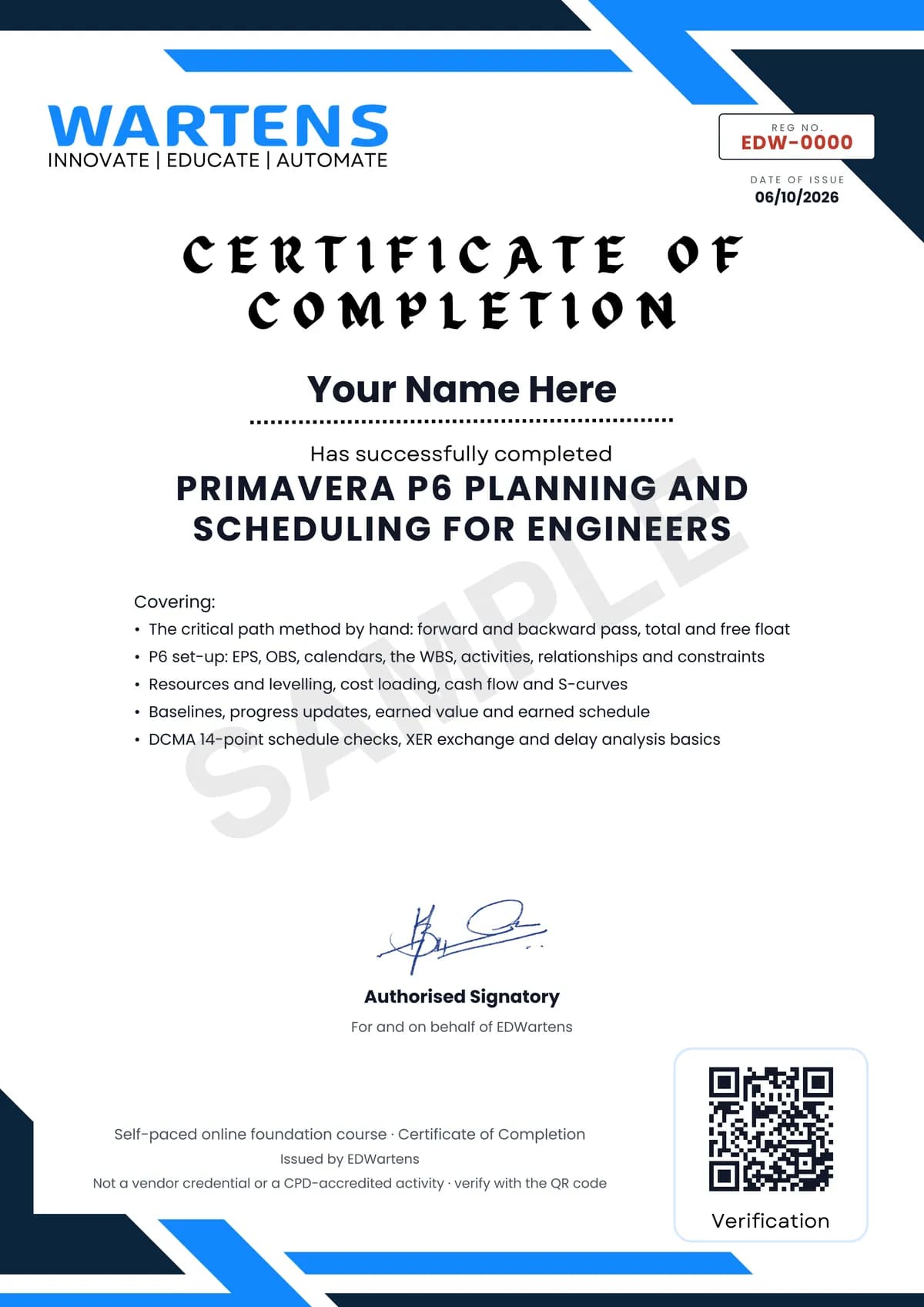
Verifiable by anyone
Adds to LinkedIn in one click
QR code on the certificate
Names what you can do
A permanent link
Earned, not attended
Learning is free. The certificate is optional.
Add it now and pay only when you have finished the course, or come back for it later. One-off, US$23.99, with a receipt.
Issued by EDWartens, the training division of Wartens, as a Certificate of Completion for this self-paced course. Sold by Wartens Ltd (England and Wales). It is not a vendor certification, a university award or a CPD-accredited activity, and it does not certify competence on live equipment. Delivered electronically; see the refund policy.
Credits
Who made the video lessons
The video lessons in this course were created by the people below, not by EDWartens. Every lesson streams from its creator's own YouTube channel; EDWartens neither hosts nor sells that footage, and the creators are not affiliated with EDWartens and do not endorse this course. What EDWartens wrote is the study plan, the notes, the practice tasks and the assessments.
- TechnoCivilthe 25 lessons of the Primavera P6 series used across the course: EPS and OBS, admin categories and preferences, new projects, calendars, the WBS, activities and their settings, duration types, activity codes, relationships and constraints, printing, roles and resources, resource histograms, expenses and cost accounts, baselines, progress updating, earned value, and XER export and import
- Phil Hirstthe beginner and intermediate P6 tutorials on the workspace, the EPS and a new project, calendars, the WBS and activities, schedule logic and layouts, filters, grouping and baselines, and importing and resources
- Plan Academy Inc.CPM scheduling in P6 (also the recap in the final module), how calendars affect durations, the four relationship types, finding loops, defining critical activities, the longest path, float paths, cost-loading a fixed bid, indirects and overheads, an earned value layout, and earned schedule
- Global Project Controlnear-critical activities, resource levelling, the activity usage spreadsheet and profile, financial periods, baseline settings, out-of-sequence progress, and the schedule log
- Engineer4Freethe forward and backward pass, the critical path, and total and free float worked by hand
- Obalim | Ciel Consultingthe DCMA 14-point schedule check in P6, and fragnets and time impact analysis step by step
- Claims Villagethe introduction to the Society of Construction Law Delay and Disruption Protocol
- Learn with EngrWaqasdelay analysis and claims management with a windows analysis in Primavera P6
If you are one of these creators and would like a lesson removed or credited differently, write to info@wartens.com.