Robotics · Free
RoboDK Offline Programming and Simulation
Brand-independent offline programming with RoboDK's own academy: installation, robots, tools and frames, targets and programs, teaching on surfaces, station creation, pick and place, simulation events, 3D models and mechanisms, simulation tools, curve-follow and machining paths, modelling your own robot, the Python API, post processors and export.

Inside the course
From the lessons

RoboDK and Installation
RoboDK

Movements, Targets and Programs
RoboDK

Station Creation: Library, Objects and Paths from Parts
RoboDK
Simulation Events
RoboDK

Mechanism Applications and Simulation Tools
RoboDK
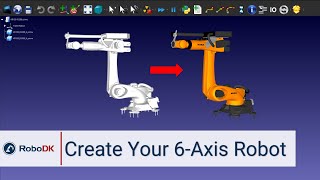
Modelling Your Own Robot and Cell
RoboDK
Lesson frames belong to the creators named in the Credits below and are shown from YouTube.
What you will learn
Build RoboDK stations with robots, tools, frames and objects, create targets and programs, teach targets on surfaces, simulate pick and place with events, import and prepare 3D models, model mechanisms and your own robot, check collisions, singularities and cycle time, generate curve-follow and machining programs, script with Python and post-process programs for real controllers.
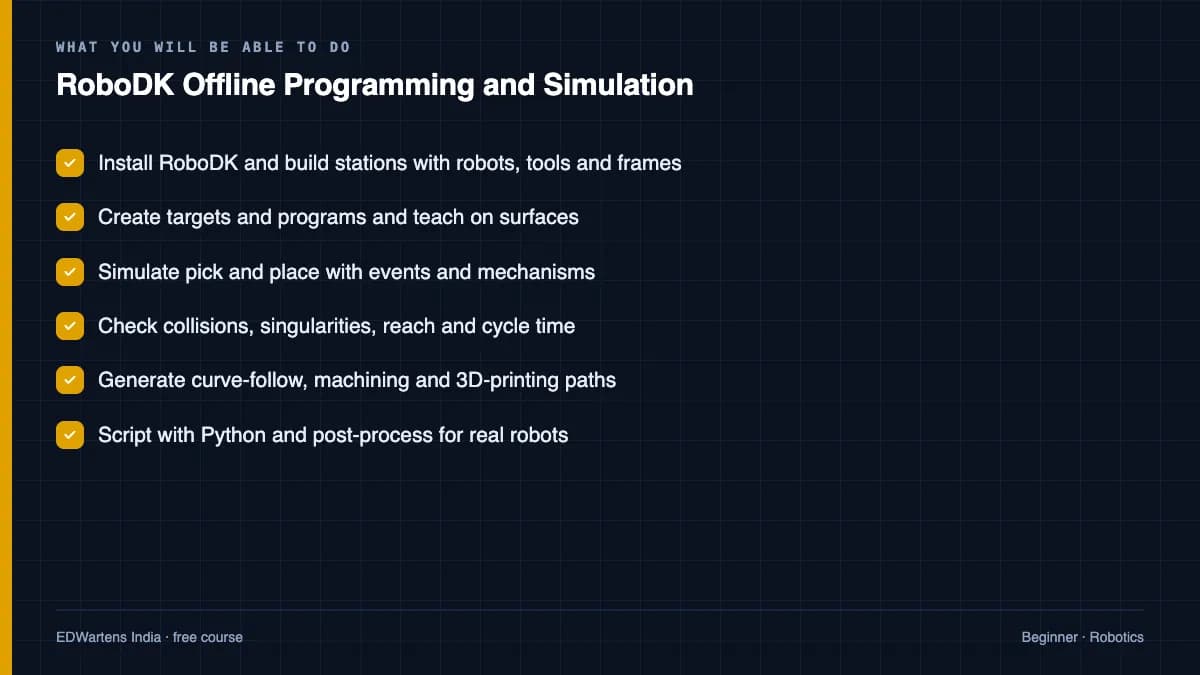
- Install RoboDK and build stations with robots, tools and frames
- Create targets and programs and teach on surfaces
- Simulate pick and place with events and mechanisms
- Check collisions, singularities, reach and cycle time
- Generate curve-follow, machining and 3D-printing paths
- Script with Python and post-process for real robots
For you
Taking RoboDK Offline Programming and Simulation from the United States
- Free in the United States, as everywhere, and self-paced: lessons, notes and the final assessment are open at any hour, so your time zone and shift pattern do not matter.
- The optional certificate for learners in the United States is a one-off US$23.99. What you get for it
- Plants across the Americas most often run Allen-Bradley, Siemens and Inductive Automation; each has its own free course to take next.
- See automation and engineering jobs in the United States, and what the industry looks like in Houston, Detroit and Chicago.
- EDWartens also has a regional site for the United States, for classroom training and local support: edwartens.com/us.
The course project · about 16 hours
Deburring cell for aluminium castings: RoboDK station, curve-follow paths from CAD, KUKA post validation and cycle time
Design, program offline, validate and document a KUKA KR 20 R1810 deburring cell for twelve aluminium casting variants on a two-station turntable at a foundry: the RoboDK station with tools, frames and the turntable mechanism, parting-line and hole paths generated from the casting CAD, collision and cycle-time checks, KRL from the KUKA post validated against the controller, a handshake with the cell PLC, and the procedure that moves a program from the laptop to the cell with one frame calibration instead of a day of touch-up. The sample pack shows what an offline-programming integrator hands over.
Sample document pack, 7 documents, filled in for the scenario
- Cell layoutDeburring Cell DB-1 Layout and Safeguarding
- Risk registerRisk Assessment Register: Deburring Cell DB-1 (ISO 12100, task-based)
- I/O handshakePLC-Robot I/O Handshake Table: DB1-PLC to KR C5 micro
- SDSSoftware Design Specification: RoboDK Station, Program Generation and the KRL Program Set
- Test reportPost-Processor Validation: Generated KRL Against the KR C5 micro, Variant WPH12
- ReportCycle-Time Report: Deburring Cell DB-1, Simulation Against the Cell and the Manual Baseline
- ProcedureProcedure: Transfer of Offline Programs to the KR C5 micro, Frame Calibration and Touch-Up
Read inside the course and download as a workbook. The project is optional practice, marked when you submit it; the certificate needs only the modules and the final assessment.
Course content
13 modules · 128 lessons · 19h 40m
In order, at whatever pace suits you. Each module ends with a practice task that builds on the last.
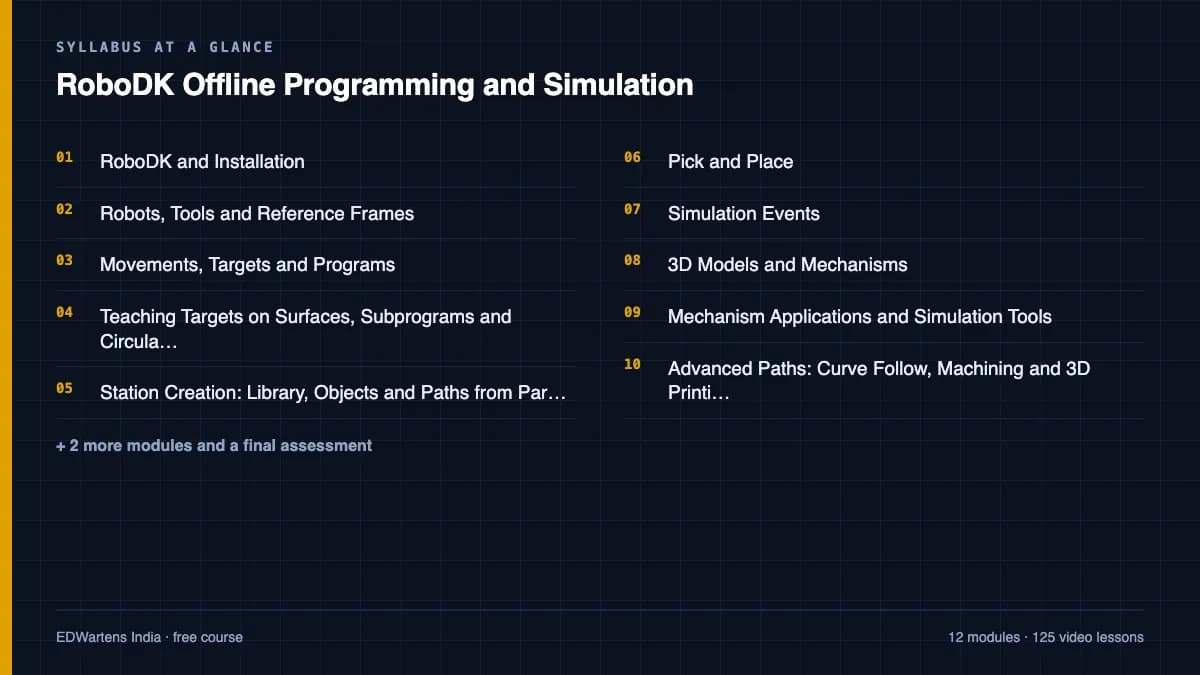
- 01RoboDK and Installation5 lessons43m
- 02Robots, Tools and Reference Frames8 lessons1h 41m
- 03Movements, Targets and Programs7 lessons59m
- 04Teaching Targets on Surfaces, Subprograms and Circular Motion6 lessons43m
- 05Station Creation: Library, Objects and Paths from Parts11 lessons1h 45m
- 06Pick and Place10 lessons1h 28m
- 07Simulation Events11 lessons1h 45m
- 083D Models and Mechanisms16 lessons3h 0m
Requirements
- Who it is for
- Beginner to intermediate. No robot brand knowledge needed.
- Software
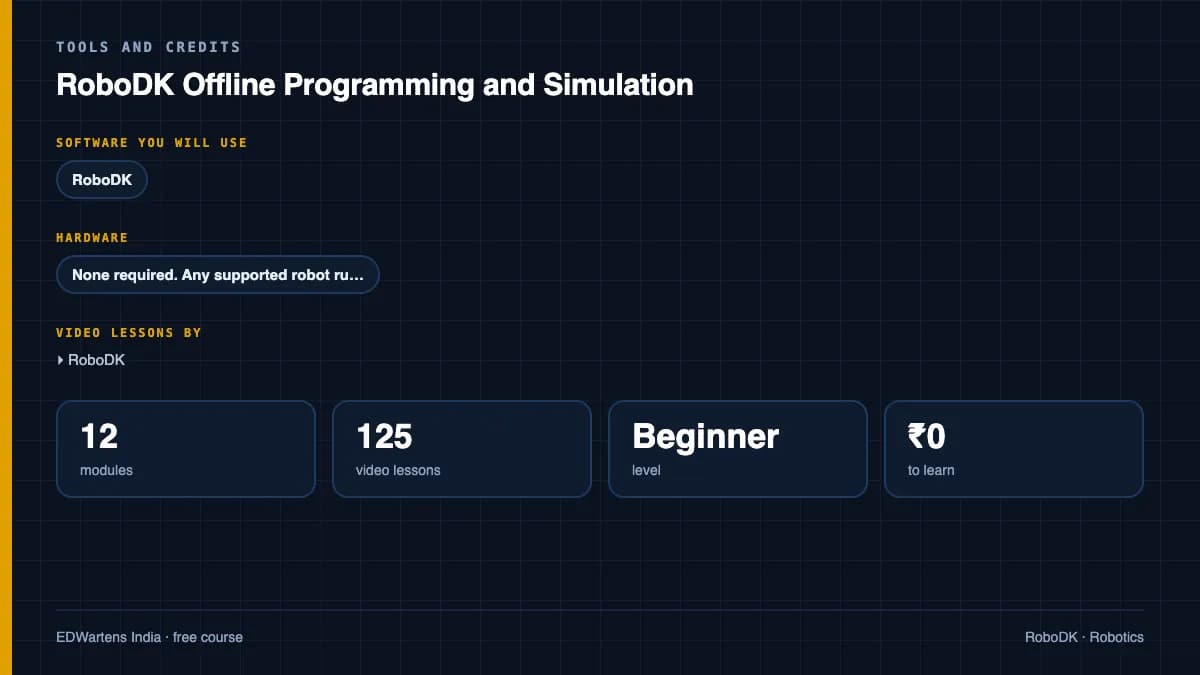
- RoboDK (free trial and education licence) What to download, and how
- Hardware
- None required. Any supported robot runs the generated programs.
Software you need
What to download, where from, what it costs and how to install it. Every link goes to the maker's own site, never a mirror.
Required
- 01Free trial: 30 days
RoboDK
RoboDK
- Runs on
- Windows 64-bit, macOS and Ubuntu Linux; also RoboDK for Web in a browser
- Account
- Your name and email address on the download form
The free trial gives simulation and offline programming features for 30 days with the full robot library. After 30 days RoboDK keeps basic functionality, with program generation limited to 50 instructions. Education licences for students and teachers are paid and need a university email address.
Steps
- 1.Open robodk.com/download.
- 2.Enter your name and email address and choose Windows, Mac or Ubuntu.
- 3.Run the installer and accept the RoboDK EULA.
- 4.Start RoboDK and open the robot library to load the robot used in your course.
- 5.Right-click the program and choose a post processor for your robot brand to generate code.
- Keep programs under 50 instructions if you continue after the trial.
- RoboDK includes post processors for FANUC, KUKA, ABB, Yaskawa Motoman and Universal Robots.
Official download pagerobodk.com
Checked against each maker's own page on 27 September 2026. Trial lengths and editions change; the maker's page is the final word.
RoboDK Offline Programming and Simulation at a glance
RoboDK Offline Programming and Simulation is a free, self-paced online course from EDWartens for engineering students, ITI and diploma holders, and working engineers in manufacturing and robotics. It has 13 modules and 19h 40m of video lessons by RoboDK, with written notes and worked problems, a practical project with a document pack and a 15-question final assessment (pass mark 60%). Learning is free with an account; an optional certificate with a public verification code is issued when you pass. Last updated 27 September 2026.
All course factsHide course facts
- Price
- Free, for good. No trial, no card. The only paid item is the optional certificate, a small one-off fee.
- Who it is for
- Engineering students, ITI and diploma holders, and working engineers in manufacturing and robotics
- Format
- 13 self-paced modules, 19h 40m of video, written notes, a practice task per module and one final assessment.
- Level
- Beginner. Beginner to intermediate. No robot brand knowledge needed.
- Brand
- RoboDK
- Software
- RoboDK (free trial and education licence)
- Hardware
- None required. Any supported robot runs the generated programs.
- Certificate
- Optional EDWartens Certificate of Completion, verifiable by code. Not a vendor credential.
- Video lessons by
- RoboDK (independent creators, credited below)
- Language
- English
- Last updated
- 27 September 2026
A shareable EDWartens certificate
Finish every module and pass the final assessment, and the optional EDWartens certificate is yours. It carries a unique verification code on a public page anyone can check, so it stands up when a recruiter looks it up. See it below.
The course itself stays free whether or not you ever buy one.
Stuck? Ask a practising engineer
A free course usually means a comment section and hope. This one does not. Every module has an Ask-your-trainer panel that reaches the same engineers who teach our paid programme: people who commission panels for a living, not moderators.
Pairs well with
 Robotics · FreeFANUC Robot Programming with the Teach Pendant and ROBOGUIDEFrom jogging and frames to TP programs, registers, branching, offsets, pick-and-place, ROBOGUIDE simulation, palletising, error recovery and PLC integration.
 Robotics · FreeABB Robot Programming with RobotStudio and RAPIDRobotStudio from install to a running pick-and-place: stations, jogging, the FlexPendant, frames, paths, RAPID, collision checking, signals, physics, sharing and RobotStudio Cloud.
 Robotics · FreeKUKA Robot Programming with KUKA.Sim, smartPAD and WorkVisualSimulation in KUKA iiQWorks.Sim (formerly KUKA.Sim), KRL structure and programming on the smartPAD, WorkVisual configuration, fieldbus and PLC integration, safety, advanced KRL, backups and the new KRC5 micro with iiQKA.OS.
 Robotics · FreeUniversal Robots Cobot Programming with PolyScopeCollaborative robots the way integrators use them: the UR family, tool and payload setup, the safety configuration, PolyScope programs, pick-and-place and palletising, force and blends, URSim, URScript, RTDE, sockets, PROFINET and real machine-tending and vision applications.
More free courses: Free industrial robot programming courses
Learning paths with this course
- Industrial robotics · 7 coursesFANUC, ABB and KUKA, three of the robot brands most common on automotive and electronics lines, plus the servo and motion control they sit on.
Learner reviews
No reviews yet
Reviews here are written only by learners who have finished every module of RoboDK Offline Programming and Simulation, and they are published exactly as written. Finish the course and yours will be the first.
Common questions
Which robot brands does RoboDK support?
Hundreds, including FANUC, ABB, KUKA, Yaskawa, UR, Denso and Kawasaki; the same station generates each brand's program through its post processor.
Is RoboDK free?
There is a trial and a free education licence for students and teachers; the course needs nothing more.
Do I need to know Python?
Only for the final module; everything before it is done in the interface.
Is the RoboDK Offline Programming and Simulation course really free?
Yes. Every module, practice task and assessment. You create an account so your progress is saved and the assessments can be marked. The certificate is the only paid item, and only if you want it.
What certificate do I get, and is it a vendor qualification?
An EDWartens Certificate of Completion, issued when you pass the final assessment, with a verification code anyone can check. It is not a vendor credential and is never described as one.
Who made the video lessons in the RoboDK Offline Programming and Simulation course?
The creators named in the Credits block at the foot of this page, on their own YouTube channels. EDWartens did not make the videos and the creators are not affiliated with EDWartens. What EDWartens wrote is the study plan, the notes, the practice tasks and the assessments.
How long does the RoboDK Offline Programming and Simulation course take?
Plan on about 26 hours in all, including the video lessons, notes and practice tasks. It is self-paced, so you work through the thirteen modules at your own speed.
What you walk away with
Your certificate for RoboDK Offline Programming and Simulation
Finish the course, pass the final, and this is the document with your name on it.
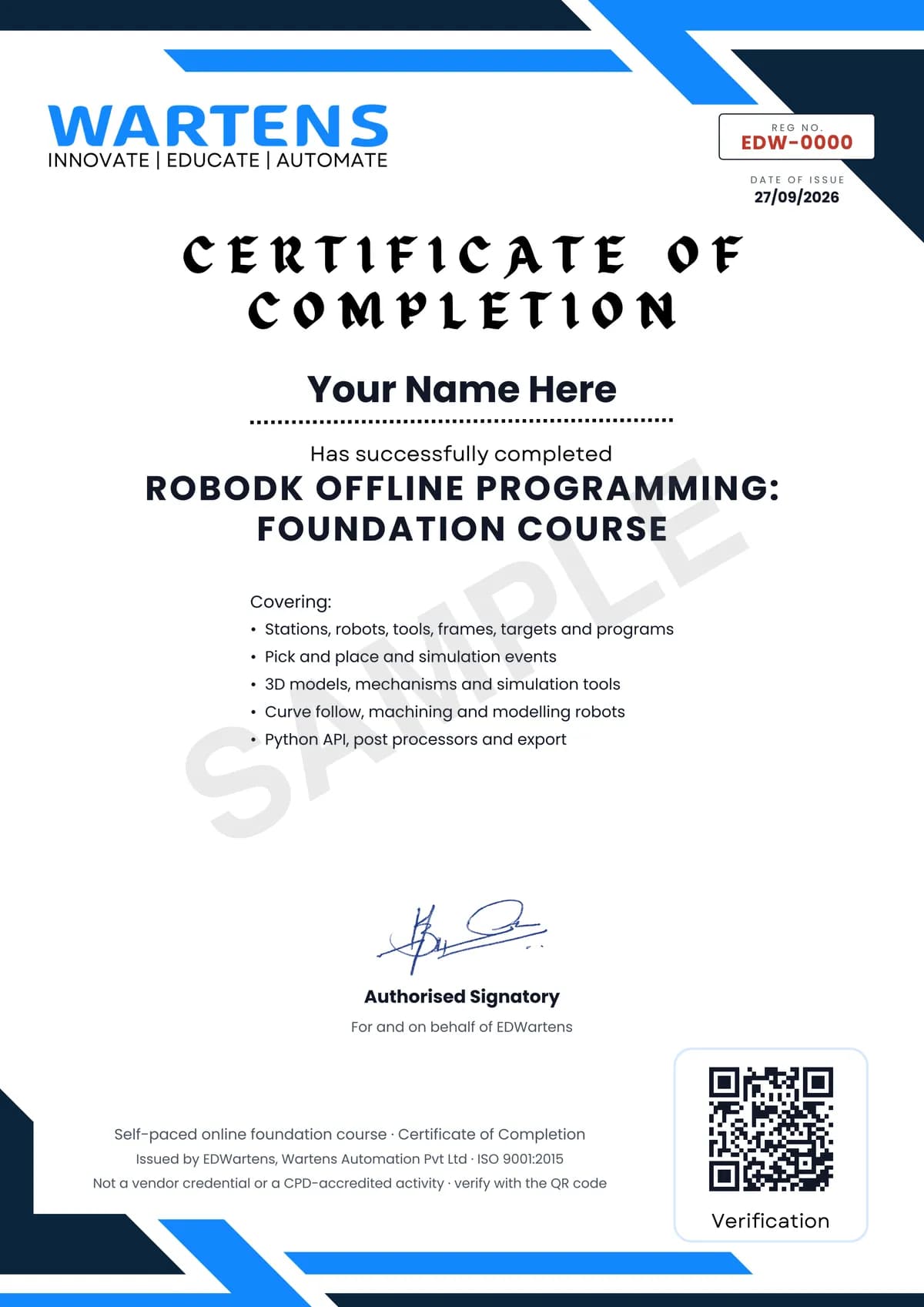
Verifiable by anyone
Adds to LinkedIn in one click
QR code on the certificate
Names what you can do
A permanent link
Earned, not attended
Learning is free. The certificate is optional.
Add it now and pay only when you have finished the course, or come back for it later. One-off, US$23.99, with a receipt.
Issued by EDWartens, the training division of Wartens, as a Certificate of Completion for this self-paced course. Sold by Wartens Ltd (England and Wales). It is not a vendor certification, a university award or a CPD-accredited activity, and it does not certify competence on live equipment. Delivered electronically; see the refund policy.
Credits
Who made the video lessons
The video lessons in this course were created by the people below, not by EDWartens. Every lesson streams from its creator's own YouTube channel; EDWartens neither hosts nor sells that footage, and the creators are not affiliated with EDWartens and do not endorse this course. What EDWartens wrote is the study plan, the notes, the practice tasks and the assessments.
- RoboDKthe getting-started guide
- RoboDKthe professional training and academy courses
- RoboDKthe robot simulation and offline programming playlist
If you are one of these creators and would like a lesson removed or credited differently, write to info@wartens.com.