Learning path · Aimed at a Siemens PLC engineer
Siemens engineer path
For electrical, electronics and instrumentation students and technicians who want to work on the Siemens controllers many plants run.
You start with the first course. The next one is added when you are halfway through the one you are on.
What you can do at the end
Finish the path and you can do this
- Build, download and test a TIA Portal project with a PLC and an HMI panel.
- Structure a program with blocks, interrupts and timers, and tune a PID loop.
- Find a fault with the diagnostic tools, and read older S7-300 and newer S7-1500 projects.
A path teaches skills. It does not promise a job, an interview or a salary.
Why these courses together
Each course builds on the last
- 1TIA Portal comes first, so the S7-1200 series, program structure and HMI courses all start from a tool you already know.
- 2Interrupts, PID and commissioning come after the basics, because each one assumes you can already write and test a block.
- 3The S7-300, S7-1500, safety, WinCC and LOGO! courses close the path: they widen what you can read once the core is solid.
A planned order also saves the time you would spend choosing what to learn next, and you finish with one story to tell: what you learnt, in order.
The roadmap
13 courses, in this order
Step 1: Siemens TIA Portal
Adds: Free Siemens TIA Portal course for beginners: write ladder logic for a simulated S7-1200 and WinCC HMI. Learning is free; the certificate is optional and paid.
Step 2: Siemens S7-1200 with TIA Portal: The Tutorial Series
Adds: Every S7-1200 instruction, one short video at a time: bits, edges, timers, counters, comparators, maths, MOVE, conversion, analog scaling, jumps and shift registers.
Step 3: Siemens TIA Portal Program Structure and Best Practice
Adds: How professionals lay out a TIA Portal project so it is still readable in five years: modular blocks, FBs and instances, UDTs for I/O, arrays and shift registers, a structured drive block, and two live workshops that clean up real messy programs.
Step 4: Siemens TIA Portal HMI: KTP and Comfort Panels with WinCC
Adds: Every screen a plant operator touches, built in TIA Portal: tags, buttons, symbols, numeric input, bar graphs, navigation and templates, trends, alarms, recipes, faceplates, pop-ups, users and languages.
Step 5: Siemens TIA Portal: Organisation Blocks, Interrupts and Timers
Adds: What the S7-1200 and S7-1500 do between your rungs: OB1 and the cycle, OB100 at startup, time-delay, cyclic and hardware interrupts, the error OBs that keep a CPU out of STOP or make a silent fault visible, time of day, and every timer the instruction tree offers.
Step 6: Siemens TIA Portal PID Compact and Analog Processing
Adds: Closed-loop control the way it is done on an S7-1200 or S7-1500: analog in, NORM_X and SCALE_X, PID_Compact configured, tuned and wired to an HMI, analog or PWM out, proved on a free tank simulation.
Step 7: Siemens TIA Portal Commissioning: Hardware, PLCSIM, Backups and Troubleshooting
Adds: The site-engineer half of TIA Portal: getting the software, configuring hardware, sizing I/O and power with the selection tool, PLCSIM including sequences and hardware events, download, upload, backups, firmware, resets, cross references, traces, web server and program protection.
Step 8: Siemens TIA Portal with Factory I/O: Virtual Commissioning Projects
Adds: Machines you can see moving: connect Factory I/O to TIA Portal, then program conveyors, sorting and separating stations, a filling tank, a queue, an assembler, pick and place, a converge station, an elevator, a warehouse and an analog tank, all with your own ladder.
Step 9: Siemens S7-300 with STEP 7
Adds: The classic Siemens PLC, from an empty SIMATIC Manager project to a commissioned, diagnosed, running machine.
Step 10: Siemens S7-1500 Advanced Programming in TIA Portal
Adds: Beyond the basics: block design, optimized DBs, UDTs, S7-GRAPH, SCL, drives, libraries, software units, multiuser, testing tools and worked projects on the S7-1500.
Step 11: Siemens Safety Integrated: S7-1500F and S7-1200F in TIA Portal
Adds: Functional safety on Siemens hardware: F-CPUs and F-modules, creating an F-project, PROFIsafe addresses, safe inputs 1oo1 and 1oo2, safe outputs and wiring, E-stop, safety door, two-hand, feedback monitoring, operating modes, global acknowledgement, a complete cell example and G120 drive safety.
Step 12: Siemens WinCC SCADA: V7, Unified and Advanced
Adds: Siemens SCADA end to end: WinCC V7/V8 from project to client-server and SQL, WinCC Unified with JavaScript, faceplates, plant objects and collaboration, and WinCC Advanced/flexible practice with alarms, trends, recipes and PLC interfacing.
Step 13: Siemens Small Controllers: LOGO! 8 and S7-200 SMART
Adds: The LOGO! logic module from unboxing to analog, clocks, display, comms and worked applications in LOGO!Soft Comfort, plus the S7-200 SMART basics in STEP 7-MicroWIN SMART.

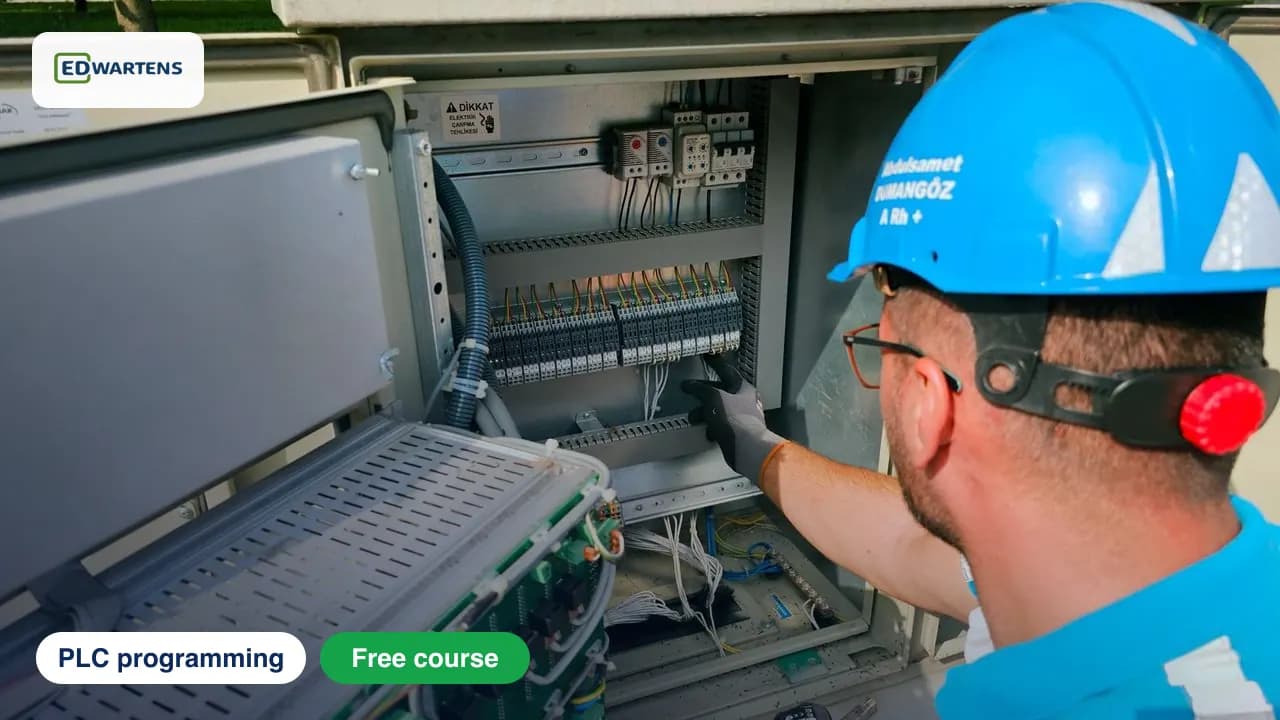
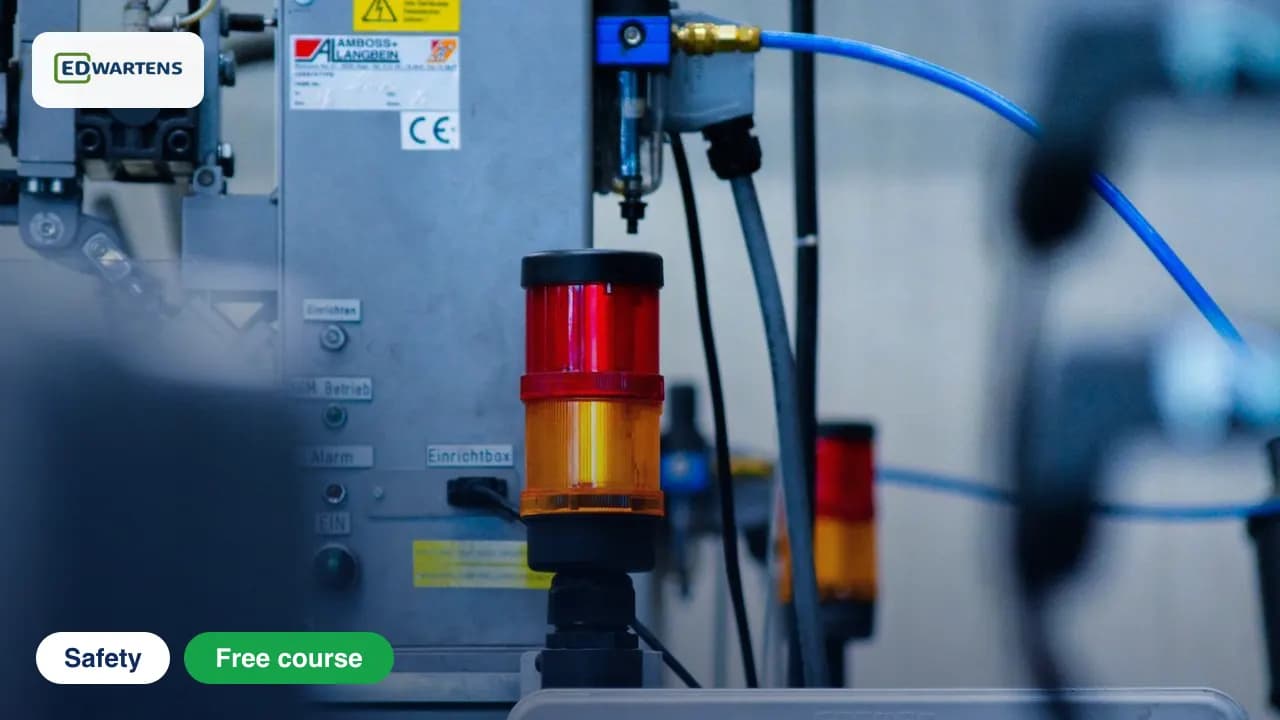

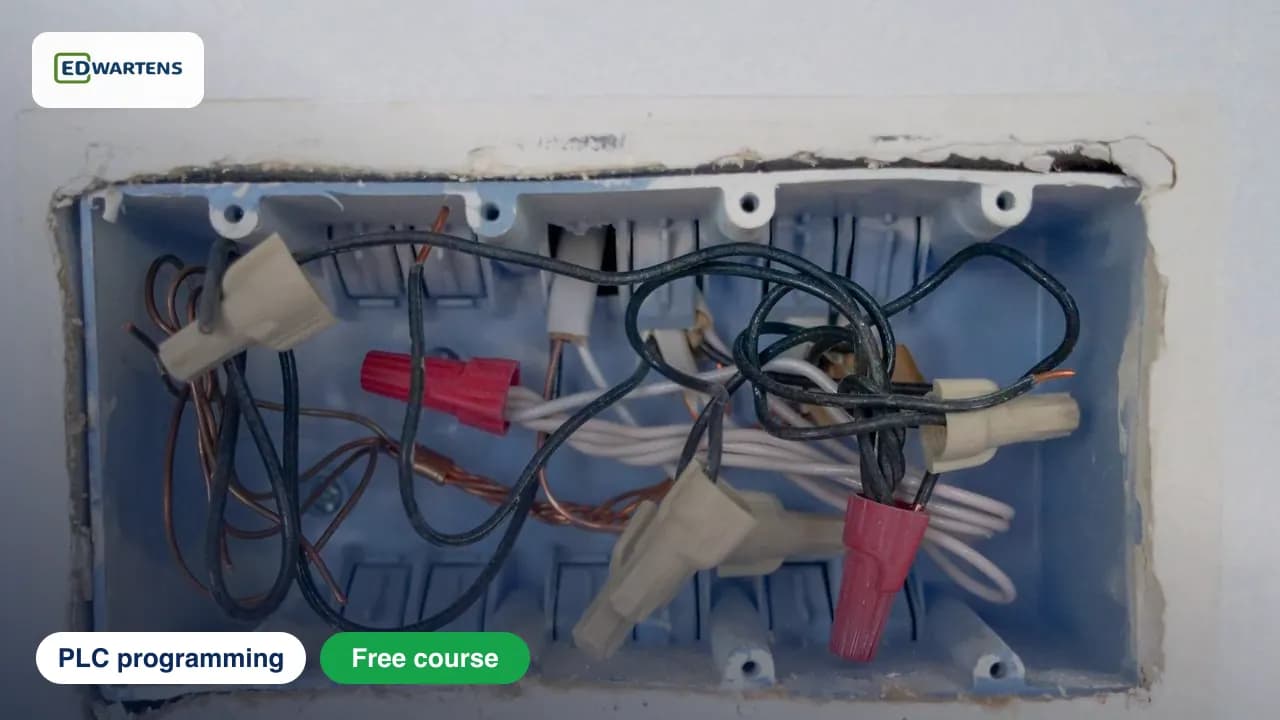
13
courses
168
modules
115h 36m
of video in total
Example: at 5 hours a week, the video alone takes about 24 weeks. Practice tasks and the finals come on top, and you set the pace.
Practise what you learn in the free 3D lab
Technical work is judged on what you can do: wiring, commissioning, finding a fault. Doing a task yourself teaches more than watching it a second time, and a lab lets you try it safely before you meet real equipment. It does not replace working on real hardware.
What you get
What joining gives you
- Every course is free, with lifetime access and no card.
- Video lessons by credited independent creators, with our written notes and worked examples.
- A practice task per module, and one final assessment per course.
- Ask-an-engineer support.
- Optional verifiable certificate for each course you pass, US$23.99 for a beginner course. There is no single certificate for the whole path.
- One course at a time: you start with the first, and the next is added when you are halfway through it.
- Each course keeps its own progress. You can open any course on its own at any time.
Put it into practice
Then try it in an internship
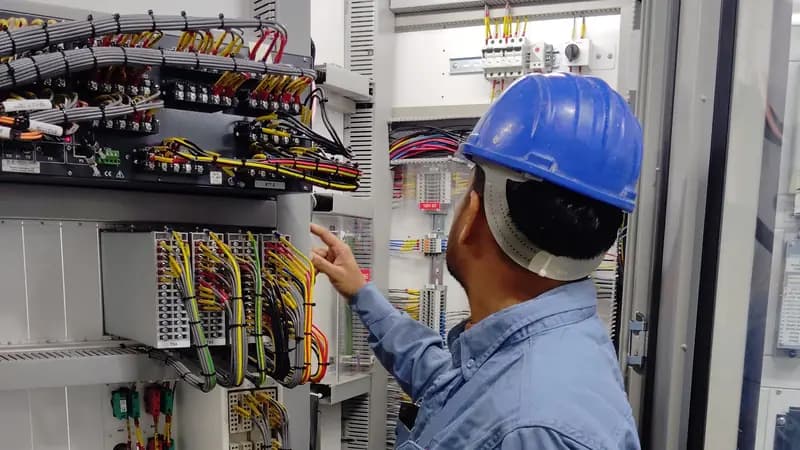
PLC Programming Internship
Eight short weeks of PLC ladder logic on free simulators: notes, diagrams, a few videos and auto-tested tasks.
The PLC internship uses free simulators (CODESYS, OpenPLC) rather than this vendor's software, so you practise the same ladder-logic ideas on a different tool.
The Free internship is 4 weeks with a free certificate. It is training, not employment, and the Engineer-verified internship is optional.
Questions
Questions about this path
Is the Siemens engineer path free?
Yes. Every course in the path is free in full: lessons, notes, practice tasks and the final assessment. The only paid item is the optional EDWartens Certificate of Completion for each course.
What happens when I join the path?
You are enrolled on the first course straight away. The next course is added to your account when you are about halfway through the one you are on, so you never face a pile of unstarted courses. Each course keeps its own progress, notes and final.
In what order should I take the courses?
In the order listed: each course is placed after the ones it builds on. Every course also stands alone, so you can open any of them from the list.
Do I get one certificate for the whole path?
No. Certificates are per course, issued when you pass that course's final assessment, and you only buy one if you want it. Finishing every course gives you one optional, verifiable certificate for each.
How long will it take?
The video alone is about 115h 36m. Notes, practice tasks and the finals take extra time, and you go at your own pace.
Do I have to do the internship?
No. It is a separate, optional step. The PLC Programming Internship is training, not employment: the Free internship is 4 weeks with a free certificate, and the Engineer-verified internship is optional.
Ready to start Siemens engineer path?
You start with the first course. The next one is added when you are halfway through the one you are on.
Other paths
- Rockwell engineer path
- PLC foundations
- SCADA specialist
- Process control
- Industrial robotics
- Machine-builder PLCs
- IEC 61131 and software PLCs
- Electrical and mechanical fundamentals
- Electrical design engineer
- Power systems and electrical design
- Building services engineer
- Mechanical and product CAD
- IIoT and OT security
- Control theory to the loop
- Japanese PLC platforms
- AI foundations for engineers
- Applied AI engineer
- Industrial AI engineer
- Civil and structural engineer
- Automotive quality engineer
- Continuous improvement lead