
A SCADA internship online should leave you with something you can show, not just a certificate. Ours is a free-to-start, eight-week programme where the first 4 weeks cover what SCADA and HMI do, tags and communication, screen design and alarms, and end with a small project pack. This post walks through those weeks in plain words, and says clearly what it does not cover.
Plain terms first. The EDWartens SCADA and HMI Internship is training, not employment. The first 4 weeks are free, with no fee to join. Continuing is paid. Finishing the first 4 weeks earns a free certificate of completion (QR-verifiable), while the graded Internship Certificate and other documents are optional paid extras shown in your currency before payment, and there is no stipend. We promise no job, interview or placement.
It is also a free online internship with certificate: finish the first 4 weeks and you get a free certificate of completion, verifiable by QR code. It covers those 4 weeks and shows no grade. The graded Internship Certificate is a separate, paid document for the whole internship.
What does a SCADA internship online involve?
In the training version, you do what a junior on a SCADA project does at the start: learn the vocabulary, write the tag list, design a clear screen, rationalise an alarm list and hand over a tidy set of documents. You do not touch a live plant. You work on a simulated process in the browser, with exercises checked by short quizzes and, in some weeks, automatic task checks.
SCADA stands for supervisory control and data acquisition. It collects data from many PLCs, shows it on screens, raises alarms and keeps history. An HMI is the screen an operator uses, often for one machine. The internship teaches both and the difference between them.
Weeks 1 to 4 in plain words
Week 1: what SCADA and HMI do. You learn the layers of a plant, from the process up to supervision, and where an HMI and a SCADA system sit. You also start three project documents that you will finish by week 4.
Week 2: tags and communication. A tag is a name for one value, such as a pump run command or a tank level. You write a tag list with names, data types and addresses, and learn how Modbus TCP and OPC UA carry values from devices to screens. This is the part beginners tend to skip, and it is where most real faults hide.
Week 3: screen design. You learn the calm, grey style of high-performance HMIs described in ISA-101: normal values stay quiet, and colour is saved for abnormal states. You design an operator overview screen and judge it against simple rules.
Week 4: alarms. The alarm management standard ISA-18.2 expects every alarm to have a defined operator action. You write an alarm list with priorities, actions and a note on what stops floods. You finish the week by handing in a small SCADA project pack.
Each week has short cards of notes, a Try it exercise and a four-question check. The tasks that are auto-checked are optional practice. Weeks 5 to 8 (trends and history, control from the screen, networks and security, testing and handover) open when you pay to continue.
Tools you need, and what is free
You need a laptop and a modern browser. The practice runs in LADX Mini, which is part of the EDWartens lab, and in free web tools such as FUXA, a free open source web SCADA, and Node-RED. There is nothing to install or buy to complete the first 4 weeks.
Free tools teach the ideas, but a particular product has its own screens and menus. When you want a vendor platform, our separate free courses cover Ignition and Siemens WinCC. If you want to try the browser lab on its own first, the EDWartens Lab is free to open.
The portfolio piece you leave with
By the end of week 4 you have three things you can show: a tag list for a small process, an operator overview screen design and a rationalised alarm list with priorities and actions. Together they are a small SCADA project pack. Put them in a folder, add a short README and link it from your resume.
That pack is evidence of how you think: whether you name things clearly, keep screens calm and ask what the operator will do for each alarm. It is not evidence of a commissioned system, and you should never describe it as one. Our guide to putting an online internship on your resume has honest wording.
A weekly routine that works
Each week has a rhythm. Read the short cards first, which take around an hour in total. Do the Try it exercise next, where you apply the idea on a small example. Finish with the four-question check, which you can retake until you pass. Plan on a few hours a week; the weeks are written to take roughly four to five hours each.
A steady pattern helps more than a single long session. Two or three sittings a week, with the exercise in the middle, keep the ideas fresh and leave time to ask yourself why something works. If you get stuck on a tag name or an address, write down the question and come back to it, because most problems in SCADA work are small naming and mapping errors.
Questions to test yourself after week 4
- Can I explain the difference between an HMI and a SCADA system in two sentences?
- Can I write a tag list where every name says what it is and every type fits the value?
- Can I say which parts of my screen are grey and why?
- Can I show, for each alarm, the priority and the action the operator takes?
- Could a stranger open my project pack and follow it without asking me anything?
If you can answer yes to most of these, you have learned what the first four weeks are for. If not, repeat the weak week before you move on, because the later weeks build on the earlier ones.
Skills it does not cover
Be clear about the limits. Four weeks do not teach a specific vendor's software in depth, and they do not give you hands-on time with real field wiring. They do not teach historian database design, redundancy or deep cybersecurity, which the later weeks only introduce. You will not be ready to run a plant from a screen on the strength of this alone.
What they do give is a sound base and a way of thinking, which makes the vendor tools quicker to pick up. Our post on whether SCADA is hard to learn says the same: the first steps are configuration, and the difficulty grows with the system.
How it differs from a SCADA course
A course teaches you a subject and checks you at the end. An internship asks you to produce things each week, in a structure, with checks. If you want to learn Ignition or WinCC properly, take the course. If you want a project pack and a routine, take the internship. Many learners do both: the course for the tool, the internship for the output.
Paid continuation: what changes
After week 4 you can continue to the full eight weeks and beyond. Weeks 5 to 8 open, longer plans add extra project weeks, and the optional documents become available to buy. You see the price of each in your currency on the plan page before you pay for anything, and you can look at the sample documents first. You can also stop at week 4 and keep what you built.
What to do after the first 4 weeks
Decide with a clear head. If you finished the pack and enjoyed it, continuing to week 8 adds trends, control from the screen, network security and testing, which complete the picture. If you want to apply the ideas on a real product, take the free Ignition or WinCC course next. If you have other priorities, stop at week 4 and keep what you built. Nothing is lost by stopping, and you can return later on a new start date.
How to talk about it in an interview or application
Describe the project in four steps: the process you modelled, the tags you defined, the screen you designed and the alarms you rationalised. Say what you would do differently. For example, you might have grouped related alarms more tightly, or named tags more consistently across the process.
Avoid saying you built a plant control system or a production SCADA. You built a training project in a simulator, and that is a perfectly good thing to show. Being exact about its size makes the rest of what you say easier to believe.
Who it suits
It suits students and graduates in electrical, electronics, instrumentation, computing and mechatronics, plus diploma holders and career changers who want a practical start. If you want the broader picture, see the SCADA and HMI internship page, the PLC internship for the controller side and the engineering internships list for related tracks.
Practise with us
Internship
SCADA and HMI
First 4 weeks free. Weekly briefs, a work record and documents you can verify if you choose.
See the internshipRoles
SCADA and HMI
Roles that ask for this skill, 41 open in this country now. Free to see and to apply. We are not a recruitment agency.
See rolesTake the free course
 Free
FreeSCADA · Beginner · Free
Ignition SCADA by Inductive Automation
 Free
FreeSCADA · Intermediate · Free
Siemens WinCC SCADA: V7, Unified and Advanced
 Free
FreeHMI · Beginner · Free
HMI Design and Programming: Siemens WinCC and FactoryTalk View ME
 Free
FreeData and analytics · Beginner · Free
SQL for PLC and SCADA Engineers
Questions
Do I need a PLC background?
It helps, but it is not required to start. Week 1 explains what SCADA and HMI do and how they sit above PLCs. If you have never seen ladder logic, the free PLC course and the PLC internship give you the basics, and you can run them alongside.
Is it free?
The first 4 weeks are free, with no fee to join. Weeks beyond 4 are paid. Finishing the first 4 weeks earns a free certificate of completion (QR-verifiable), while the graded Internship Certificate and other documents are optional paid extras shown in your own currency before you pay. Nothing is hidden behind a form, and you can stop after week 4.
Which SCADA software does it use?
The internship works in LADX Mini, which runs in your browser, and free web tools such as FUXA and Node-RED. That teaches the ideas, which carry over to Ignition, WinCC and other platforms. Learning a specific vendor product is done in the separate free courses.
Is there a stipend?
No. It is a training internship, not employment, and nothing is paid to you. We also promise no job, interview or placement. What you receive is structured practice and a project pack you can show to anyone who asks what you can do.
Can electronics students join?
Yes. SCADA and HMI work draws on electrical, electronics, instrumentation and computing backgrounds. The internship lists electrical, electronics, instrumentation and control, computer science, mechatronics and diploma students among those it suits. Check the plan page for the full list.
How long can I continue?
After the free 4 weeks you can continue for longer plans, up to 24 months, paying for the length you choose. The eight core weeks come first, and longer plans add extra project weeks. Pick the shortest length you can finish well.
Sources
Written by the EDWartens engineering team for general education. Product names are trademarks of their owners; mentioning them does not imply endorsement. Prices and terms of other providers were checked on the date shown and can change.

HMI vs SCADA: What Is the Difference?

SCADA Training: A Complete Guide to Architecture, Protocols and Skills
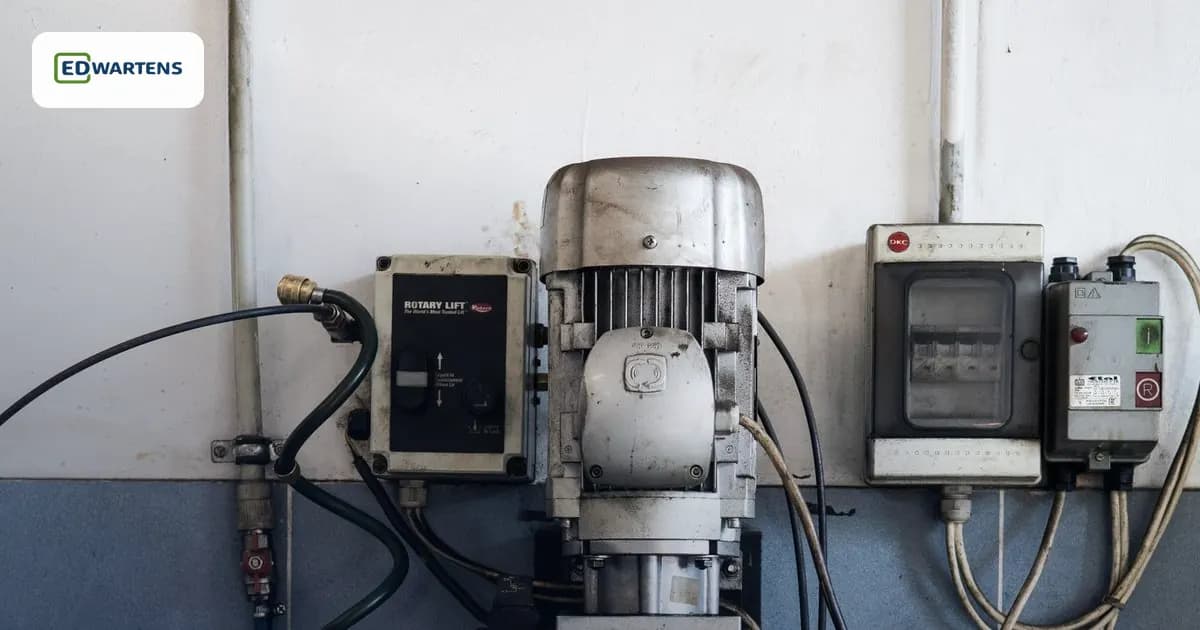
PLC Internship vs PLC Course: Which Should You Pick?
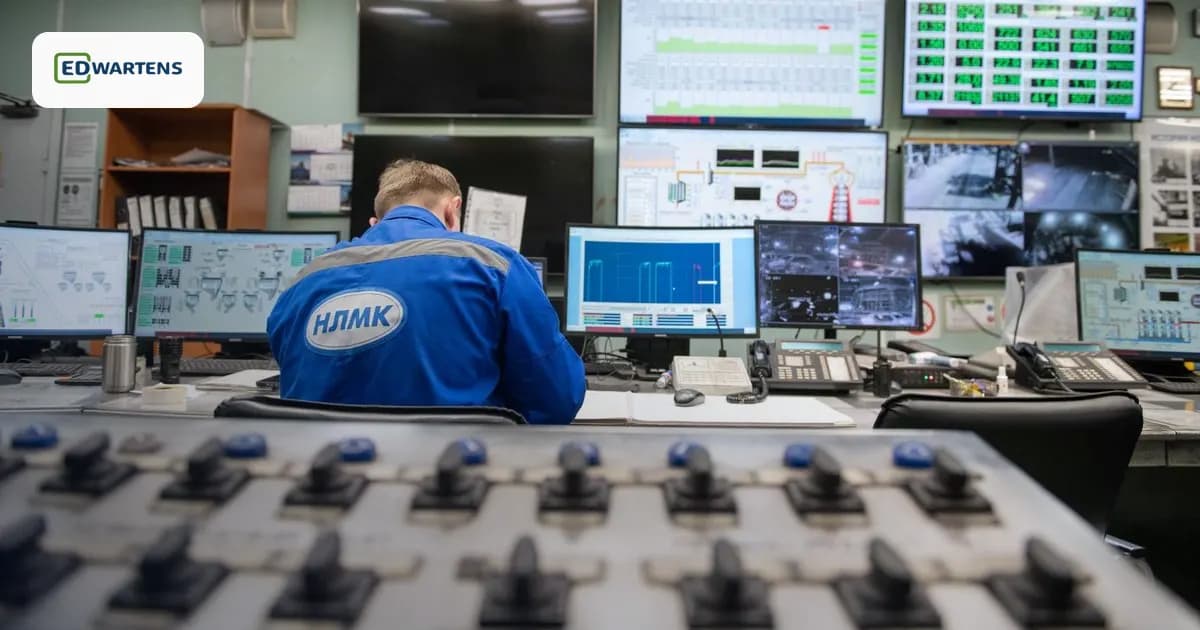
How to Become a SCADA Engineer: Skills, Tools and a Free Path

How to Build an Engineering Portfolio From Course Projects (Automation and Controls)

Your First WinCC HMI Screen in TIA Portal, From Panel to Simulation (Video)