
Microsoft Project and Microsoft Planner are two different tools. Planner is the task and teamwork app: boards, checklists, due dates and assignments for a team. Project desktop is the scheduling engine: calendars, dependencies, the critical path, resource levelling, baselines and earned value. Many people use both, and Microsoft sells them together in the Planner and Project Plan 3 and Plan 5 subscriptions. If you only need to track who does what by when, Planner is enough. If you must prove a finish date or explain a delay, you need Project.
Microsoft's plan names, trials and retirements were checked on its pages and in public notices on 1 November 2026. They change often, so read Microsoft's current pages before you buy. Microsoft owns its product names; this guide is not affiliated with Microsoft.
What changed: Project Online has retired
Microsoft announced that Microsoft Project Online would retire on 30 September 2026, with end of sale for Project Online-only plans from 1 October 2025. That date has now passed, so anyone who still hears advice that mentions Project Online should treat it as out of date. Public notices from Microsoft and advisers agree that Project desktop, Project Server Subscription Edition and Planner were not part of the retirement. Advisers describe Planner Premium as Microsoft's recommended place for plans that lived in Project Online, so check your own tenant and Microsoft's notice for the path that fits you.
On Microsoft Learn, the deployment guide for Project (updated 29 September 2026) lists the current desktop options. The Project desktop client is available as a subscription with Planner and Project Plan 3 or Plan 5. Project Professional or Standard 2024 is a one-time purchase through volume licensing. The guide notes that the subscription includes Project and the Planner app.
Which tool for which job
| You need to | Planner | Project desktop |
|---|---|---|
| Share a to-do list across a team | Yes, this is its job | Overkill |
| Track tasks on a board with owners and dates | Yes | Possible, but heavy |
| Link tasks so a late one moves the next | Limited by plan | Yes, with lags and leads |
| Find the critical path and slack | Not its purpose | Yes |
| Level resources across several tasks | Not its purpose | Yes |
| Save a baseline and show the slip | Not its purpose | Yes |
| Report earned value | Not its purpose | Yes, with cost data |

Check Microsoft's plan page for what each Planner plan includes today, because its feature set has grown. The reasoning in the table still holds: the more a schedule has to defend a date, the more it needs a scheduling engine with a baseline.
A worked example: why a baseline matters
A baseline is a saved copy of the plan at approval. Without it you can see where tasks are now but not how far they have moved. The example below uses cost units, not money, for a small building package. Cost units (CU) are an arbitrary budget measure.
| Task | Budget (CU) | Planned % | Actual % | Actual cost (CU) |
|---|---|---|---|---|
| Excavate | 2,400 | 100 | 100 | 2,500 |
| Foundations | 4,400 | 100 | 100 | 4,300 |
| Frame | 6,400 | 60 | 50 | 3,600 |
| Roof | 3,200 | 0 | 0 | 0 |
| Services | 5,600 | 20 | 10 | 700 |
At the status date, budget at completion (BAC) is 2,400 + 4,400 + 6,400 + 3,200 + 5,600 = 22,000 CU. Planned value (PV) is each budget times its planned percent: 2,400 + 4,400 + 3,840 + 0 + 1,120 = 11,760 CU. Earned value (EV) uses the actual percent: 2,400 + 4,400 + 3,200 + 0 + 560 = 10,560 CU. Actual cost (AC) is 2,500 + 4,300 + 3,600 + 0 + 700 = 11,100 CU.

Schedule variance is EV - PV = 10,560 - 11,760 = -1,200 CU. Cost variance is EV - AC = 10,560 - 11,100 = -540 CU. The schedule performance index is 10,560 / 11,760 = 0.898 and the cost performance index is 10,560 / 11,100 = 0.951. Both are below 1, so the work is behind and over cost. If the cost trend holds, the estimate at completion is 22,000 / 0.951 = 23,125 CU, which is 1,125 CU over budget. A board of cards cannot produce those figures. A scheduling tool with a baseline and cost data can. The numbers were computed in node.
Using both in one workflow
The two tools suit different layers of the same job. A planner builds the master schedule in Project: calendars first, then the work breakdown structure, durations, links and resources. That schedule answers the question of when the work finishes and which tasks cannot slip. Team leads then need something lighter for daily coordination, such as a board with checklists, owners and due dates, and that is the Planner layer.
The risk is two sources of truth. If a date changes in the schedule and nobody updates the board, the team works to the wrong date. Agree one owner for each layer and a rule for how changes pass between them, for example a weekly update after the schedule is rerun. Small projects can skip the master schedule entirely, but once a client asks why a milestone moved, you need the baseline and the logic behind it.
Questions to ask before you buy
- Does anyone on the team have to defend a date, a delay claim or a cost forecast? If yes, plan for Project desktop.
- Do you work on Windows? Project desktop runs there, and Microsoft makes no Project for Mac.
- Does the licence come as a subscription or a one-time volume purchase, and who in your organisation manages it?
- Will the client or main contractor send files from Primavera P6? If so, plan time to exchange them as XML.
- Can you trial it first? Microsoft sets and changes its trial terms, so read its current Planner and Project page and do not rely on an older article.
What to check in a plan before you trust it
Whichever tool you use, three quick checks catch most bad schedules. First, look for tasks with no predecessor or no successor, because a loose task cannot drive the end date. Second, look for fixed dates typed into tasks, since a constraint can hold a task in place while its logic says it should move. Third, compare the critical path with what the site team believes is critical. If they disagree, the logic is wrong or the team knows something the plan does not.
Where Primavera P6 fits
Large infrastructure and plant projects often use Primavera P6, Oracle's scheduling tool, instead of Project. The two exchange files, and the free course below teaches how to hand a plan from one to the other as XML. Our post on AI in project management looks at where assistants can help with updates and reports, but the schedule logic still has to be checked by a person.
A free way to practise
Microsoft sets and changes trial terms, and its Learn guide above lists what the desktop client needs. If you have no licence, ProjectLibre is a free, open-source program that opens .mpp files and handles tasks, links, resources and baselines. It also suits anyone who cannot run Project desktop, such as Mac users, since Microsoft makes no Project for Mac. Keep a risk and issue list as you practise; a RAID log example shows a simple layout.
Learn Microsoft Project free
The free Microsoft Project for Planning Engineers course teaches the desktop workflow in 14 study modules and a final. It covers calendars, the work breakdown structure, task types, dependencies and constraints. It goes on to the critical path, resources, baselines, progress, earned value in cost units, reports and handing a schedule to P6 users. It uses Project desktop as in a Planner and Project Plan 3 or Plan 5 subscription or the Project 2024 edition. The notes show each step that works in ProjectLibre.
It is a free course with a verifiable certificate of completion, and anyone can check a certificate on our verification page. It is not a Microsoft certification, and EDWartens is not affiliated with Microsoft. Start the planning course when your software is ready.
Practise with us
Internships
Project work you can show
Free internships, 4 weeks each, with a free certificate. Premium is optional.
See all internshipsRoles
Quality and projects
Roles that ask for this skill, 43 open in this country now. Free to see and to apply. We are not a recruitment agency.
See rolesTake the free course


Questions
What is the difference between Microsoft Project and Planner?
Planner is Microsoft's task and teamwork app for boards, checklists and assignments. Project desktop is a scheduling engine with calendars, dependencies, the critical path, resource levelling, baselines and earned value. The Planner and Project Plan 3 and Plan 5 subscriptions include both.
Has Microsoft Project been discontinued?
No. Project Online retired on 30 September 2026, but public notices say Project desktop, Project Server Subscription Edition and Planner were not part of that retirement. Microsoft Learn still lists the desktop client and Project 2024.
Can I use Planner instead of Microsoft Project?
For a team to-do list, yes. For a plan that must prove a finish date, show the critical path or compare progress with a baseline, you need a scheduling tool such as Project desktop. Check Microsoft's plan page for what each Planner plan includes today.
Is there a free alternative to Microsoft Project?
ProjectLibre is a free, open-source program that opens .mpp files and handles tasks, links, resources and baselines. It is not identical to Microsoft Project, but it is enough to practise scheduling logic.
Is there a free Microsoft Project course with a certificate?
Yes. Microsoft Project for Planning Engineers on EDWartens is a free course with a verifiable certificate of completion, issued after the modules and a 15-question final passed at 60 percent. It is not a Microsoft certification.
What do SPI and CPI mean?
The schedule performance index is earned value divided by planned value, and the cost performance index is earned value divided by actual cost. Below 1 means behind schedule or over cost. In the worked example they are 0.898 and 0.951.
Sources
- Microsoft Learn: Deployment guide for Project (updated 29 September 2026)
- Microsoft Message Center notice MC1478955: Project Online retires on September 30, 2026 (mirror, read 1 November 2026)
- ProjectLibre (read 1 November 2026)
Written by the EDWartens engineering team for general education. Product names are trademarks of their owners; mentioning them does not imply endorsement. Prices and terms of other providers were checked on the date shown and can change.

Six Sigma Black Belt Body of Knowledge, Explained

What Is an Environmental Management System (EMS)?

Control Panel Wiring Simulator: Wire a DOL Starter Free Online

Free Online Engineering Labs: A Quick Tour of the EDWartens Lab
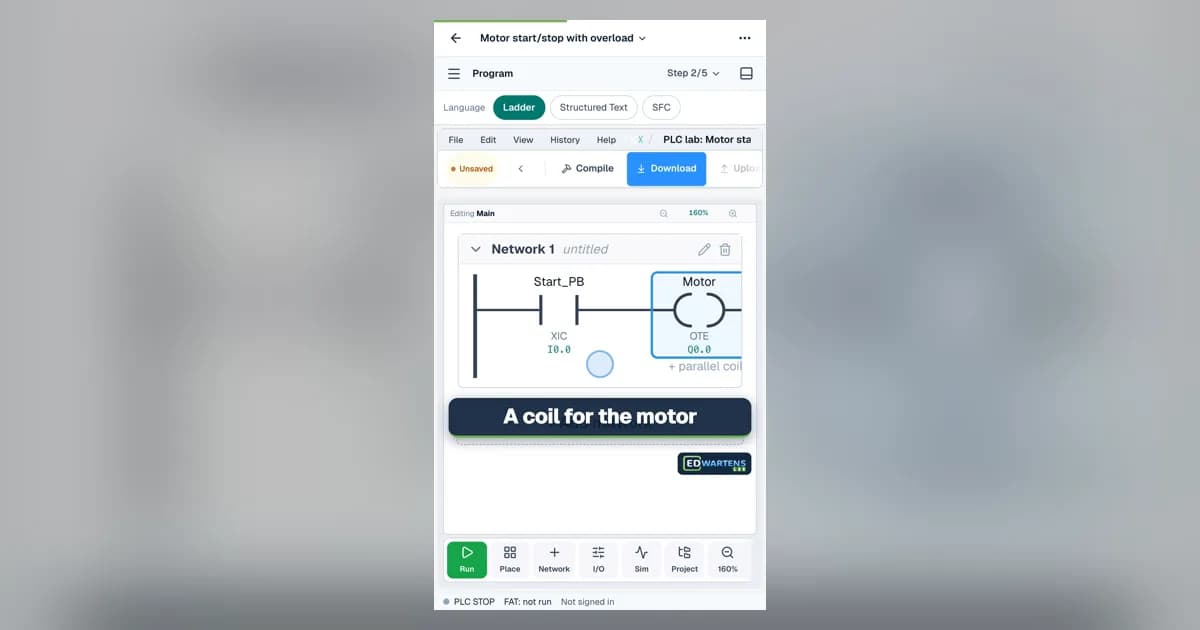
Free PLC Simulator Online: Ladder Logic and a Live Plant
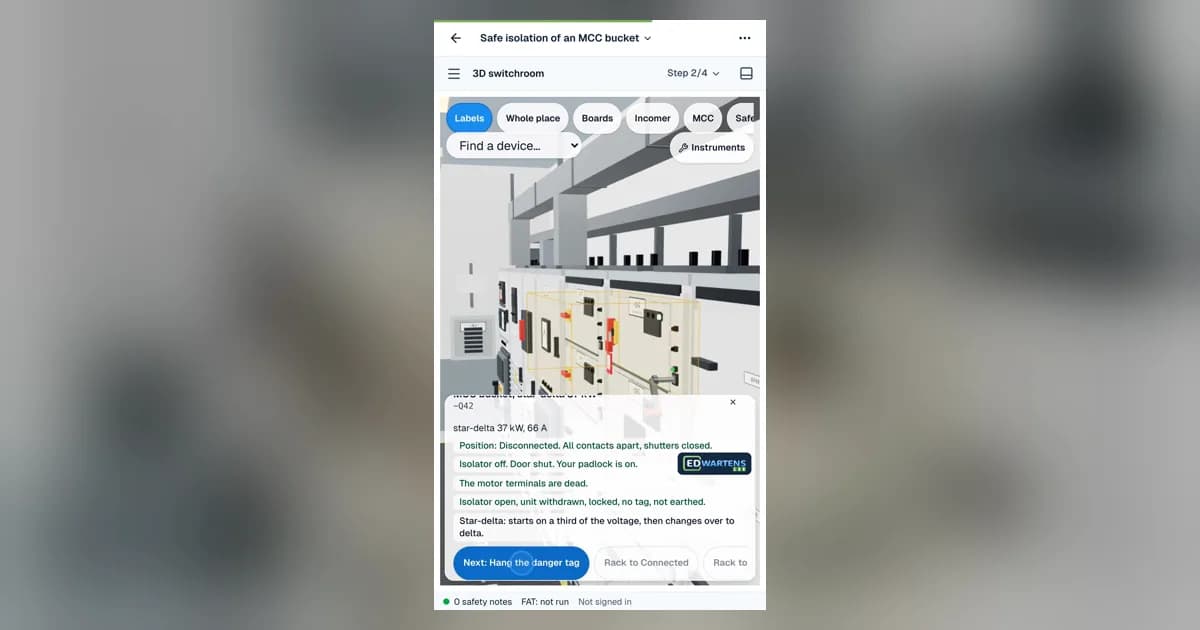
MCC Safe Isolation Simulator: Practise in a Free 3D Switchroom